
Protected Routes (Backend)
Part of the Full Stack Developer Roadmap
In short
Hiding a button in React protects nothing. The real lock is middleware on your API that checks who is calling, and what they're allowed to touch, before your route code runs.
The real security boundary — middleware that verifies a valid token/session before allowing a request to reach a protected endpoint's logic.
Think of it like this
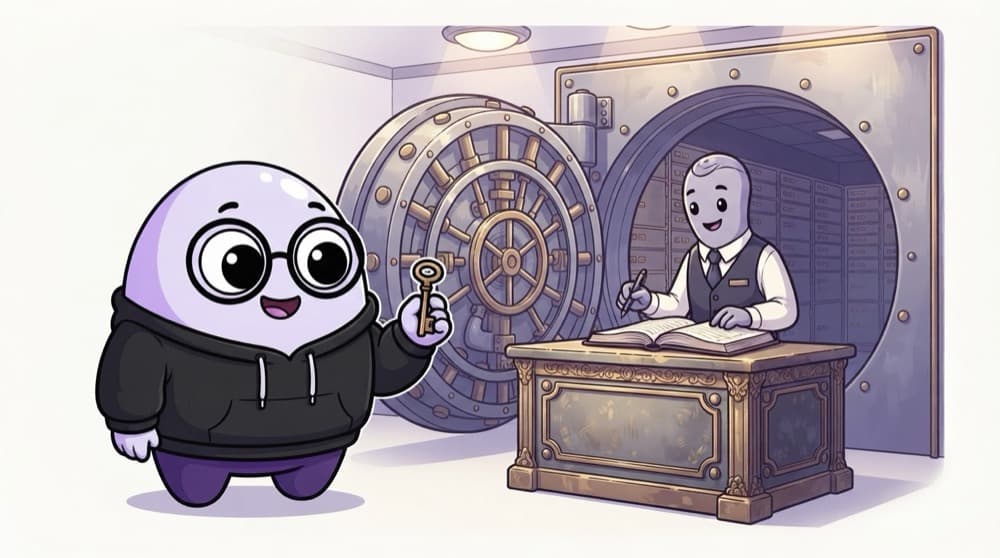
The bank locker room
To open your bank locker, the staff check your key and signature against their records before the vault door opens. Even inside, your key opens only your own locker, not the one next to it. Backend protection needs both checks: who you are and what's yours.
Watch it happen
Deleting a post you don't own
DELETE /api/posts/9
1/7A request arrives with no login cookie.
The big ideas
What you need to know
401 vs 403
401 means 'we don't know who you are'. 403 means 'we know you, and the answer is no'.
Middleware runs first
app.delete("/api/posts/:id", requireAuth, handler) runs the check before your handler, on every request.
Check ownership in queries
Filter by owner: WHERE id = $1 AND user_id = $2. Otherwise any logged-in user can edit anyone's data by changing the id.
Protect whole routers
router.use(requireAuth) at the top of an admin router covers every route in it, so none get forgotten.
See it in code
Walk through the code
1import type { Request, Response, NextFunction } from "express";2import jwt from "jsonwebtoken";3 4export function requireAuth(req: Request, res: Response, next: NextFunction) {5 const token = req.cookies?.token ?? req.headers.authorization?.replace("Bearer ", "");6 if (!token) return res.status(401).json({ error: "Please log in" });7 try {8 req.user = jwt.verify(token, process.env.JWT_SECRET!) as { sub: string; role: string };9 next();10 } catch {11 res.status(401).json({ error: "Session expired, log in again" });12 }13}14 15export const requireRole = (role: string) => (req: Request, res: Response, next: NextFunction) =>16 req.user?.role === role ? next() : res.status(403).json({ error: "Not allowed" });1/4Read the token from the cookie or an Authorization header. No token means 401.
Use it as app.delete("/api/posts/:id", requireAuth, deletePost). req.user needs a small type declaration for Express's Request.
Save yourself the pain
Common mistakes
Oops
Protecting the React route /admin and leaving GET /api/admin/users open.
Do this instead
Every API route that returns or changes private data needs its own server-side check.
Oops
Trusting a userId sent in the request body to decide whose data to change.
Do this instead
Take the user id from the verified token or session, never from what the client sends.
Your mission
Lock down a notes API
Quick check
A logged-in student calls PATCH /api/grades/88 to change a grade they don't own. Which response is correct?
Go deeper
- 1Build auth middleware that rejects requests without a valid token.
- 2Apply it to every route that should require login, not just the ones the frontend currently guards.
- 3Test protected endpoints directly, via Postman, without going through the frontend, to confirm they're actually enforced.
More topics at this stop
 Sessions vs Tokens
 JWT
 OAuth 2.0 & Social Login
 Password Hashing
 Protected Routes (Frontend)
 Role-Based Access Control
 Refresh Tokens

Stuck on this topic? Ask an Insider
Get 1:1 guidance from people who've walked this exact path — on the InsideEdge app.
