In short
Your Dockerfile has five lines, but the image it builds can carry hundreds of packages you never chose. Image scanning tells you which of them have known security holes, before you ship.
Automatically scanning Docker images for known vulnerabilities in their base image and installed packages — catching a vulnerable dependency before it ships to production, not after.
Think of it like this
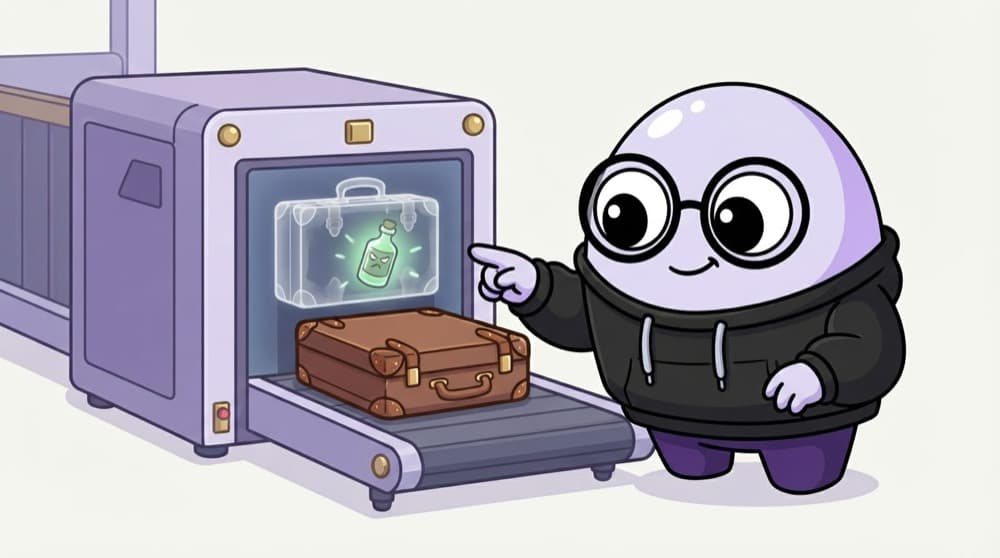
The station luggage scanner
At big railway stations your bag goes through an X-ray before you reach the platform. The officer doesn't open every bag. The machine flags the one with something odd inside. An image scanner looks inside every layer of your image and flags known bad packages.
Watch it happen
What a scanner does with your image
1/5The scanner pulls the image and opens each layer, just like Docker would when running it.
The big ideas
What you need to know
CVEs are public IDs
A CVE is a numbered, public record of a known flaw, like CVE-2021-44228 for Log4Shell. Scanners match against these.
Base image matters most
Most findings come from the base image. Switching from a full OS image to slim, alpine or distroless often cuts findings sharply.
Look for a fix version
A critical CVE with no fix yet can't be patched today. Prioritise ones where upgrading a package solves it.
Scan again later
An image that was clean last month may have new CVEs today. Rescan images already in your registry on a schedule.
See it in code
Walk through the code
1# Scan an image with Trivy (free, open source)2trivy image nginx:1.273 4# Only show the serious ones that have a fix5trivy image --severity CRITICAL,HIGH --ignore-unfixed nginx:1.276 7# In CI: exit with code 1 if any critical is found8trivy image --severity CRITICAL --exit-code 1 myapp:1.4.01/3A plain scan lists every known CVE in every package. Expect a long list on a full OS base image.
Trivy is one popular scanner. Grype, Docker Scout and your cloud registry's built-in scanning work on the same idea.
Save yourself the pain
Common mistakes
Oops
Failing the build on every finding, including low severity ones with no fix.
Do this instead
Block on critical or high issues that have a fix. Track the rest, or teams will learn to ignore the scanner.
Oops
Scanning only at build time and never again.
Do this instead
New CVEs are published daily. Rescan running and stored images regularly so old images don't hide new holes.
Your mission
Compare two base images
Quick check
Your app code has no bugs, but the scan shows 40 high CVEs. Where are they most likely coming from?
Go deeper
- 1Scan a Docker image with a free tool (like Trivy) and review the vulnerability findings.
- 2Add an image scanning step to a CI pipeline that fails the build on critical vulnerabilities.
- 3Learn why regularly rebuilding images (not just scanning once) matters as new vulnerabilities are discovered.
More topics at this stop
 DevSecOps Principles ('Shift Left')
 Secrets Management (Vault, AWS Secrets Manager)
 IAM & Least Privilege
 Network Security Basics
 Compliance Basics (SOC 2, ISO 27001 Overview)
 Vulnerability Scanning in CI/CD
 Security Incident Response
 Zero Trust Architecture (Overview)

Stuck on this topic? Ask an Insider
Get 1:1 guidance from people who've walked this exact path — on the InsideEdge app.
