
In short
Gemini models take text, images, audio and video in the same request. If your feature starts with a photo of a bill or a lecture recording, this API is worth knowing.
Google's LLM API, notable for native multimodal support and tight integration with Google Cloud's AI ecosystem.
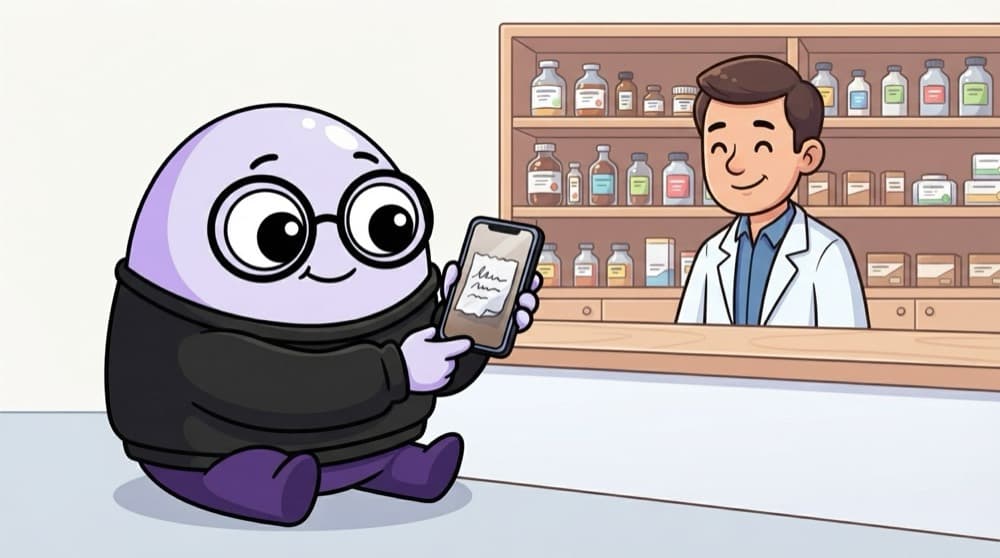
Think of it like this
Sending a photo to the chemist
You WhatsApp a photo of the doctor's prescription to the local chemist and ask, 'Do you have these?' He reads the image, understands your question, and replies in text. Gemini is that chemist: you send a picture and a question together, and get an answer back.
Watch it happen
A photo and a question in one call
1/4A photo of the canteen bill is loaded and sent as one part of the contents list.
The big ideas
What you need to know
Multimodal contents
contents can mix strings, images and files. Order matters, so put the image before the question about it.
The google-genai SDK
The current Python SDK is google-genai, imported as from google import genai. Older tutorials use a different package.
Big files go via upload
Long videos or PDFs are uploaded with the Files API first, then referenced in the request.
Structured output
Set a response schema in the config when you need JSON that always matches a fixed shape.
See it in code
Walk through the code
1from google import genai2from PIL import Image3 4client = genai.Client() # reads GEMINI_API_KEY5 6bill = Image.open("canteen_bill.jpg")7response = client.models.generate_content(8 model="gemini-2.5-flash",9 contents=[bill, "List each item and price from this bill as JSON."],10)11print(response.text)1/3The client reads your key from the GEMINI_API_KEY environment variable.
Image plus question in one call with the google-genai SDK. Get a key from Google AI Studio and check the current model names there.
Save yourself the pain
Common mistakes
Oops
Following an old tutorial that uses the google-generativeai package.
Do this instead
Use the newer google-genai SDK. Google's docs use it now and older code may break.
Oops
Sending a 12 MB photo when a 1000 px wide one reads just as well.
Do this instead
Resize images before sending. Smaller images are faster and use fewer tokens.
Your mission
Read a real bill
Quick check
Why put the image before the question in contents?
Go deeper
- 1Work through the Gemini API quickstart, including a multimodal (image + text) request.
- 2Compare Gemini's multimodal handling to a text-only workflow you've already built.
- 3Learn Gemini's pricing tiers and free quota for prototyping.
More topics at this stop
 OpenAI API
 Anthropic Claude API
 Streaming Responses
 Rate Limits & Cost Management
 AWS Bedrock (Overview)
 Azure OpenAI Service (Overview)
 Google Vertex AI (Overview)
 Serverless AI Functions

Stuck on this topic? Ask an Insider
Get 1:1 guidance from people who've walked this exact path — on the InsideEdge app.
