
AWS CloudFormation Templates & Stacks
Part of the AWS Roadmap
In short
Terraform works across clouds, but each big cloud also has its own built-in IaC tool. You'll meet them in job descriptions and in older company setups, so it's worth knowing how they think.
CloudFormation is AWS's native infrastructure as code service. You describe resources in a JSON or YAML template, deploy it as a stack, and update it through change sets. Deleting the stack removes the resources it created.
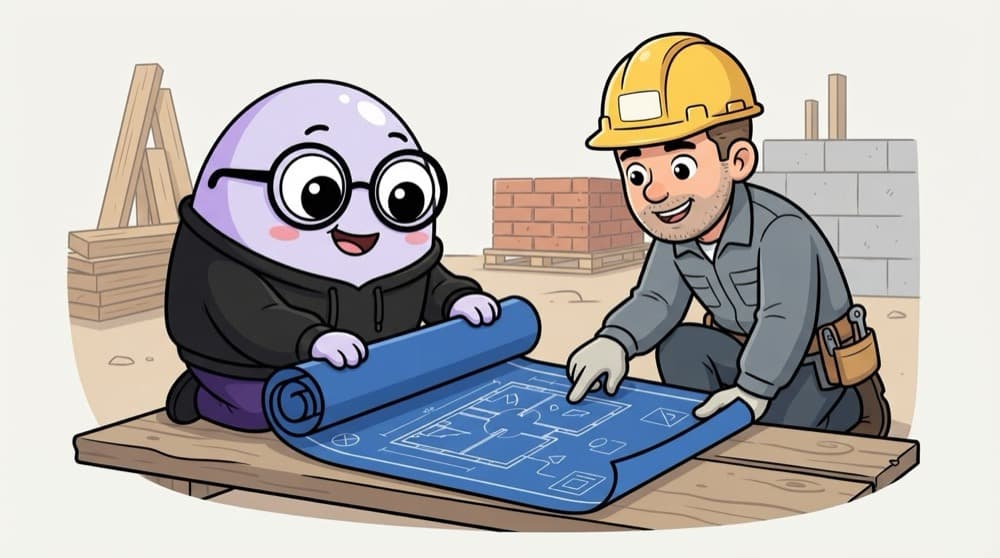
Think of it like this
Blueprint to the contractor
You hand the builder a full blueprint: rooms, wiring, plumbing. He builds exactly that. Want a bigger kitchen? You change the blueprint, not the walls. If a step fails midway, a good contractor undoes it rather than leave half a wall.
Watch it happen
A CloudFormation stack update
create-stack notes-dev
1/6You upload a template. CloudFormation works out the order: VPC before subnet, subnet before server.
The big ideas
What you need to know
AWS CloudFormation
YAML or JSON templates deployed as stacks. State is kept by AWS, so there's no state file to manage.
Azure ARM and Bicep
ARM templates are JSON. Bicep is Microsoft's shorter language that compiles to ARM, and most new Azure work uses it.
Google Cloud
Deployment Manager has been retired in favour of Infrastructure Manager, which runs Terraform for you.
Native vs Terraform
Native tools support new services on day one and need no state file. Terraform covers many clouds with one language.
See it in code
Walk through the code
1AWSTemplateFormatVersion: "2010-09-09"2Parameters:3 Env:4 Type: String5 AllowedValues: [dev, prod]6Resources:7 NotesBucket:8 Type: AWS::S3::Bucket9 Properties:10 VersioningConfiguration:11 Status: Enabled12 Tags:13 - { Key: env, Value: !Ref Env }14Outputs:15 BucketName:16 Value: !Ref NotesBucket1/4A parameter, so one template serves dev and prod.
Deploy with: aws cloudformation deploy --template-file notes.yaml --stack-name notes-dev --parameter-overrides Env=dev
Save yourself the pain
Common mistakes
Oops
Editing a stack's resources by hand in the console after deploying it.
Do this instead
That causes drift. Change the template and update the stack. Use drift detection to spot manual edits.
Oops
Applying an update without looking at the change set.
Do this instead
Some property changes replace a resource, which can mean a new, empty database. Always read the preview.
Your mission
Stack it up, tear it down
Quick check
A CloudFormation update fails halfway. What happens by default?
Go deeper
- 1Write a template that creates an S3 bucket and an IAM role, and deploy it as a stack.
- 2Use Parameters and Outputs, then make a change and review the change set before applying.
- 3Learn what drift detection reports when someone edits a resource by hand.
More topics at this stop
 IaC Concepts & Benefits
 AWS CDK
 Terraform on AWS
 Terraform Remote State in S3
 GitHub Actions to AWS With OIDC
 AWS CodePipeline & CodeBuild
 Deployment Strategies (Blue-Green, Canary, Rolling)
 AWS Secrets Manager & Parameter Store

Stuck on this topic? Ask an Insider
Get 1:1 guidance from people who've walked this exact path — on the InsideEdge app.
