
In short
Every permission in AWS, from "read this bucket" to "stop that server", is written as a small JSON document. Read policies fluently and you can debug almost any AccessDenied error in minutes.
An IAM policy statement has an Effect (Allow or Deny), Actions, Resources and optional Conditions. Everything is denied by default, an explicit Deny always beats an Allow, and permissions boundaries and SCPs can cap what is allowed.
Think of it like this
An event entry pass
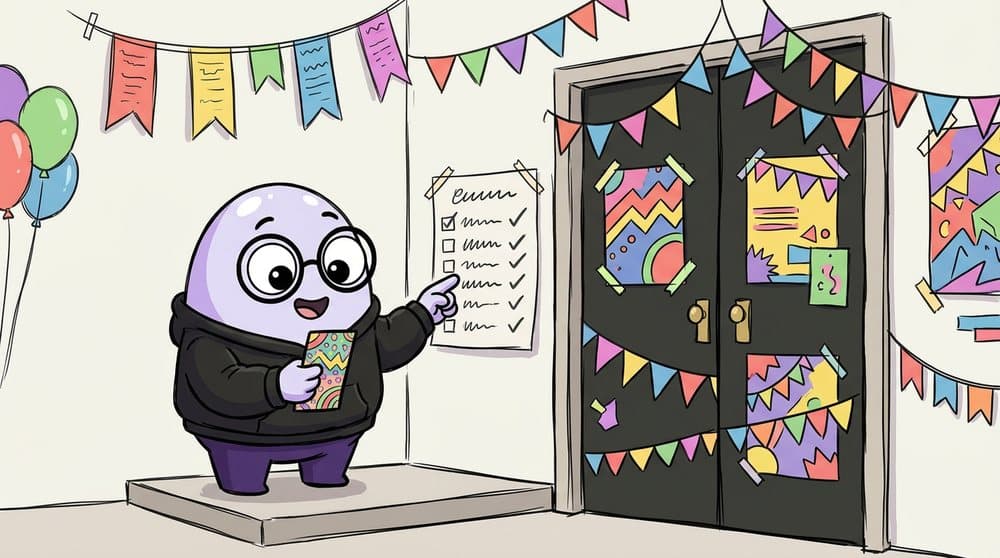
A college fest pass says who you are, which events you can enter (Action), which halls (Resource), and maybe 'only before 6 pm' (Condition). The guard lets you in only if the pass says yes. A 'banned' list at the gate (explicit Deny) overrules any pass.
Watch it happen
How AWS evaluates a request
1/5Every request starts as denied. Nothing is allowed unless something says so.
The big ideas
What you need to know
Statement anatomy
Effect (Allow or Deny), Action (like s3:GetObject), Resource (an ARN) and an optional Condition.
Version 2012-10-17
Always use this Version string. It is the current policy language, not an old date you should update.
Deny wins
An explicit Deny beats any Allow, anywhere. Use Deny for hard rules like 'never delete production backups'.
Bucket vs objects
s3:ListBucket applies to the bucket ARN. s3:GetObject applies to object ARNs ending in /*.
See it in code
Walk through the code
1{2 "Version": "2012-10-17",3 "Statement": [4 {5 "Sid": "ListReportsBucket",6 "Effect": "Allow",7 "Action": "s3:ListBucket",8 "Resource": "arn:aws:s3:::acme-reports"9 },10 {11 "Sid": "ReadReportsFromMumbaiOnly",12 "Effect": "Allow",13 "Action": "s3:GetObject",14 "Resource": "arn:aws:s3:::acme-reports/*",15 "Condition": {16 "StringEquals": { "aws:RequestedRegion": "ap-south-1" }17 }18 }19 ]20}1/4The policy language version. Always this exact string.
Read-only access to one bucket. Attach it with aws iam create-policy --policy-name ReportsReadOnly --policy-document file://policy.json.
Save yourself the pain
Common mistakes
Oops
Using "Action": "s3:*" and "Resource": "*" to make an error go away.
Do this instead
Find the exact action in the error message or CloudTrail and allow only that, on only the resource needed.
Oops
Putting s3:ListBucket on arn:aws:s3:::bucket/*.
Do this instead
ListBucket targets the bucket ARN (no /*). Object actions target bucket/*.
Oops
Expecting an SCP that allows s3:* to give users S3 access.
Do this instead
SCPs only set the maximum. Users still need an identity policy that allows the action.
Your mission
Write and test a policy
Quick check
A user has one policy allowing s3:* and another denying s3:DeleteObject on a bucket. Can they delete objects in it?
Go deeper
- 1Write a policy that allows reading objects from one specific S3 bucket only.
- 2Add a Condition that limits access to requests from a specific IP range.
- 3Validate your policy with IAM Access Analyzer policy checks and test it with the policy simulator.
More topics at this stop
 How IAM Works
 Root User vs IAM Users
 IAM Users, Groups & Roles
 Principle of Least Privilege
 Enabling MFA on AWS Accounts
 Access Keys & Credential Safety
 IAM Identity Center (SSO)
 AWS Organizations & Service Control Policies

Stuck on this topic? Ask an Insider
Get 1:1 guidance from people who've walked this exact path — on the InsideEdge app.
