Build a Two-Tier VPC From Scratch
Part of the AWS Roadmap
In short
Clicking 'VPC and more' in the console builds a network in one go, but interviewers want to know you understand every piece. In this project you build a production-style two-tier VPC by hand, then tear it down.
A networking project that builds a custom VPC with public and private subnets across two Availability Zones, an internet gateway, a NAT gateway and route tables, then runs a web server in public and an app or database server in private.
Think of it like this
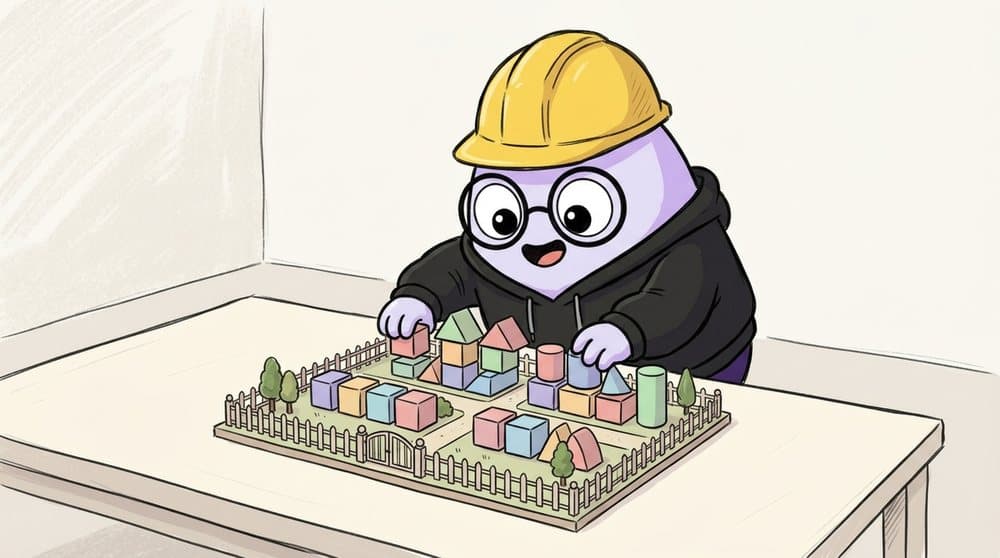
Building a gated campus
You mark the land (VPC), build a front block facing the road and a back block inside (public and private subnets) in two separate wings (AZs), put up the main gate (internet gateway), a reception line for outgoing calls (NAT gateway) and signboards at every junction (route tables).
Watch it happen
What you will build
1/5Start with a /16 VPC in ap-south-1 with DNS hostnames enabled.
The big ideas
What you need to know
Order matters
VPC, subnets, IGW, route tables, NAT, then instances. Deleting goes in reverse.
Tier-to-tier rules
The private server's security group allows its port only from the web security group.
Script it
Save every command in build.sh and teardown.sh. That's your first step towards infrastructure as code.
Watch the meter
The NAT gateway, Elastic IP and public IPv4 addresses cost money every hour. Tear down the same day.
How it works
Build order
- 1
VPC
Create 10.20.0.0/16, enable DNS hostnames.
- 2
Subnets
Create two public and two private /24 subnets across two AZs.
- 3
Internet access
Attach an IGW and associate a public route table with 0.0.0.0/0 to it.
- 4
NAT
Create a NAT gateway in public-a and a private route table pointing 0.0.0.0/0 to it.
- 5
Servers
Launch web in public-b and app in private-a with tiered security groups, then test.
See it in code
Walk through the code
1#!/bin/bash2# build.sh - two-tier VPC in ap-south-1 (subnet and IGW steps from earlier lessons)3set -euo pipefail4export AWS_REGION=ap-south-15 6VPC_ID=$(aws ec2 create-vpc --cidr-block 10.20.0.0/16 --query Vpc.VpcId --output text)7aws ec2 modify-vpc-attribute --vpc-id "$VPC_ID" --enable-dns-hostnames8 9mk_subnet() { # name cidr az10 aws ec2 create-subnet --vpc-id "$VPC_ID" --cidr-block "$2" --availability-zone "$3" \11 --tag-specifications "ResourceType=subnet,Tags=[{Key=Name,Value=$1}]" \12 --query Subnet.SubnetId --output text13}14PUB_A=$(mk_subnet public-a 10.20.0.0/24 ap-south-1a)15PUB_B=$(mk_subnet public-b 10.20.1.0/24 ap-south-1b)16PRIV_A=$(mk_subnet private-a 10.20.10.0/24 ap-south-1a)17PRIV_B=$(mk_subnet private-b 10.20.11.0/24 ap-south-1b)18 19echo "VPC=$VPC_ID PUB_A=$PUB_A PUB_B=$PUB_B PRIV_A=$PRIV_A PRIV_B=$PRIV_B" | tee ids.env1/5Stop on any error and send every command to Mumbai.
The first half of build.sh. Continue it with the IGW, route table and NAT commands from the previous lessons, and save the IDs for teardown.sh.
Save yourself the pain
Common mistakes
Oops
Testing the private server by giving it a public IP 'just for now'.
Do this instead
Reach it with Session Manager, or SSH from the web server. A public IP defeats the design.
Oops
Deleting the VPC first and getting dependency errors.
Do this instead
Tear down in reverse: instances, NAT gateway, Elastic IP, IGW detach and delete, subnets, route tables, then the VPC.
Your mission
Build, prove, destroy
Quick check
Your private app server cannot download packages, but the web server in the public subnet can. What should you check first?
Go deeper
- 1Build it once in the console, then rebuild it with the AWS CLI or Terraform.
- 2Draw the architecture diagram and include it in the README.
- 3Delete the NAT gateway and Elastic IPs immediately after testing to avoid hourly charges.

Stuck on this topic? Ask an Insider
Get 1:1 guidance from people who've walked this exact path — on the InsideEdge app.
