
Storage Classes & Lifecycle Policies
Part of the Cloud Computing Roadmap
In short
Last week's logs get opened daily. Last year's logs maybe once, during an audit. Paying the same price for both is like renting a front-row seat for a box you never open.
Object storage offers multiple tiers (frequent access, infrequent access, archive) at different price points — lifecycle policies automatically move data between tiers as it ages, reducing storage costs without manual work.
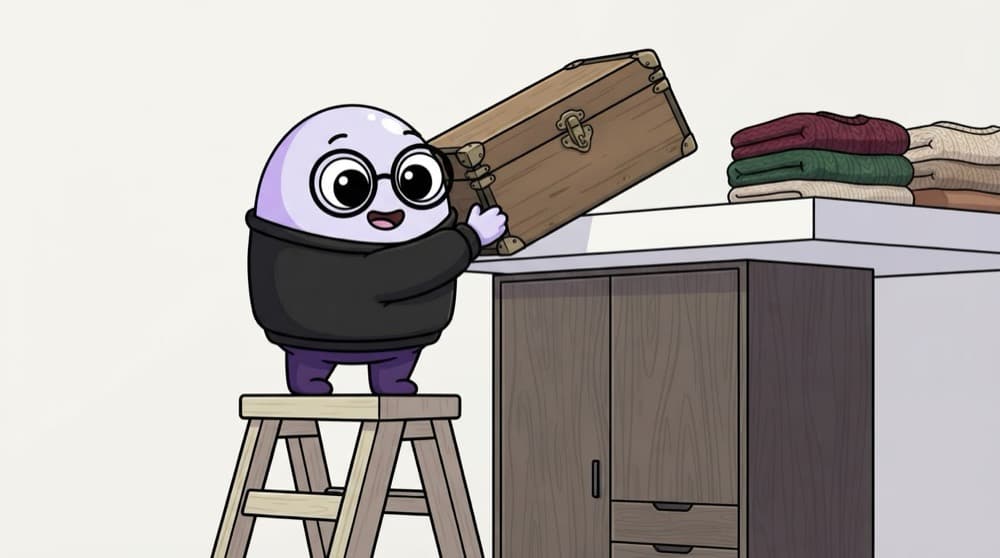
Think of it like this
Cupboard, loft, storeroom
Daily clothes go in the cupboard. Winter sweaters go up to the loft in March. Old school uniforms go to the storeroom trunk. Nobody moves them every day; it happens on a schedule. Lifecycle policies do that for your data.
Watch it happen
One log file's life
1/5Day 0: the log lands in S3 Standard. Fast access, highest storage price.
The big ideas
What you need to know
Hot to cold tiers
Each class trades storage price against access speed and retrieval cost. Colder is cheaper to keep, costlier to read.
Rules by age
Lifecycle rules move or delete objects after N days, filtered by prefix or tag. Set once, runs forever.
Minimum durations
Colder classes charge for a minimum time, like 30, 90 or 180 days. Moving data out early still costs that.
Intelligent-Tiering
Unsure of access patterns? This class moves objects between tiers automatically for a small monitoring fee.
See it in code
Walk through the code
1{2 "Rules": [{3 "ID": "logs-tiering",4 "Filter": { "Prefix": "logs/" },5 "Status": "Enabled",6 "Transitions": [7 { "Days": 30, "StorageClass": "STANDARD_IA" },8 { "Days": 90, "StorageClass": "GLACIER" },9 { "Days": 180, "StorageClass": "DEEP_ARCHIVE" }10 ],11 "Expiration": { "Days": 365 }12 }]13}1/3This rule only touches keys under logs/, and it's switched on.
Apply with aws s3api put-bucket-lifecycle-configuration --bucket my-logs --lifecycle-configuration file://rule.json
Save yourself the pain
Common mistakes
Oops
Moving tiny files to Glacier to save money.
Do this instead
Very small objects carry per-object overhead in cold tiers. Bundle small files or keep them in a warmer class.
Oops
Archiving data the app still reads every week.
Do this instead
Check access patterns first. Frequent reads from IA or Glacier can cost more than just leaving it in Standard.
Your mission
Write a lifecycle rule
Quick check
Audit logs must be kept 7 years but are almost never read. Which approach is cheapest?
Go deeper
- 1Set up a lifecycle policy moving objects to a cheaper storage class after a set number of days.
- 2Learn the retrieval time and cost trade-offs between different storage classes.
- 3Practice reasoning about which storage class fits a given access pattern.
More topics at this stop
 Object Storage (S3, Cloud Storage, Blob Storage)
 Block Storage (EBS)
 File Storage (EFS)
 Data Backup Strategies
 Data Archival (Glacier)
 Storage Security & Encryption
 CDN Integration With Storage
 Storage Cost Optimization

Stuck on this topic? Ask an Insider
Get 1:1 guidance from people who've walked this exact path — on the InsideEdge app.
