In short
Your database holds the stuff attackers actually want: passwords, phone numbers, payment records. It deserves the strictest protection in your whole setup, in layers, so one slip doesn't expose everything.
Encryption at rest and in transit, network isolation (placing databases in private subnets), and least-privilege access controls — databases hold the most sensitive data in most systems and deserve the strictest security posture.
Think of it like this
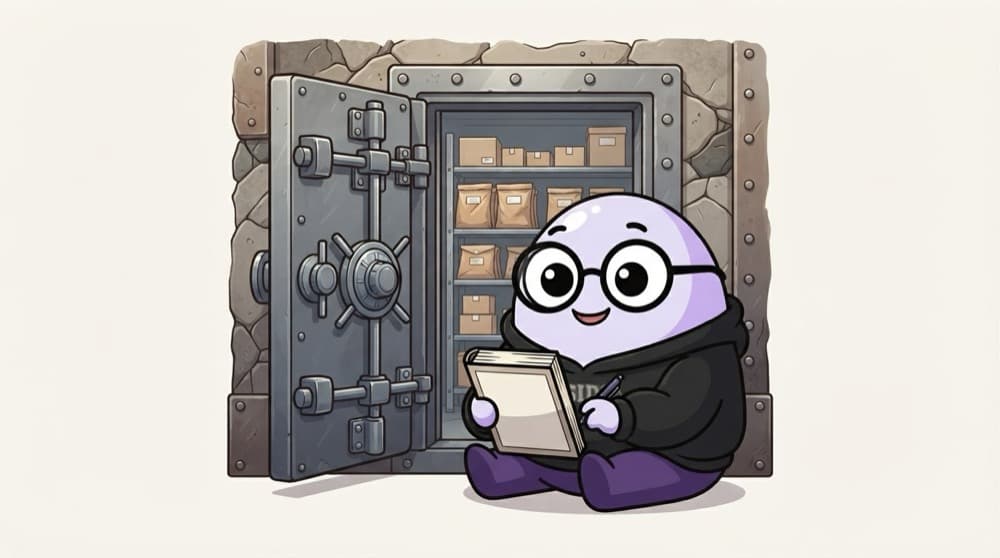
The exam paper strong room
Exam papers sit sealed in a strong room deep inside the college, not near the gate. Only two staff have keys, everyone signs a register, and the papers stay sealed until exam day. Treat your database like that strong room.
Watch it happen
Layers between an attacker and your data
1/6The database sits in a private subnet with no public IP. The internet can't even find it.
The big ideas
What you need to know
Never public
Keep databases in private subnets. Reach them through the app, a bastion or a VPN, never directly from the internet.
Least privilege users
The reporting tool gets read-only access. The app can't drop tables. Admin accounts aren't used by apps.
No passwords in code
Store credentials in Secrets Manager or Key Vault and rotate them. Or use IAM database authentication where supported.
Encrypt everything
Turn on encryption at rest when creating the database; it's hard to add later. Require TLS for every connection.
See it in code
Walk through the code
1-- A read-only user for the reporting dashboard (PostgreSQL)2CREATE ROLE report_reader LOGIN PASSWORD 'from-secrets-manager';3GRANT CONNECT ON DATABASE shop TO report_reader;4GRANT USAGE ON SCHEMA public TO report_reader;5GRANT SELECT ON ALL TABLES IN SCHEMA public TO report_reader;6ALTER DEFAULT PRIVILEGES IN SCHEMA public7 GRANT SELECT ON TABLES TO report_reader;8 9-- The app user can change orders, but can't drop tables10GRANT SELECT, INSERT, UPDATE ON orders TO app_user;1/4Create a login role. The real password comes from your secrets manager, not this file.
Separate users per job means a leaked dashboard password can read data but can't change or delete it.
Save yourself the pain
Common mistakes
Oops
Allowing 0.0.0.0/0 on port 3306 or 5432 'temporarily'.
Do this instead
Bots scan for open database ports constantly. Allow only specific security groups or IPs, and remove test rules.
Oops
Every app and teammate sharing the master admin login.
Do this instead
Create separate users per app and person. You can then revoke one without breaking everyone, and audit who did what.
Your mission
Harden a test database
Quick check
Which setup best protects a production database?
Go deeper
- 1Verify encryption is enabled on a sample managed database.
- 2Place a database in a private subnet, accessible only from application servers, not the public internet.
- 3Learn to use IAM database authentication instead of long-lived static passwords where available.
More topics at this stop
 Relational Databases in the Cloud (RDS)
 NoSQL Databases (DynamoDB, Cosmos DB)
 Database Replication & High Availability
 Database Backups & Snapshots
 Read Replicas & Scaling Reads
 Database Migration Basics
 Caching Layers (ElastiCache / Redis)
 Data Warehousing (Redshift, BigQuery)
 Choosing the Right Database

Stuck on this topic? Ask an Insider
Get 1:1 guidance from people who've walked this exact path — on the InsideEdge app.
