
OS & Linux Questions
Part of the Cybersecurity Roadmap
In short
"How would you investigate a suspicious process?" Interviewers want to hear real commands in a sensible order, showing you have actually sat at a Linux terminal.
'How would you investigate a suspicious process on Linux?' — testing hands-on comfort with Phase 3's OS fundamentals, not just theoretical knowledge.
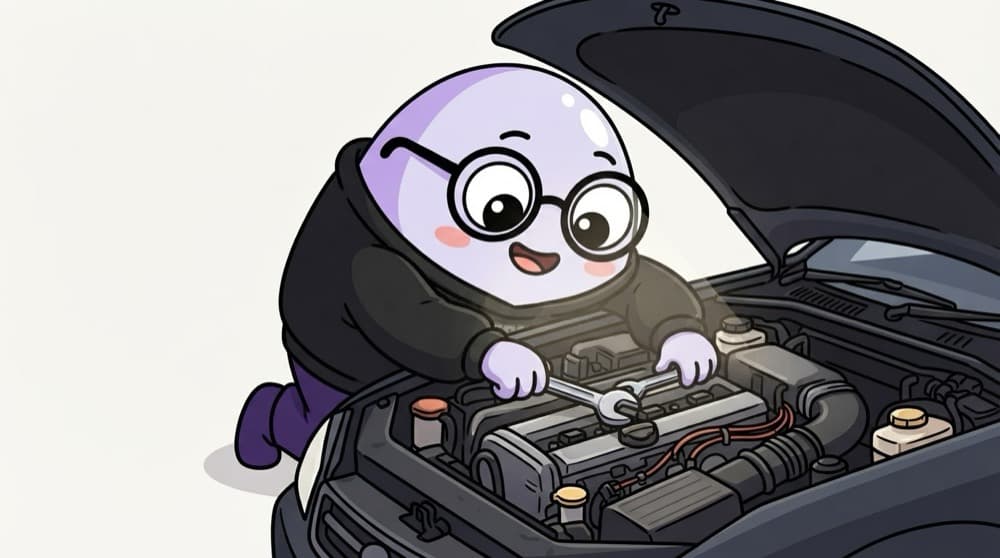
Think of it like this
The mechanic's practical test
A mechanic interview is not a written exam. They open the bonnet and ask, "the car is overheating, what do you check first?" You talk through coolant, fan, belts, in order. Linux questions work the same way: show your checklist.
Watch it happen
Investigating a suspicious process
1/5List processes by CPU or memory and note the PID, parent PID and user.
The big ideas
What you need to know
Permissions basics
Explain rwx, owners and groups, and why SUID binaries and world writable files deserve attention.
Know key paths
/etc/passwd and /etc/shadow, /var/log, /tmp, /proc. Say what each holds and why it matters.
Evidence before cleanup
In a real incident, copy logs and capture state before killing a process. Follow the IR plan.
Windows too
Many roles expect basics like Event Viewer, services and common event IDs such as 4625 for failed logon.
See it in code
Walk through the code
1ps -eo pid,ppid,user,%cpu,cmd --sort=-%cpu | head2ls -l /proc/4242/exe # which binary is really running?3sudo ss -tunap | grep 4242 # its network connections4systemctl list-timers --all; sudo crontab -l -u www-data5sudo journalctl --since "1 hour ago" | grep -i -E "sudo|ssh"1/3Find the busiest processes, then see the real binary behind PID 4242.
A read only triage sequence on a lab VM you own. Each line answers one interview step: what, where, talking to whom, how it persists, what the logs say.
Save yourself the pain
Common mistakes
Oops
Answering "I would kill the process" as the first step.
Do this instead
Investigate and preserve evidence first, then contain according to the incident plan.
Oops
Listing commands with no reason for each.
Do this instead
Say what each command tells you and what result would worry you.
Your mission
Practise triage on your VM
Quick check
A process runs from /tmp/.x/update. Why is the location suspicious?
Go deeper
- 1Review Phase 3 and practice common investigation commands from memory.
- 2Prepare to explain SUID/SGID and why misconfigured permissions are a real risk.
- 3Practice a live troubleshooting scenario using command-line tools.
More technical fundamentals at this stop
 Networking & Protocol Questions
 Cryptography Questions

Stuck on this topic? Ask an Insider
Get 1:1 guidance from people who've walked this exact path — on the InsideEdge app.
