Infrastructure as Code Project (Terraform)
Part of the DevOps Roadmap
In short
Clicking around a cloud console works once. Doing it again exactly the same next month is nearly impossible. A Terraform project proves you can build a whole environment from code anyone can review.
Provision a real, multi-resource cloud environment entirely through Terraform — networking, compute, and security configured together as a single, reviewable, version-controlled codebase.
Think of it like this
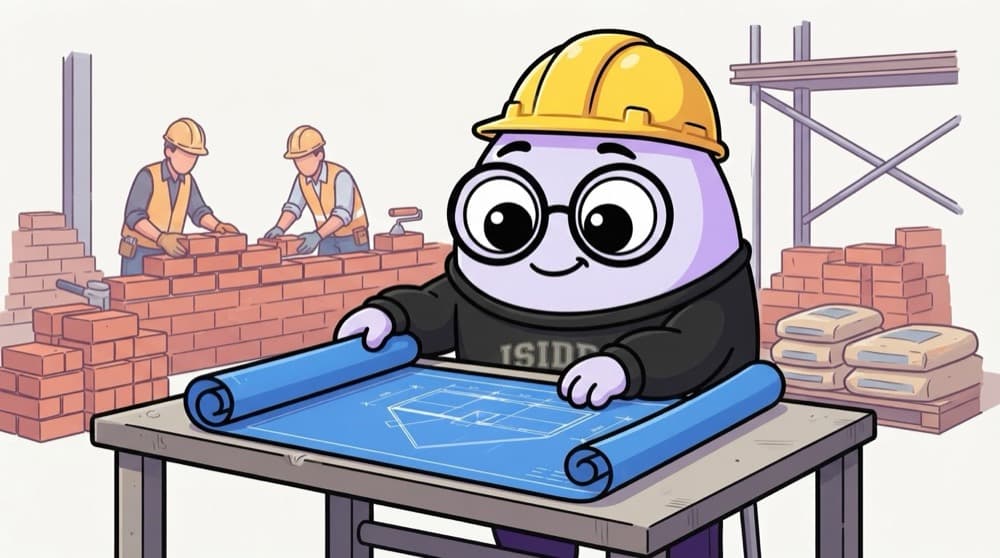
The architect's blueprint
A builder doesn't make up the house as he goes. The blueprint says where every wall, pipe and window goes. Give the same blueprint to another builder and you get the same house. Your Terraform code is the blueprint; the cloud is the builder.
Watch it happen
What your code builds, in order
1/6First, a remote state backend like an S3 bucket with locking, so state isn't stuck on your laptop.
The big ideas
What you need to know
Must-have: modules
Split network, compute and database into modules with clear inputs and outputs. It shows you can design, not just write.
Remote state
Store state remotely with locking. Mention in the README why local state breaks for teams.
Plan in pull requests
Run terraform fmt, validate and plan in CI, and post the plan on the PR so changes are reviewed.
Easy teardown
Everything should be destroyable with one command. It saves money and proves nothing was clicked by hand.
See it in code
Walk through the code
1terraform {2 backend "s3" {3 bucket = "yourname-tf-state"4 key = "portfolio/dev/terraform.tfstate"5 region = "ap-south-1"6 use_lockfile = true7 }8}9 10module "network" {11 source = "./modules/network"12 cidr_block = "10.0.0.0/16"13 azs = ["ap-south-1a", "ap-south-1b"]14}15 16output "private_subnet_ids" { value = module.network.private_subnet_ids }1/3State lives in S3, with a lock so two people running apply at once can't corrupt it.
use_lockfile enables S3-native state locking in recent Terraform versions. Older setups used a DynamoDB table for locking instead.
Save yourself the pain
Common mistakes
Oops
Committing terraform.tfstate to Git.
Do this instead
State can contain passwords and IDs. Keep it in a remote backend and add *.tfstate to .gitignore.
Oops
Leaving the environment running for weeks on a personal account.
Do this instead
Set a billing alert first, and destroy when you're not demoing. Screenshots and the plan output are enough proof.
Your mission
Milestone 1: network from code
Quick check
Two teammates run terraform apply at the same moment. What stops them corrupting the state?
Go deeper
- 1Design an environment with at least networking, compute, and IAM resources, not just one resource type.
- 2Organize your code into reusable modules (Phase 9) rather than one giant file.
- 3Document your remote state setup and how you'd safely make changes as a team.
More projects at this stop
 End-to-End CI/CD Pipeline Project
 Kubernetes Cluster Deployment Project
 Monitoring Stack Setup (Prometheus + Grafana)
 Automated Deployment With Rollback Project
 Multi-Environment (Dev / Staging / Prod) Setup
 Portfolio Website or GitHub Showcase

Stuck on this topic? Ask an Insider
Get 1:1 guidance from people who've walked this exact path — on the InsideEdge app.
