Kubernetes & Container Questions
Part of the DevOps Roadmap
In short
'How would you debug a CrashLoopBackOff?' is close to a guaranteed question. The interviewer wants the order of commands you'd run, and what each one tells you.
'Explain the difference between a Deployment and a StatefulSet' or 'how would you debug a CrashLoopBackOff Pod?' — testing hands-on Kubernetes and Docker understanding from Phases 7-8, not just definitions.
Think of it like this
The garage trial
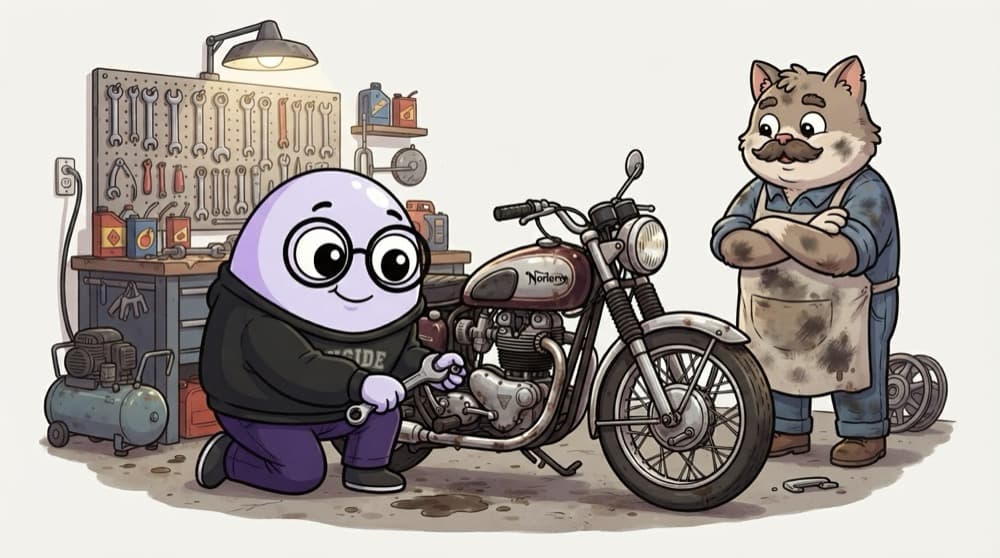
A garage owner hiring a mechanic doesn't ask for definitions. He wheels in a sputtering bike and watches. Do you check fuel first, then the plug, then the carburettor? Kubernetes rounds work the same way: they hand you a broken pod and watch your order of checks.
Watch it happen
Debugging a CrashLoopBackOff pod
1/5kubectl get pods shows the pod restarting over and over, with a rising RESTARTS count.
The big ideas
What you need to know
Deployment vs StatefulSet
Deployments run interchangeable pods. StatefulSets give each pod a stable name and its own storage, for databases and similar.
Liveness vs readiness
Readiness controls traffic. Liveness restarts the container. Mixing them up is a classic cause of outages.
Image vs container
An image is the read-only package. A container is a running copy with a thin writable layer.
Requests vs limits
Requests are what the scheduler reserves. Limits are the ceiling: going over the memory limit gets the container OOMKilled.
See it in code
Walk through the code
1kubectl get pods -n shop2kubectl describe pod web-7d9f8-abcde -n shop # read Events and Last State3kubectl logs web-7d9f8-abcde -n shop --previous4kubectl get events -n shop --sort-by=.lastTimestamp5 6# Check what the pod actually received7kubectl get deploy web -n shop -o yaml | grep -A5 env:8kubectl exec -it web-7d9f8-abcde -n shop -- printenv | grep DB1/3List, then describe. Exit code and reason like OOMKilled or Error narrow things down quickly.
--previous is the one people forget. The current container may have only just started, so its logs are empty.
Save yourself the pain
Common mistakes
Oops
Answering 'I'd delete the pod' to every pod problem.
Do this instead
A new pod with the same broken config will crash the same way. Show you'd find the cause first.
Oops
Learning only definitions from a list of 100 questions.
Do this instead
Practise on a real cluster. Interviewers follow up with 'and then what?' until memorised answers run out.
Your mission
Break three pods on purpose
Quick check
A pod shows OOMKilled in its last state. What does that tell you?
Go deeper
- 1Review Phases 7-8 and practice explaining core resources (Pod, Deployment, Service) clearly.
- 2Prepare a real troubleshooting story from your Phase 14 Kubernetes project.
- 3Practice diagramming a Kubernetes deployment while explaining it out loud.
More systems & infrastructure at this stop
 Linux & Networking Questions
 Cloud Architecture Questions

Stuck on this topic? Ask an Insider
Get 1:1 guidance from people who've walked this exact path — on the InsideEdge app.
