
In short
React Testing Library tests your components the way a user sees them: find the button by its label, click it, check the text changed. No poking at state or internal functions.
A testing utility built around the philosophy of testing components the way users actually interact with them — querying by visible text/role rather than internal implementation details.
Think of it like this
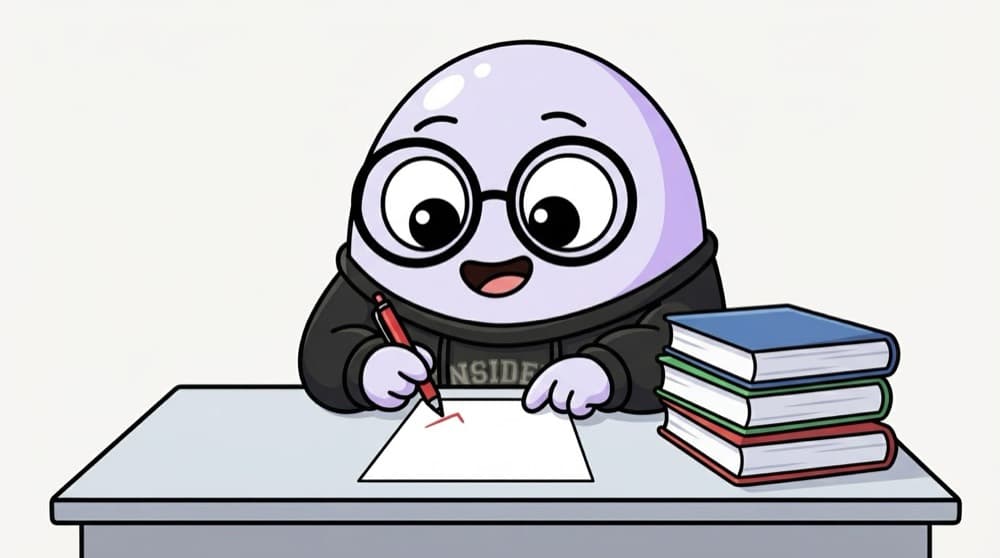
The examiner, not the paper setter
The examiner doesn't care how you studied. They check what's written on the answer sheet. RTL is the examiner. It ignores your useState and props, and checks only what's on the screen after the user acts.
Watch it happen
A test acting like a user
render(<ChaiCounter />)
1/6The component mounts into a fake DOM provided by jsdom.
The big ideas
What you need to know
Query like a user
Prefer getByRole, getByLabelText and getByText. If a user can't find it that way, maybe a screen reader can't either.
Act with user-event
userEvent.setup() then await user.click() or user.type() simulates real typing and clicking, including focus.
findBy waits
getBy fails straight away if missing. findBy waits for it to appear, perfect after a fetch.
Nicer assertions
@testing-library/jest-dom adds matchers like toBeInTheDocument, toBeDisabled and toHaveValue.
See it in code
Walk through the code
1import { render, screen } from "@testing-library/react";2import userEvent from "@testing-library/user-event";3import { ChaiCounter } from "./ChaiCounter";4 5test("adds a chai when the button is clicked", async () => {6 const user = userEvent.setup();7 render(<ChaiCounter />);8 9 await user.click(screen.getByRole("button", { name: /add chai/i }));10 11 expect(screen.getByText("Chai ordered: 1")).toBeInTheDocument();12});1/4render mounts components, screen queries the page, and user-event simulates a real user.
The test never looks at state. If you rewrite ChaiCounter with a reducer tomorrow, this test still passes as long as the user sees the same thing.
Save yourself the pain
Common mistakes
Oops
Using container.querySelector(".btn-primary") to find things.
Do this instead
Use getByRole("button", { name: ... }). Class names change often, and users don't see them.
Oops
Using getByText right after a fetch and getting 'Unable to find'.
Do this instead
Use await findByText(...). It retries until the element shows up or times out.
Your mission
Test a login form like a user
Quick check
Your component shows a name after fetching data. Which query should your test use?
Go deeper
- 1Write a test that renders a component and asserts on visible text.
- 2Practice `fireEvent`/`userEvent` to simulate clicks and typing.
- 3Learn why RTL discourages testing internal state or implementation directly.
More topics at this stop
 Jest
 Vitest
 Cypress
 Playwright
 Unit Testing
 Integration Testing
 E2E Testing

Stuck on this topic? Ask an Insider
Get 1:1 guidance from people who've walked this exact path — on the InsideEdge app.
