In short
Building your resume as a web page is a sneaky good HTML exercise. It's all headings, lists and dates, and you can print it straight to a clean PDF.
An HTML/CSS rebuild of your resume — a small, contained project that's perfect for practicing layout, typography and print-friendly styles. Treating the resume as a small web project also teaches semantic structure, print styles, responsive layout, and careful information hierarchy without introducing unnecessary application complexity.
Think of it like this
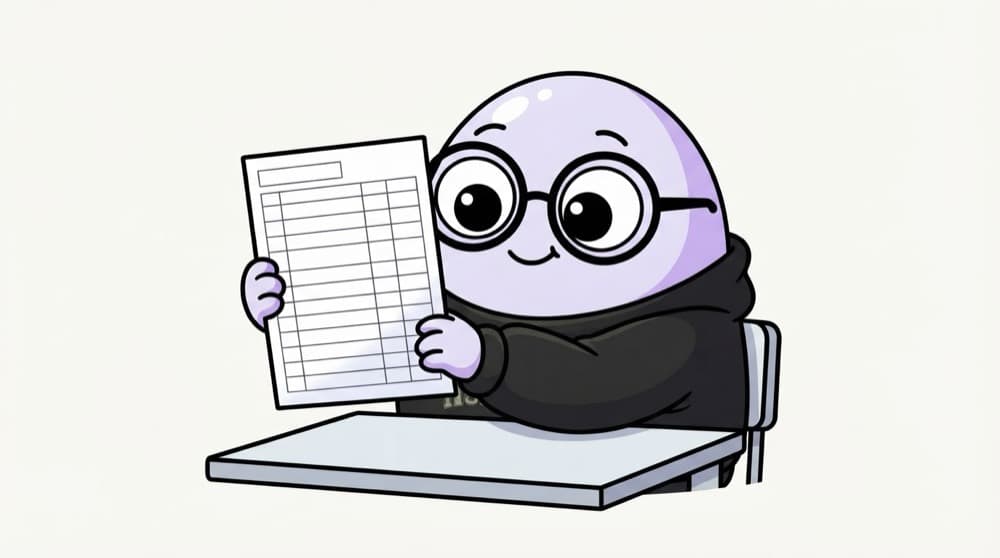
Your semester marksheet
A marksheet is boring to look at but very easy to scan: clear headings, aligned columns, no decoration. A good resume is the same. Structure does the heavy lifting, design just stays out of the way.
Watch it happen
From HTML resume to PDF
1/4Your resume is real text in headings, lists and time tags, so ATS tools can read it.
The big ideas
What you need to know
Lists everywhere
Skills, projects and achievements are lists. Use <ul> and <li>, not lines separated by <br>.
Use <time> for dates
<time datetime="2025-06">June 2025</time> gives machines a proper date while humans read normal text.
Print styles
@media print lets you hide buttons and fix margins, so Ctrl+P gives a neat one-page PDF.
Readable by ATS
ATS (Applicant Tracking Systems) read text, not pictures. Real text and simple layout read better than fancy graphics.
See it in code
Walk through the code
1<section>2 <h2>Experience</h2>3 <article>4 <h3>Frontend Intern, Acme Labs</h3>5 <p><time datetime="2025-05">May 2025</time> to <time datetime="2025-07">Jul 2025</time></p>6 <ul>7 <li>Rebuilt the signup form with proper labels and validation.</li>8 <li>Cut homepage image size by switching to WebP.</li>9 </ul>10 </article>11</section>12 13<style>14 @media print { nav, .download-btn { display: none; } }15</style>1/4Each job is its own article with a clear h3 title.
Each job is an <article> with dated bullet points. The print rule hides site-only bits when you save as PDF.
Save yourself the pain
Common mistakes
Oops
Making the resume one big image or a canvas design.
Do this instead
Use real text. Recruiters copy from it and ATS tools need to read it.
Oops
Using <br><br> to space out sections.
Do this instead
Use proper headings and lists, and handle spacing with CSS margin.
Your mission
Resume to PDF
Quick check
You want a 'Download PDF' button on your HTML resume to vanish when printing. What do you use?
Go deeper
- 1Focus on clean typography and consistent spacing over cleverness. Validate your understanding by applying it in a small practical example.
- 2Add a `@media print` stylesheet so it prints cleanly too. Test the result on both a successful path and an invalid or unexpected input.
- 3Keep markup semantic (lists for skills, headings for sections) rather than div soup.
More projects at this stop
 Portfolio
 Product Page
 Blog Page

Stuck on this topic? Ask an Insider
Get 1:1 guidance from people who've walked this exact path — on the InsideEdge app.
