In short
Your laptop's database has a phone column; production doesn't. Migrations are numbered scripts that keep every copy of the database in the same shape, like Git does for code.
Version-controlled, incremental scripts that evolve your database schema over time — letting a team change table/collection structures safely and reproducibly.
Think of it like this
Floor by floor, with a logbook
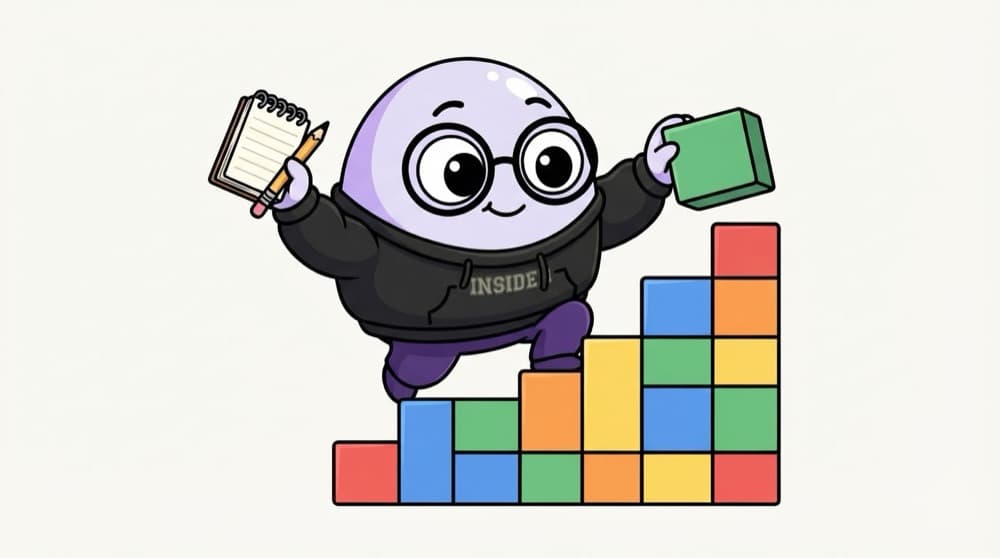
A builder adds one floor, notes it in the site logbook, then starts the next. Anyone can read the log and know exactly how tall the building is. Migrations work like that: each change is one numbered step, and the database logs which steps it has run.
Watch it happen
Migrations applied and rolled back
Top of the stack is coloured
1/5The first migration creates the users table and is recorded in the log table.
The big ideas
What you need to know
Numbered, ordered files
Each migration has a number or timestamp, so they always run in the same order everywhere.
A log table
The database remembers which migrations ran, so each one runs exactly once per database.
Up and down
Up applies a change, down reverses it. Write the down step even if you rarely need it.
Commit them with code
The migration and the code that needs it ship in the same pull request.
See it in code
Walk through the code
1-- migrations/003_add_phone.up.sql2ALTER TABLE users ADD COLUMN phone TEXT;3CREATE INDEX idx_users_phone ON users (phone);4 5-- migrations/003_add_phone.down.sql6DROP INDEX idx_users_phone;7ALTER TABLE users DROP COLUMN phone;8 9-- The tool's log table, roughly:10-- schema_migrations(version): 001, 002, 0031/3The up file adds the column and an index. It runs once on each database.
Never edit a migration that has already run on a shared database. Write a new one that changes things further.
Save yourself the pain
Common mistakes
Oops
Editing an old migration file after teammates have already run it.
Do this instead
Their databases won't rerun it. Add a new migration with the fix instead.
Oops
Making schema changes by hand in the production console.
Do this instead
Every change goes through a migration, so laptops, staging and production stay identical.
Your mission
Three migrations
Quick check
Migration 003 has already run in production, and it has a typo. What should you do?
Go deeper
- 1Write a migration that adds a field to an existing model without losing data.
- 2Learn how your ORM's migration tooling tracks which migrations have already run.
- 3Practice applying a migration to a fresh database as part of your project setup.
More topics at this stop
 Relational Database Concepts
 PostgreSQL/MySQL
 MongoDB
 ORMs (Prisma/Mongoose)
 Schema Design
 Indexes & Query Performance
 Choosing SQL vs NoSQL

Stuck on this topic? Ask an Insider
Get 1:1 guidance from people who've walked this exact path — on the InsideEdge app.
