
In short
NullPointerException is the most common crash in Java, and it comes from one misunderstanding: variables do not hold objects, they hold references to objects. Once that clicks, aliasing bugs and NPEs become easy to spot.
Variables of class type hold references to objects, not the objects themselves, so two variables can point to the same object. A reference that points nowhere is null, and calling a method on it throws NullPointerException.
Think of it like this
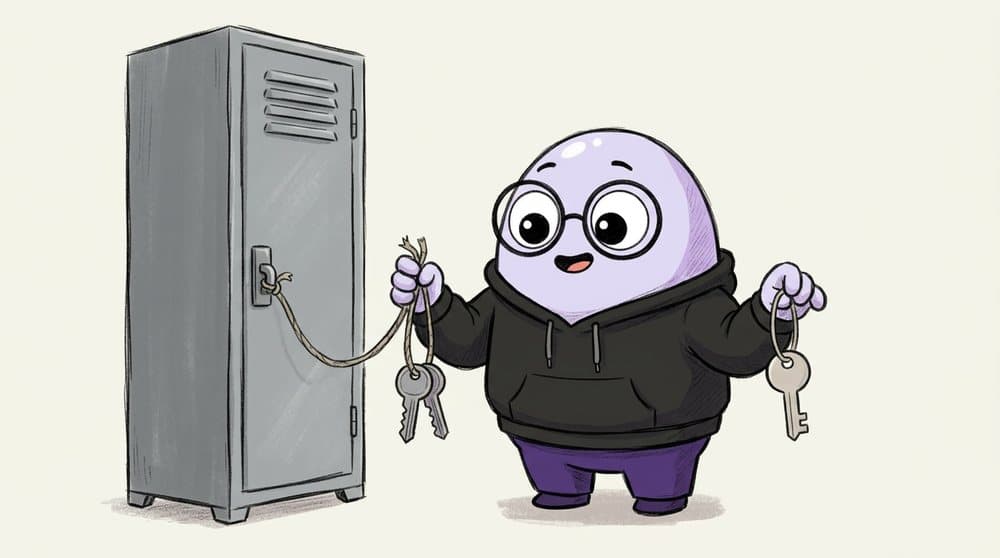
Locker keys
The object is a locker in a big locker room. Your variable is just a key with the locker number on it. Copy the key, and now two people can open the same locker and see each other's changes. A key with no number on it is null: try to open a locker with it and you are stuck.
Watch it happen
Two references, one object
new Cart()
1/5cart1 holds a reference to a new Cart object.
The big ideas
What you need to know
Variables hold references
Assigning one object variable to another copies the arrow, not the object.
== vs equals
== asks "same object?". equals asks "same content?" if the class defines it.
null means no object
Calling any method or field on null throws NullPointerException. Java 14+ messages tell you exactly which variable was null.
Defend against null
Check with if (x != null), use Objects.requireNonNull in constructors, and Optional for return values that may be missing.
See it in code
Walk through the code
1import java.util.ArrayList;2import java.util.List;3import java.util.Objects;4 5public class RefDemo {6 record Customer(String name, String email) {7 Customer {8 Objects.requireNonNull(name, "name must not be null");9 }10 }11 12 public static void main(String[] args) {13 List<String> cart1 = new ArrayList<>();14 List<String> cart2 = cart1;15 cart2.add("Rice");16 System.out.println(cart1.size()); // 1, same object17 18 Customer a = new Customer("Farhan", "farhan@mail.com");19 Customer b = new Customer("Farhan", "farhan@mail.com");20 System.out.println(a == b); // false: two objects21 System.out.println(a.equals(b)); // true: same content22 23 Customer c = new Customer("Lata", null);24 String email = c.email();25 if (email != null && email.endsWith(".com")) {26 System.out.println("Valid email");27 } else {28 System.out.println("No email on file");29 }30 }31}1/4cart2 = cart1 copies the reference. Both names reach the same list.
Aliasing through a copied reference, == versus equals, and a null-safe check. The record gives equals for free.
Save yourself the pain
Common mistakes
Oops
Writing email.endsWith(".com") && email != null.
Do this instead
The null check must come first. && evaluates left to right and stops early.
Oops
Thinking List<String> copy = original; makes a copy.
Do this instead
It is the same list. Use new ArrayList<>(original) for a real copy.
Your mission
Trace the arrows
Quick check
After List<String> a = new ArrayList<>(); List<String> b = a; b.add("x");, what is a.size()?
Go deeper
- 1Assign one object to two variables, change it through one and print it through the other.
- 2Trigger a NullPointerException on purpose and read the helpful message Java prints.
- 3Add null checks or Objects.requireNonNull to a constructor.
More topics at this stop
 Classes & Objects
 Constructors & the this Keyword
 Access Modifiers
 Encapsulation (Getters & Setters)
 static Members
 final Keyword
 Packages & Imports

Stuck on this topic? Ask an Insider
Get 1:1 guidance from people who've walked this exact path — on the InsideEdge app.
