
Image Classifier With Transfer Learning
Part of the Machine Learning Roadmap
In short
This is the project that proves you can do computer vision end to end: collect images, fine-tune a model, measure it honestly and let people try it with their own photos.
Build an image classifier for a problem you care about, like identifying Indian dishes or plant diseases, by fine-tuning a pretrained CNN. The project covers data collection, augmentation, fine-tuning, evaluation and a simple demo.
Think of it like this
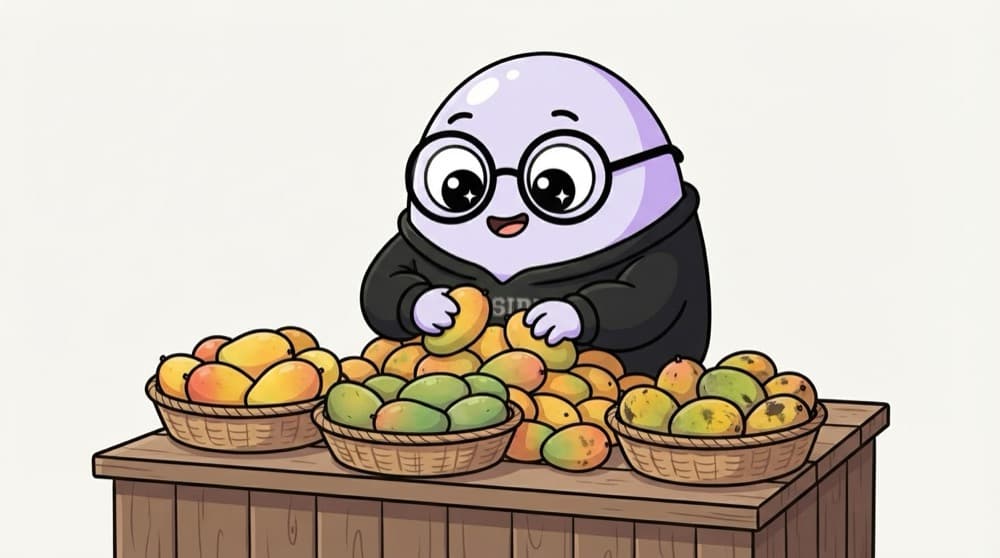
The mango sorter at the mandi
At the fruit mandi, an experienced sorter glances at each mango and drops it into the Alphonso, Langra or Dasheri basket. He learned by seeing thousands. Your classifier learns the same way, from labelled examples, and then sorts new photos it has never seen.
Watch it happen
Build plan
1/5Pick 3 to 5 classes you care about and gather 100+ images each, from varied places and lighting.
The big ideas
What you need to know
Your own dataset
Go beyond MNIST and CIFAR. A dataset you collected shows real effort and real-world messiness.
Confusion matrix
It shows which classes get mixed up, which tells you what data to collect next.
Show the failures
Put a few wrong predictions in your README. It shows you understand the model's limits.
A live demo
A Hugging Face Space or Gradio link lets a recruiter try it in ten seconds.
See it in code
Walk through the code
1# pip install gradio torch torchvision2import gradio as gr3import torch4 5classes = ["alphonso", "dasheri", "langra"]6model = torch.load("mango.pt", weights_only=False).eval()7prep = ... # the same val transforms you used in training8 9def predict(img):10 with torch.no_grad():11 probs = model(prep(img).unsqueeze(0)).softmax(1)[0]12 return {c: float(p) for c, p in zip(classes, probs)}13 14gr.Interface(predict, gr.Image(type="pil"), gr.Label(num_top_classes=3)).launch()1/3Class names must be in the same order as during training, or labels will be swapped.
A starter Gradio app for your trained model. Replace prep with your real validation transforms.
Save yourself the pain
Common mistakes
Oops
Scraping images where the same photo appears in both train and test.
Do this instead
Remove duplicates before splitting. Otherwise test accuracy is inflated and means nothing.
Oops
Reporting only '97 percent accuracy'.
Do this instead
Add per-class scores and a confusion matrix. With imbalanced classes, accuracy alone hides problems.
Your mission
First milestone: a clean dataset
Quick check
Your classifier scores 95 percent on test, but fails on photos from a friend's phone. What is the most likely cause?
Go deeper
- 1Collect or download at least 100 images per class and split them properly.
- 2Fine-tune a ResNet or EfficientNet and show a confusion matrix.
- 3Wrap it in a Gradio demo so anyone can upload a photo.
More projects at this stop
 Sentiment Analysis With a Fine-Tuned Transformer

Stuck on this topic? Ask an Insider
Get 1:1 guidance from people who've walked this exact path — on the InsideEdge app.
