In short
A React form can be bypassed with one curl command. Schema validation is the last gate before data is saved, so a negative price or an invalid email never makes it into your database.
Mongoose validators like required, min, max, enum, match and custom validate functions reject bad data before it is saved, with readable error messages.
Think of it like this
The passport counter
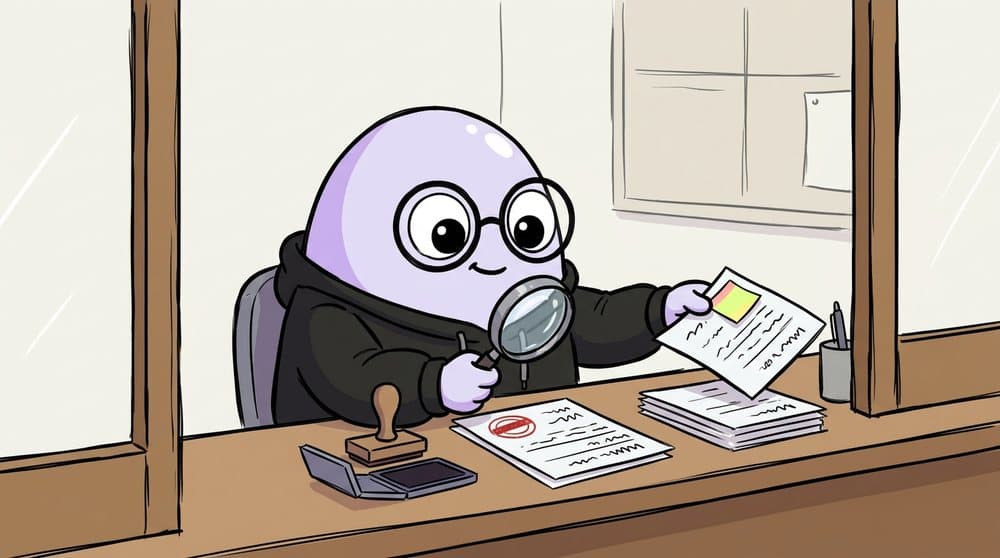
At the passport office, the officer checks every form: is the name filled in, is the date of birth sensible, is the photo the right size? Wrong forms get returned with a note saying exactly what to fix. Mongoose validators are that officer, and their error messages are the note.
Watch it happen
A bad product is rejected
POST { name: "", price: -5 }
1/4Someone sends bad data, maybe by skipping the form.
The big ideas
What you need to know
Built-in validators
required for all types, min and max for numbers and dates, minLength, maxLength, enum and match for strings.
Custom validators
validate: { validator: fn, message } lets you write any rule, such as a 6-digit Indian PIN code.
Updates skip them by default
findByIdAndUpdate doesn't validate unless you pass { runValidators: true }.
unique is not a validator
unique: true creates a unique index. Duplicates fail with error code 11000, which you handle separately.
See it in code
Walk through the code
1const userSchema = new Schema({2 name: { type: String, required: [true, "Name is required"], trim: true, maxLength: 60 },3 email: {4 type: String, required: true, lowercase: true, unique: true,5 match: [/^\S+@\S+\.\S+$/, "Please enter a valid email"],6 },7 role: { type: String, enum: { values: ["student", "mentor", "admin"], message: "{VALUE} is not a valid role" }, default: "student" },8 age: { type: Number, min: [13, "You must be at least 13"] },9 pincode: {10 type: String,11 validate: { validator: (v) => /^[1-9][0-9]{5}$/.test(v), message: "PIN code must be 6 digits" },12 },13});14 15// In error middleware16if (err.name === "ValidationError") {17 const details = Object.values(err.errors).map((e) => ({ field: e.path, message: e.message }));18 return res.status(400).json({ message: "Validation failed", code: "VALIDATION_ERROR", details });19}20if (err.code === 11000) return res.status(409).json({ message: "Email already registered", code: "DUPLICATE" });1/6Custom messages make the error useful to the person filling the form.
Readable messages on every rule, and one place that turns Mongoose errors into clean API errors.
Save yourself the pain
Common mistakes
Oops
Relying on unique: true as a validator and expecting a ValidationError.
Do this instead
unique builds an index. Catch error code 11000 and reply with 409, and make sure the index has actually been built.
Oops
Updating with findByIdAndUpdate(id, req.body) and assuming rules were checked.
Do this instead
Pass { runValidators: true }, or load the document, change it and call save().
Your mission
Validate a registration form
Quick check
Product.findByIdAndUpdate(id, { price: -10 }) succeeds even though price has min: 0. Why?
Go deeper
- 1Add an enum for order status and a regex match for a 10-digit phone number.
- 2Write a custom validator and a custom error message.
- 3Turn Mongoose ValidationError into a 400 response in your error handler.
More topics at this stop
 What Is Mongoose
 Connecting with Mongoose
 Schemas and Models
 Populate for References
 Mongoose Middleware (Hooks)
 Virtuals and Instance Methods
 Pagination with Mongoose

Stuck on this topic? Ask an Insider
Get 1:1 guidance from people who've walked this exact path — on the InsideEdge app.
