
In short
Real screens change: a spinner while loading, an error if the API fails, "Your cart is empty" when it is, and a different menu once you log in. Conditional rendering is how one component shows the right thing at the right time.
React shows different UI based on state using if statements, the ternary operator and &&. Loading spinners, empty states and logged-in menus all use this.
Think of it like this
The traffic signal
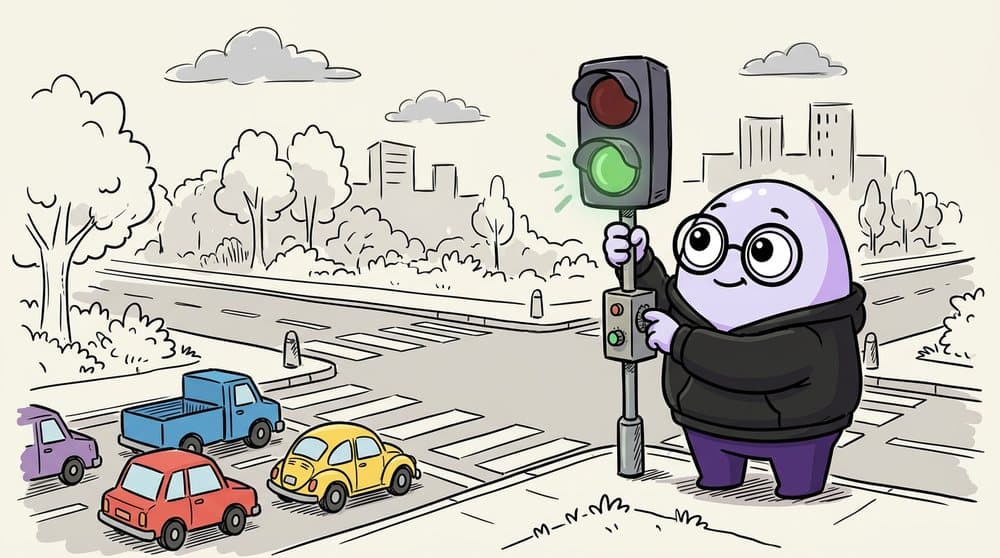
A traffic signal shows exactly one light based on the situation: red, yellow or green. It never shows a blank pole and it never shows all three at once. A good React component does the same: it checks the state, then shows exactly one of loading, error, empty or the real data.
Watch it happen
Checking states in order
1/4While the orders request is in flight, return a spinner and stop there.
The big ideas
What you need to know
Early return with if
For whole-component states like loading or error, an if with return at the top keeps the JSX below clean.
Ternary for either-or
{isLoggedIn ? <Logout /> : <Login />} picks one of two pieces of UI inline.
&& for show-or-nothing
{error && <p>{error}</p>} shows the paragraph only when error has a value.
Beware 0 with &&
{items.length && <List />} renders a literal 0 when the array is empty. Use items.length > 0 instead.
See it in code
Walk through the code
1export default function OrderList({ orders, loading, error, user }) {2 if (loading) return <p>Loading your orders...</p>;3 if (error) return <p className="error">Could not load orders: {error}</p>;4 5 return (6 <section>7 <h2>{user ? "Hi " + user.name + ", here are your orders" : "Your orders"}</h2>8 9 {orders.length === 0 ? (10 <p>No orders yet. Time to go shopping!</p>11 ) : (12 <ul>13 {orders.map((order) => (14 <li key={order._id}>15 #{order.orderNumber} - ₹{order.total}16 {order.status === "delivered" && <span> ✓ Delivered</span>}17 </li>18 ))}19 </ul>20 )}21 </section>22 );23}1/4Early returns handle the states where nothing else should show.
One component, four possible screens: loading, error, empty and the list.
Save yourself the pain
Common mistakes
Oops
Writing {cart.length && <CartBadge />} and seeing a stray 0 on the page.
Do this instead
Write {cart.length > 0 && <CartBadge />}. React renders the number 0 but skips false.
Oops
Nesting three or four ternaries inside one JSX block.
Do this instead
Move the logic into early returns or a small helper component. Readers should not need to count colons.
Oops
Rendering orders.map before the data arrives, which crashes on undefined.
Do this instead
Start state as an empty array or check loading first, so map always runs on a real array.
Your mission
Four states of a profile card
Quick check
messages is an empty array. What does {messages.length && <Inbox />} render?
Go deeper
- 1Show a Login button or the user's name depending on a loggedIn flag.
- 2Render an empty-cart message when the cart array is empty.
- 3Watch out for {count && ...} rendering a 0 when count is zero.
More topics at this stop
 Vite Project Setup
 JSX
 Components
 Props
 State with useState
 Event Handling in React
 Lists and Keys
 Controlled Components
 Forms in React

Stuck on this topic? Ask an Insider
Get 1:1 guidance from people who've walked this exact path — on the InsideEdge app.
