
In short
Time to build something you can actually use. A to-do app in the terminal pulls together lists, dicts, loops, functions and input handling, and it's a project you can proudly push to GitHub.
A terminal app that lets you add, view, complete and delete tasks from a menu. It practises lists, dicts, loops, functions and input handling in one small program.
Think of it like this
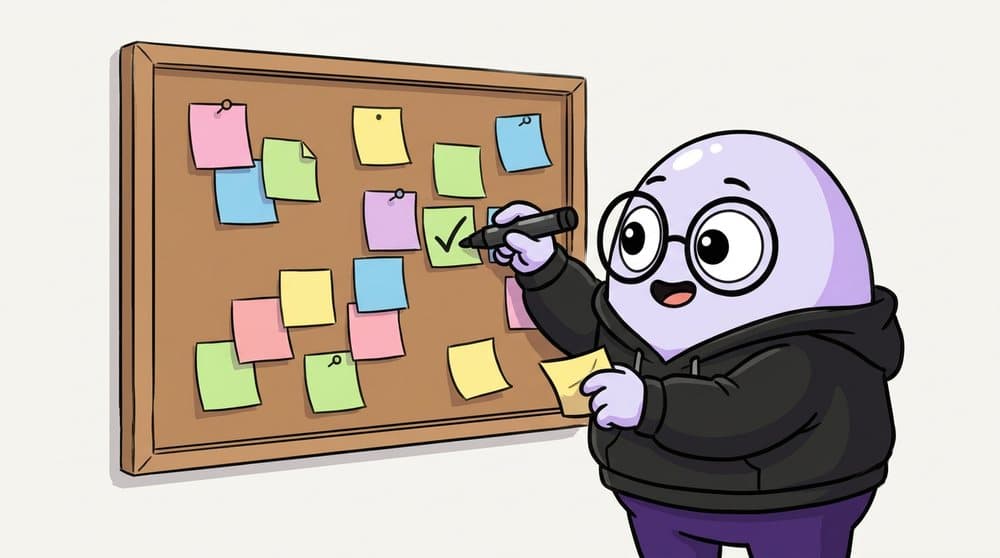
A sticky-note board on your desk
You stick a note for each task, tick it off when done, and peel it off when it's no longer needed. Your program is that board: a menu that adds notes, shows them, marks them done and throws them away.
Watch it happen
One trip around the menu loop
1/5Print options: 1 add, 2 view, 3 done, 4 delete, 5 quit.
The big ideas
What you need to know
A list of dicts
Store each task as {'title': ..., 'done': False}. The list keeps order and each dict keeps the details.
One function per action
add_task, show_tasks, mark_done and delete_task keep the main loop short and readable.
Validate input
Users type anything. Check that numbers are digits and in range before using them as indexes.
Grow it later
After Phase 6 you can save tasks to a JSON file, so they survive closing the program.
How it works
Build it in five steps
- 1
Data model
Decide that tasks is a list of dicts with title and done.
- 2
Show tasks
Print numbered tasks with [x] or [ ] for status.
- 3
Add and complete
Write add_task and mark_done, converting the typed number to an index.
- 4
Delete
Use pop(index) and confirm what was removed.
- 5
Menu loop
Wrap it all in while True with a quit option.
See it in code
Walk through the code
1tasks: list[dict] = []2 3def show_tasks() -> None:4 if not tasks:5 print("No tasks yet.")6 for i, task in enumerate(tasks, start=1):7 mark = "x" if task["done"] else " "8 print(f"{i}. [{mark}] {task['title']}")9 10def pick_index() -> int | None:11 choice = input("Task number: ")12 if choice.isdigit() and 1 <= int(choice) <= len(tasks):13 return int(choice) - 114 print("Invalid number.")15 return None16 17while True:18 print("\n1) Add 2) View 3) Done 4) Delete 5) Quit")19 option = input("Choose: ").strip()20 if option == "1":21 tasks.append({"title": input("Task: "), "done": False})22 elif option == "2":23 show_tasks()24 elif option == "3" and (i := pick_index()) is not None:25 tasks[i]["done"] = True26 elif option == "4" and (i := pick_index()) is not None:27 print("Removed:", tasks.pop(i)["title"])28 elif option == "5":29 print("Bye!")30 break1/7Every task is a small dict inside one list.
A complete, working to-do app in about 30 lines. Run it with python todo.py.
Save yourself the pain
Common mistakes
Oops
Using the typed number directly, so task 1 points at tasks[1].
Do this instead
People count from 1, lists from 0. Subtract 1 after checking the range.
Oops
Calling int(input()) and crashing when someone types 'two'.
Do this instead
Check with .isdigit() first, or wrap int() in try/except ValueError.
Your mission
Level up your to-do app
Quick check
Why does pick_index() return int(choice) - 1?
Go deeper
- 1Store each task as a dict with a title and a done flag.
- 2Show tasks with numbers using enumerate() so users can pick one.
- 3Handle invalid menu choices without crashing.

Stuck on this topic? Ask an Insider
Get 1:1 guidance from people who've walked this exact path — on the InsideEdge app.
