
Exception Handling (try/except)
Part of the Python Roadmap
In short
One missing button shouldn't crash your whole night's test run. Exception handling lets a script fail politely: record what broke, clean up, and keep going.
try runs code that might fail and except catches specific errors so the program can recover. else runs only when nothing failed, and finally always runs, which is useful for cleanup.
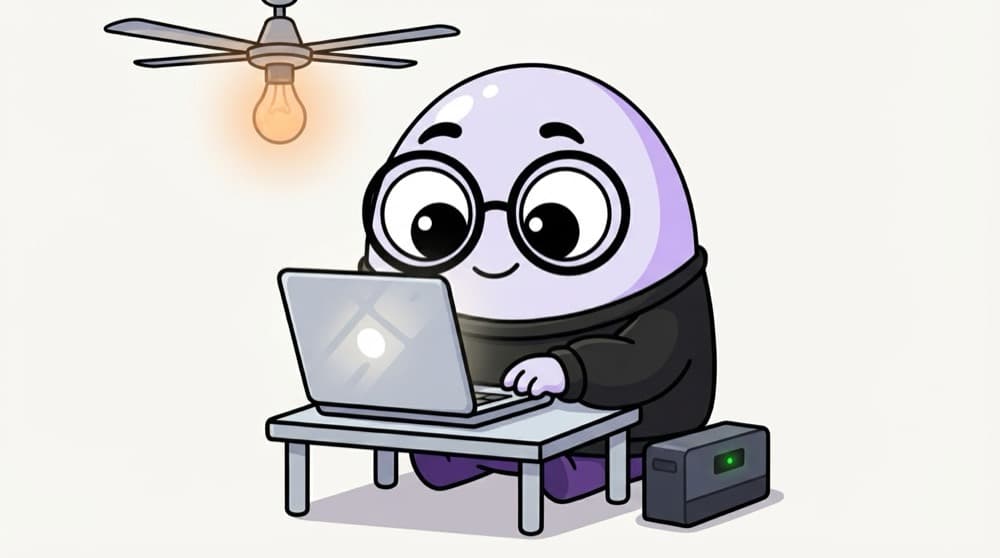
Think of it like this
The inverter during a power cut
Light goes off mid-study. You don't panic and abandon the exam prep. The inverter kicks in, the fan keeps spinning, and you note 'power cut at 9 pm' for the society WhatsApp group. try/except is your script's inverter.
Watch it happen
A failed click, handled well
find #pay-button
1/5The script tries to find the Pay button inside a try block.
The big ideas
What you need to know
try wraps risk
Put the line that might fail inside try. If it fails, Python jumps to except.
Catch specific errors
Catch TimeoutException, not every exception. Catching everything hides real bugs.
finally cleans up
Close browsers, delete temp files, log out. finally runs no matter what happened.
Don't swallow failures
A caught error must still fail the test, or your report shows green over broken code.
See it in code
Walk through the code
1from selenium import webdriver2from selenium.webdriver.common.by import By3from selenium.common.exceptions import NoSuchElementException4 5driver = webdriver.Chrome()6try:7 driver.get("https://www.saucedemo.com/")8 driver.find_element(By.ID, "pay-button").click()9except NoSuchElementException:10 driver.save_screenshot("pay_button_missing.png")11 raise12finally:13 driver.quit()1/4The risky steps go inside try. pay-button doesn't exist on this page, so line 8 fails.
Catch, collect evidence, re-raise so the test still fails, and always close the browser.
Save yourself the pain
Common mistakes
Oops
Writing except: pass to make red tests go away.
Do this instead
Catch a specific exception, log it, and re-raise or fail the test clearly.
Oops
Closing the browser only at the end of the happy path.
Do this instead
Put cleanup in finally, or in your framework's teardown, so it runs after failures too.
Your mission
Handle a bad file name
Quick check
Why re-raise an exception after taking a screenshot in a test?
Go deeper
- 1Catch ValueError when converting user input to int and ask again.
- 2Catch specific exceptions rather than a bare except:.
- 3Use finally to print a 'done' message whether the code worked or not.
More topics at this stop
 Reading & Writing Text Files
 Context Managers (with)
 Working with CSV & JSON Files
 File Paths with pathlib
 Raising Custom Exceptions
 Modules & Imports
 Packages & the __main__ Guard
 The Standard Library Tour (os, sys, datetime, random, math)

Stuck on this topic? Ask an Insider
Get 1:1 guidance from people who've walked this exact path — on the InsideEdge app.
