
In short
A test can pass while the 'Buy now' button is hidden behind a banner. Visual tests compare screenshots to catch what functional checks miss, and AI helps ignore the noise.
AI-powered visual regression testing that compares screenshots intelligently, distinguishing meaningful visual changes from insignificant rendering noise — reducing false positives compared to naive pixel-diffing.
Think of it like this
Spot the difference, done smartly
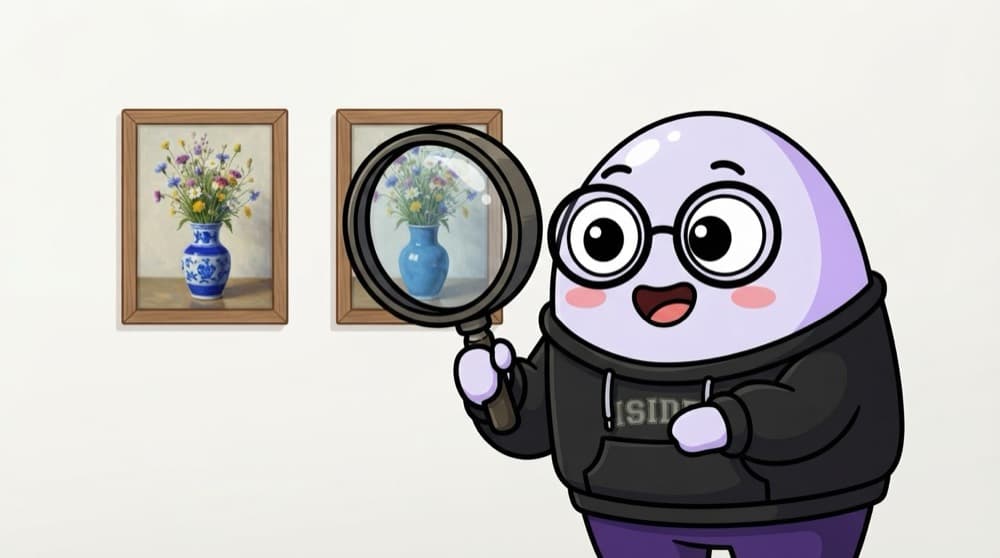
Two nearly identical paintings hang side by side. A sharp-eyed person ignores a tiny smudge and spots that the vase changed colour. Pixel diffs flag every smudge. AI visual tools try to see like that person.
Watch it happen
Pixel diff vs AI visual comparison
Pixel diff
- Compares every pixel with the baseline
- Flags font smoothing and tiny shifts
- Free, built into Playwright
AI visual
- Compares layout and content like a person
- Ignores rendering noise, flags real changes
- Usually a paid cloud service
Start with Playwright screenshots, masks and a small tolerance. Consider an AI tool when many browsers and pages make noise unmanageable.
The big ideas
What you need to know
Baselines
The first approved screenshot is the baseline. Every later run is compared against it.
Mask what changes
Hide dates, ads and user names before comparing, or every run will look different.
Same machine, same pixels
Fonts render differently on Mac, Windows and Linux. Create and compare baselines in the same environment, often a container.
Approve on purpose
When a design change is intended, a person reviews the diff and accepts the new baseline.
See it in code
Walk through the code
1test("checkout page looks right", async ({ page }) => {2 await page.goto("/checkout");3 await expect(page).toHaveScreenshot("checkout.png", {4 maxDiffPixelRatio: 0.01, // allow tiny rendering noise5 mask: [page.locator(".order-time")], // hide content that changes6 });7});1/3Takes a screenshot and compares it with the saved checkout.png baseline.
First run creates the baseline. Later runs fail if the page differs. Update intentional changes with npx playwright test --update-snapshots.
Save yourself the pain
Common mistakes
Oops
Taking baselines on your Mac and comparing them on a Linux CI runner.
Do this instead
Generate and compare baselines in the same environment, for example the same Docker image.
Oops
Clicking 'accept all' on every visual diff to make the build green.
Do this instead
Look at each diff. Accept intentional changes; log the rest as bugs.
Your mission
Catch a visual bug
Quick check
Your visual test fails every run because a 'last updated' timestamp changes. Best fix?
Go deeper
- 1Explore a visual testing tool's approach to comparing before/after screenshots.
- 2Learn why naive pixel-by-pixel comparison produces excessive false positives.
- 3Understand AI-based visual comparison aims to focus on changes a human would actually notice.
More topics at this stop
 AI Tools for Test Case Generation
 AI-Assisted Test Automation
 Self-Healing Test Scripts
 Prompt Engineering for QA
 Evaluating AI-Generated Tests
 AI in Bug Triage & Prioritization

Stuck on this topic? Ask an Insider
Get 1:1 guidance from people who've walked this exact path — on the InsideEdge app.
