
Performance Testing Scenarios
Part of the QA Testing Roadmap
In short
'How would you test if this system can handle 10,000 users?' is a favourite scenario. A good answer clarifies what '10,000 users' means, picks the right test type, and names the metrics.
'How would you test if this system can handle 10,000 concurrent users?' — testing Phase 10's performance testing knowledge applied to a concrete scenario.
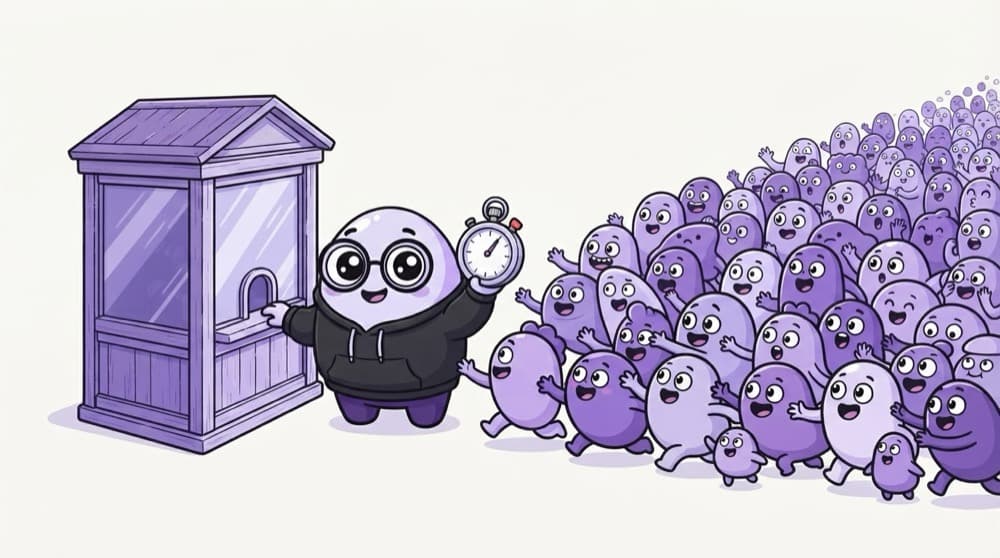
Think of it like this
Tatkal booking at 10 a.m.
Railway Tatkal booking opens at a fixed time, and a huge crowd hits the site in the same minute. The site is fine all day, then gets hammered. Performance scenarios ask: what happens at that exact moment?
Watch it happen
Pick the right type of performance test
1/5Different questions need different tests. Name the right one in your answer.
The big ideas
What you need to know
Clarify the number
10,000 at the same moment, or per hour? Logged in, or browsing? The answer changes the whole test.
Realistic flows
Model what users really do: browse, search, add to cart, pay, with think time between steps.
The right metrics
Response time percentiles like p95, error rate, throughput, and server CPU, memory and database load.
Like-for-like environment
Results only mean something on an environment sized like production, with permission to load it.
How it works
A strong answer, step by step
- 1
Clarify
Concurrent or per hour, which user flows, and what response time is acceptable.
- 2
Choose test types
Load test for the target, then a spike or stress test to find limits.
- 3
Script and ramp
Script real user flows in k6 or JMeter and ramp users gradually.
- 4
Measure and report
Watch p95, errors and server metrics, then name the bottleneck and next step.
Save yourself the pain
Common mistakes
Oops
Answering only with a tool name: 'I'd use JMeter'.
Do this instead
Tools come last. Start with clarifying questions, test type, user flows and metrics.
Oops
Running the load test from your laptop against production without telling anyone.
Do this instead
Use an agreed environment and time window. Unannounced load can take down a live service.
Your mission
Answer three scenarios
Quick check
Users report the app gets slower the longer the servers run, then needs a restart. Which test fits best?
Go deeper
- 1Review Phase 10 and practice designing a load test plan for a sample scenario.
- 2Prepare to discuss key performance metrics and how you'd interpret results.
- 3Practice explaining the difference between load, stress, and spike testing clearly.
More process & strategy at this stop
 Test Strategy Scenario Questions
 Agile Testing Questions

Stuck on this topic? Ask an Insider
Get 1:1 guidance from people who've walked this exact path — on the InsideEdge app.
