
Test Case Design Questions
Part of the QA Testing Roadmap
In short
'Write test cases for this login form' sounds easy. Most candidates list five happy paths. The ones who get hired show a system: categories, techniques, and priorities.
'Write test cases for this login form' — testing whether you can apply Phase 2's design techniques systematically, covering positive, negative, and edge cases, not just the obvious happy path.
Think of it like this
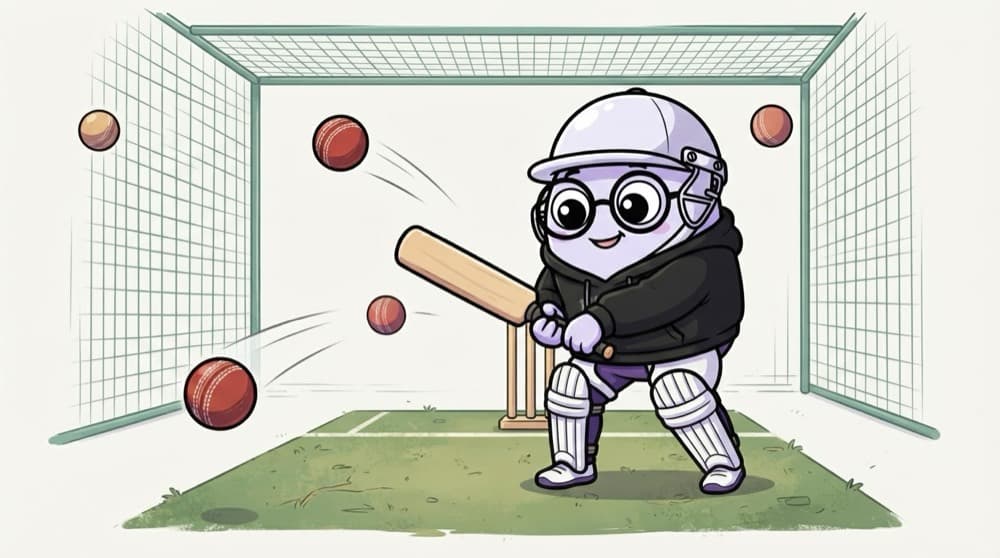
Batting in the nets
In the nets, the bowling machine sends full tosses, bouncers, yorkers and wide ones. A good batter is ready for each type, not just the easy ball. Interviewers bowl you a feature; show you can face every kind of delivery.
Watch it happen
A login form, broken into test categories
1/5Start by naming categories out loud. It shows the interviewer you have a structure.
The big ideas
What you need to know
Ask first
Clarify rules before listing cases: password limits, lockout policy, 'remember me', social login. Interviewers like questions.
Name your techniques
Say 'equivalence partitioning' and 'boundary value analysis' when you use them, with the actual values.
Prioritise
End with which five cases you'd run first if you had ten minutes. That shows risk thinking.
Beyond function
Mention usability, accessibility, performance and different browsers briefly. Breadth earns points.
How it works
How to structure your answer
- 1
Clarify
Ask two or three questions about rules and scope.
- 2
Categorise
Name the categories: positive, negative, boundary, security, UI, compatibility.
- 3
Fill with examples
Give two or three concrete cases per category, with real values.
- 4
Prioritise
Close with what you'd test first and why.
Save yourself the pain
Common mistakes
Oops
Listing cases randomly as they come to mind.
Do this instead
Group them by category so the interviewer can follow your thinking.
Oops
Saying 'test with invalid data' without examples.
Do this instead
Say exactly what: 'abc@', an email with a space, a 65-character password.
Your mission
Practise on three objects
Quick check
A password must be 8 to 16 characters. Which set of lengths best tests the boundaries?
Go deeper
- 1Practice writing test cases live for a common feature (login, search, checkout) under time pressure.
- 2Apply equivalence partitioning and boundary value analysis deliberately, not just intuition.
- 3Practice narrating your reasoning out loud as you design each test case.
More manual testing at this stop
 Bug Reporting & Triage Questions
 SDLC/STLC Questions

Stuck on this topic? Ask an Insider
Get 1:1 guidance from people who've walked this exact path — on the InsideEdge app.
