
Selenium WebDriver Fundamentals
Part of the QA Testing Roadmap
In short
Selenium lets your code drive a real browser: open pages, type, click and check. It has been the default first automation tool in QA for well over a decade.
The most widely used browser automation library — controlling a real browser programmatically to click, type, and verify web page behavior, the foundation of most web test automation careers.
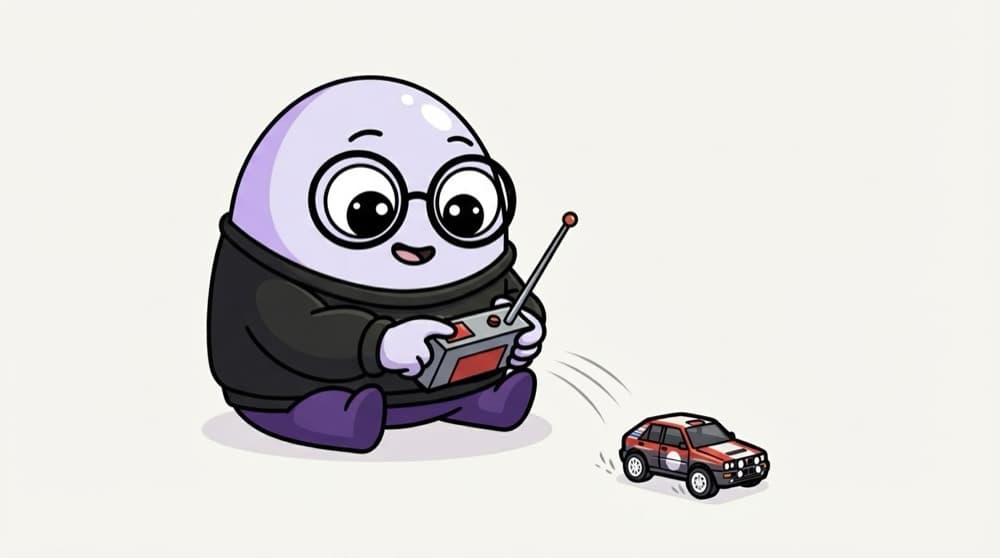
Think of it like this
The remote-control car
You press buttons on the remote, a signal goes to the receiver, and the car turns left. Your script is the remote, the browser driver is the receiver, and Chrome is the car doing exactly what you pressed.
Watch it happen
How one click travels
new session
1/6webdriver.Chrome() starts a driver process and asks it for a new browser session.
The big ideas
What you need to know
Driver in the middle
Every browser has its own driver: chromedriver, geckodriver, safaridriver. Selenium Manager downloads the right one for you.
Find, then act
Almost every step is find_element followed by click, send_keys or reading .text.
Many languages
Official bindings exist for Java, Python, C#, JavaScript and Ruby. Same ideas in each.
Always quit
driver.quit() closes the browser and the driver. Forget it and dozens of Chrome windows pile up.
See it in code
Walk through the code
1from selenium import webdriver2from selenium.webdriver.common.by import By3 4driver = webdriver.Chrome() # Selenium Manager fetches the driver5driver.get("https://www.saucedemo.com/")6 7driver.find_element(By.ID, "user-name").send_keys("standard_user")8driver.find_element(By.ID, "password").send_keys("secret_sauce")9driver.find_element(By.ID, "login-button").click()10 11assert "inventory" in driver.current_url12driver.quit()1/3Start Chrome and open the page. Since Selenium 4.6 you don't download drivers by hand.
A complete login test against Sauce Demo, a public practice site. Install with pip install selenium.
Save yourself the pain
Common mistakes
Oops
Downloading a random chromedriver.exe and fighting version mismatch errors.
Do this instead
Use Selenium 4.6 or newer and let Selenium Manager match the driver to your browser.
Oops
Writing a test with no assert, just clicks.
Do this instead
A test without a check only proves the clicks didn't crash. Always verify an outcome.
Your mission
Automate one login
Quick check
What does ChromeDriver do in a Selenium test?
Go deeper
- 1Set up Selenium WebDriver and write a script that opens a browser and navigates to a page.
- 2Learn the basic WebDriver API: find elements, interact with them, and assert their state.
- 3Practice running the same script against a different browser to see cross-browser behavior.
More topics at this stop
 Locators & XPath
 Handling Web Elements
 Waits & Synchronization
 Page Object Model (POM)
 Playwright Fundamentals
 Cypress Fundamentals
 Cross-Browser Testing
 Handling Dynamic Web Elements
 Choosing Selenium vs Playwright vs Cypress

Stuck on this topic? Ask an Insider
Get 1:1 guidance from people who've walked this exact path — on the InsideEdge app.
