In short
Sending one perfect request proves almost nothing. Good API tests ask: what if a field is missing, too long, the wrong type, or the token is gone?
Designing API test cases covering valid inputs, invalid inputs, boundary conditions, and error scenarios — applying Phase 2's test case design techniques specifically to API endpoints.
Think of it like this
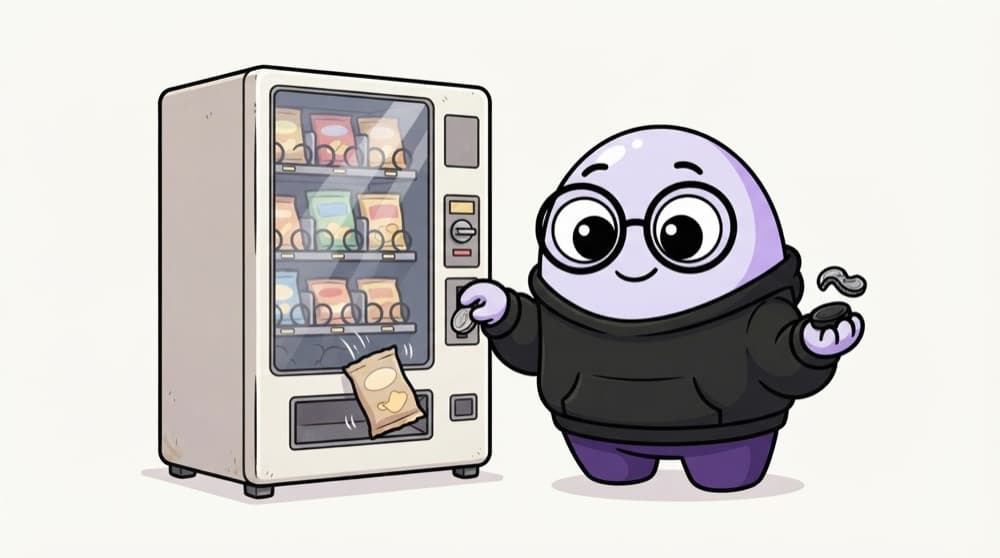
Testing a vending machine
Correct coins? Snack drops. A bent coin? Rejected. Exactly enough money? Should work. One rupee short? No snack. Press two buttons at once? Hmm. You'd test all of these. An API endpoint deserves the same treatment.
Watch it happen
Test ideas for POST /users
1/4Start with the happy path: valid data creates a user and returns 201.
The big ideas
What you need to know
Status and body
Check the status code, the response fields and the error message, not just one of them.
Reuse old techniques
Equivalence partitioning and boundary values from manual testing apply to every API field.
Check side effects
After a POST, GET the item back. After a DELETE, confirm it's really gone.
500 is always a bug
Bad input should get a 4xx with a helpful message. A 500 means the server didn't handle it.
See it in code
Walk through the code
1import pytest2import requests3 4URL = "https://api.your-app.test/users" # your team's QA API5 6@pytest.mark.parametrize("payload, expected", [7 ({"name": "Asha", "email": "asha@test.com"}, 201),8 ({"name": "Asha"}, 400), # missing email9 ({"name": "Asha", "email": "not-an-email"}, 400), # bad format10 ({"name": "A" * 50, "email": "a@test.com"}, 201), # at the limit11 ({"name": "A" * 51, "email": "a@test.com"}, 400), # one over12])13def test_create_user(payload, expected):14 r = requests.post(URL, json=payload, timeout=10)15 assert r.status_code == expected1/4parametrize runs the same test once per row, each with its own payload.
One test function, five designed cases. Point URL at an API you're allowed to test.
Save yourself the pain
Common mistakes
Oops
Only testing what the API documentation shows as an example.
Do this instead
Docs show the happy path. Design negative, boundary and auth cases yourself.
Oops
Checking the status code but ignoring a wrong error message.
Do this instead
Assert the message too. 'Email is required' helps users. 'Error' doesn't.
Your mission
Design before you code
Quick check
You send a name with 10,000 characters and get 500 Internal Server Error. What's the verdict?
Go deeper
- 1Design 8-10 test cases for a sample API endpoint, covering positive and negative scenarios.
- 2Learn to test for correct error handling, not just the happy path.
- 3Practice verifying response body structure and content, not just the status code alone.
More topics at this stop
 REST API Basics for Testers
 HTTP Methods & Status Codes
 Postman Fundamentals
 Automating API Tests (REST Assured / Requests)
 Authentication Testing (OAuth, API Keys)
 API Contract Testing
 GraphQL Testing Basics
 Mocking & Stubbing APIs

Stuck on this topic? Ask an Insider
Get 1:1 guidance from people who've walked this exact path — on the InsideEdge app.
