Prompt Engineering for Designers
Part of the UI/UX Design Roadmap
In short
'Make a nice login screen' gets you something generic. A prompt with the user, context, limits and format gets you something you can actually use.
Writing clear, structured prompts to get useful design-relevant output from an AI tool — providing context, constraints, and examples rather than a single vague sentence.
Think of it like this
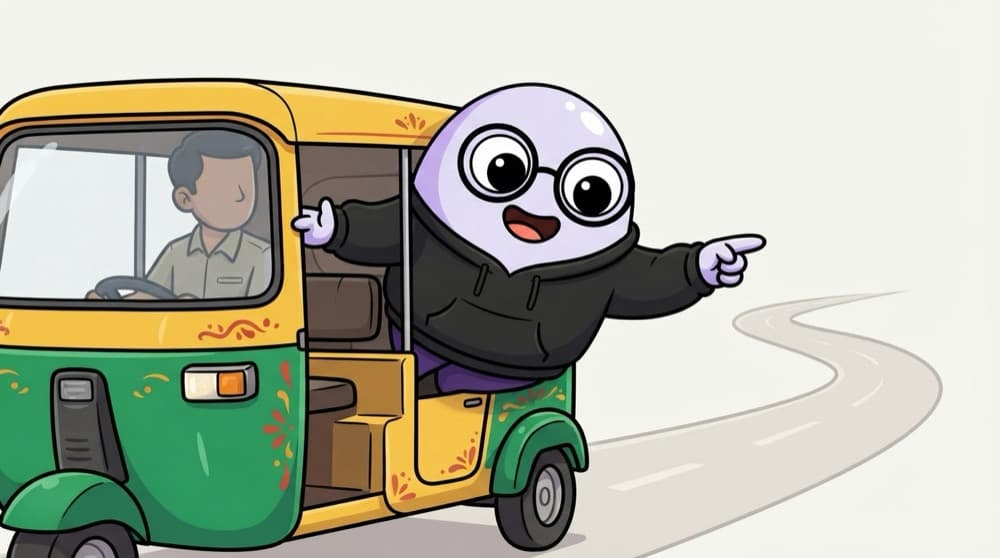
Giving directions to the auto driver
Say 'Bhaiya, take me to the market' and you might reach the wrong market. Say 'the vegetable market near the bus stand, enter from the back gate, I'm in a hurry' and you get there. AI tools need the same detail.
Watch it happen
The parts of a useful design prompt
1/5A prompt is a brief. Each part removes a guess the AI would otherwise make.
The big ideas
What you need to know
One job per prompt
Break big asks into steps. 'List user goals' first, then 'suggest flows for goal 2'.
Show an example
A reference screenshot or a sample of the style you want beats a long description.
Iterate, don't restart
Reply with specific fixes: 'make step 2 shorter, keep the rest'. Treat it like a conversation.
Keep a prompt library
Save prompts that worked in a doc. Your team can reuse and improve them.
See it in code
Walk through the code
1Act as a senior mobile UX designer.2Users: first-year students, many on budget Android phones,3using the app between classes.4Task: suggest 3 different onboarding flows for a5campus events app.6Constraints: max 3 screens each, skippable, works7one-handed, WCAG AA contrast, no account needed to browse.8Format: for each flow give a name, the screens in order,9and one risk to test with users.1/4Role and context: who's answering and who it's for.
Role, context, task, constraints and format, each on its own lines. The constraints do the most work in steering the answer.
Save yourself the pain
Common mistakes
Oops
Writing one vague sentence and blaming the tool for generic results.
Do this instead
Add users, context, constraints and format. Most bad outputs come from missing information.
Oops
Pasting private user data or company plans into a public AI tool.
Do this instead
Anonymise and check your team's rules on which tools you're allowed to use.
Your mission
Vague vs detailed
Quick check
Your AI output keeps ignoring that the app is for older users. What's the best fix?
Go deeper
- 1Practice iterating on a design-related prompt 3-4 times to see how wording changes shift output.
- 2Learn to give AI tools specific constraints (style, platform, brand) rather than open-ended requests.
- 3Build a small library of prompt templates for recurring design tasks.
More topics at this stop
 AI Tools for UI Generation
 AI for UX Research (Synthesis & Summarization)
 AI-Assisted Prototyping
 Generative Design Basics
 Evaluating AI-Generated Design Output
 AI Tools for Design-to-Code

Stuck on this topic? Ask an Insider
Get 1:1 guidance from people who've walked this exact path — on the InsideEdge app.
