
Design Tool Proficiency Questions
Part of the UI/UX Design Roadmap
In short
'How comfortable are you with Figma?' Saying 'very' means nothing. Describing what you've actually built with it tells them exactly where you stand.
'What's your experience with Figma / prototyping / design systems?' — a practical check on your hands-on familiarity with the tools from this roadmap, not just theoretical knowledge.
Think of it like this
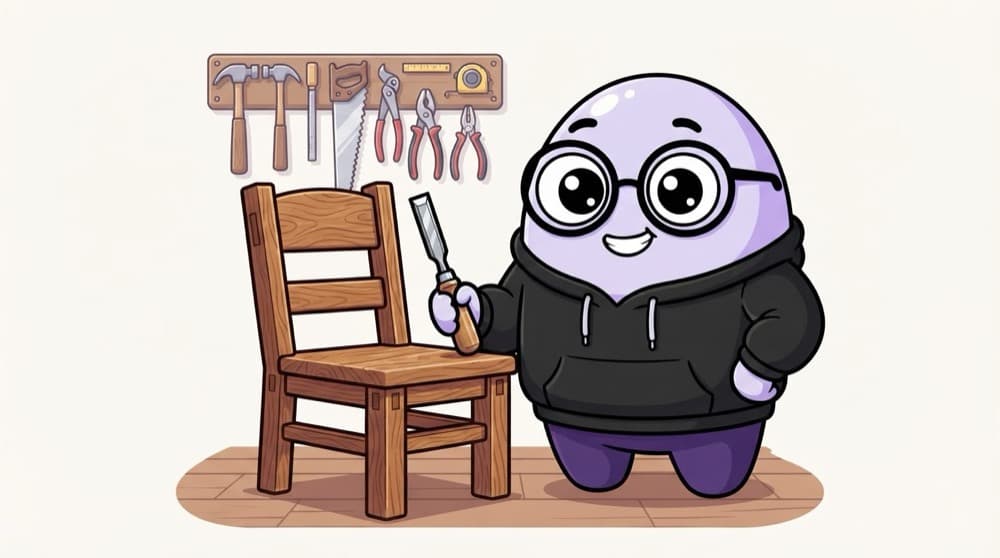
The carpenter and the chair
Ask a carpenter if they know their tools and a good one won't list chisels. They'll show you the chair they built and how the joints fit. Talk about design tools the same way: through the things you made with them.
Watch it happen
A weak answer vs a strong answer
Vague
- 'I'm an expert in Figma'
- Lists tools without context
- No proof of real use
Specific
- Names features used on real projects
- Explains why they helped the team
- Honest about what's still new to you
Describe what you built: 'I set up variables and component variants for a 20-screen app'. Specifics prove skill.
The big ideas
What you need to know
Know the core
Auto layout, components, variants, variables and prototyping are the Figma basics most teams expect.
Show file hygiene
Talk about naming, pages and organisation. Teams care about files others can use.
Handoff awareness
Knowing how developers inspect your file and read specs is a plus.
Be honest
'I've used it a little and I'm learning' is better than bluffing and failing a follow-up.
Save yourself the pain
Common mistakes
Oops
Listing every tool you've ever opened on your CV.
Do this instead
List the few you use well, and be ready to explain how you used each one.
Oops
Thinking tool skill is the main thing they hire for.
Do this instead
Tools are expected. Your thinking and process still matter more.
Your mission
Prove it in one file
Quick check
Which answer best shows Figma skill?
Go deeper
- 1List every tool you've genuinely used hands-on across this roadmap's practice exercises.
- 2Be honest about tools you know conceptually but haven't used directly.
- 3Practice describing a specific technique (e.g. auto layout, components) you're comfortable with.
More process & craft at this stop
 UX Process Questions
 Accessibility Questions

Stuck on this topic? Ask an Insider
Get 1:1 guidance from people who've walked this exact path — on the InsideEdge app.
