
Protected Routes
Part of the Web Development Roadmap
In short
Hiding a button in React protects nothing. The real lock is middleware on your API that checks who is calling, and what they're allowed to touch, before your route code runs.
Protected routes only respond to logged-in users with the right permissions, using middleware that checks the session or token before the route handler runs.
Think of it like this
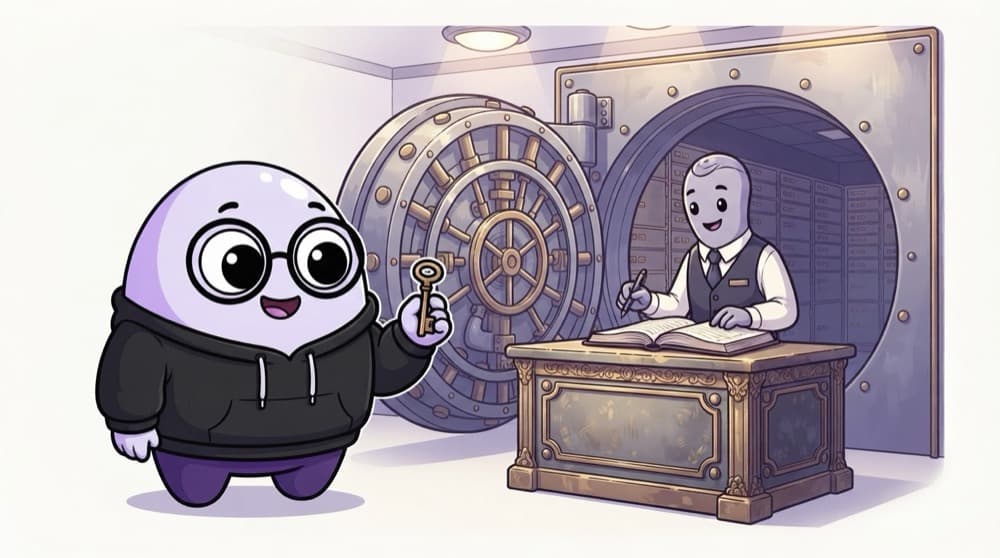
The bank locker room
To open your bank locker, the staff check your key and signature against their records before the vault door opens. Even inside, your key opens only your own locker, not the one next to it. Backend protection needs both checks: who you are and what's yours.
Watch it happen
Deleting a post you don't own
DELETE /api/posts/9
1/7A request arrives with no login cookie.
The big ideas
What you need to know
401 vs 403
401 means 'we don't know who you are'. 403 means 'we know you, and the answer is no'.
Middleware runs first
app.delete("/api/posts/:id", requireAuth, handler) runs the check before your handler, on every request.
Check ownership in queries
Filter by owner: WHERE id = $1 AND user_id = $2. Otherwise any logged-in user can edit anyone's data by changing the id.
Protect whole routers
router.use(requireAuth) at the top of an admin router covers every route in it, so none get forgotten.
See it in code
Walk through the code
1import type { Request, Response, NextFunction } from "express";2import jwt from "jsonwebtoken";3 4export function requireAuth(req: Request, res: Response, next: NextFunction) {5 const token = req.cookies?.token ?? req.headers.authorization?.replace("Bearer ", "");6 if (!token) return res.status(401).json({ error: "Please log in" });7 try {8 req.user = jwt.verify(token, process.env.JWT_SECRET!) as { sub: string; role: string };9 next();10 } catch {11 res.status(401).json({ error: "Session expired, log in again" });12 }13}14 15export const requireRole = (role: string) => (req: Request, res: Response, next: NextFunction) =>16 req.user?.role === role ? next() : res.status(403).json({ error: "Not allowed" });1/4Read the token from the cookie or an Authorization header. No token means 401.
Use it as app.delete("/api/posts/:id", requireAuth, deletePost). req.user needs a small type declaration for Express's Request.
Save yourself the pain
Common mistakes
Oops
Protecting the React route /admin and leaving GET /api/admin/users open.
Do this instead
Every API route that returns or changes private data needs its own server-side check.
Oops
Trusting a userId sent in the request body to decide whose data to change.
Do this instead
Take the user id from the verified token or session, never from what the client sends.
Your mission
Lock down a notes API
Quick check
A logged-in student calls PATCH /api/grades/88 to change a grade they don't own. Which response is correct?
Go deeper
- 1Write an auth middleware and apply it to routes that change data.
- 2Check that a user owns a note before letting them edit or delete it.
- 3Also hide protected pages in the frontend, but rely on the backend for real security.
Also part of these roadmaps
More topics at this stop
 Authentication vs Authorization
 Password Hashing
 Cookies
 Sessions vs Tokens
 JWT
 Social Login (Google, GitHub)
 CORS
 XSS Prevention
 SQL Injection

Stuck on this topic? Ask an Insider
Get 1:1 guidance from people who've walked this exact path — on the InsideEdge app.
