
In short
Disks fail, people run the wrong delete, ransomware encrypts everything. The question isn't if you'll need a backup but when. And a backup you've never restored is just a hopeful guess.
A good backup plan follows ideas like the 3-2-1 rule, sets how much data you can lose (RPO) and how fast you must recover (RTO), and is tested with real restores. On AWS, snapshots, S3 versioning and AWS Backup plans put this into practice.
Think of it like this
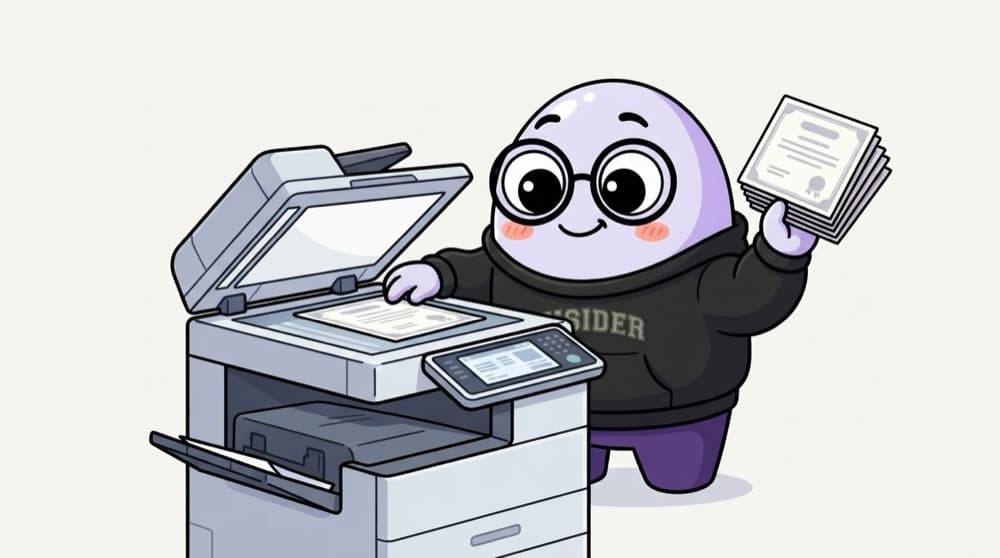
Photocopies of your certificates
You keep the originals at home, a scanned copy in your email, and a photocopy set at your mama's house in another city. A flood at home can't take all three. That's the 3-2-1 rule.
Watch it happen
The 3-2-1 rule in the cloud
1/43-2-1 means three copies, on two different kinds of storage, with one somewhere else entirely.
The big ideas
What you need to know
RPO: how much loss
Recovery Point Objective: how much data you can afford to lose. Hourly backups mean up to an hour lost.
RTO: how long down
Recovery Time Objective: how fast you must be back. This decides whether a slow archive restore is acceptable.
Make backups untouchable
Use a separate account and object lock or vault lock so ransomware or a bad admin can't delete them.
Test restores
Schedule real restore drills. Many teams discover broken backups only on the day they need them.
How it works
A monthly restore drill
- 1
Pick a backup
Choose a random recent snapshot, not the newest one.
- 2
Restore to a sandbox
Create a new database or volume from it in a test account.
- 3
Check the data
Run a few queries or open files. Are row counts and recent records right?
- 4
Time it and write it down
Note how long it took and compare against your RTO. Fix the runbook if anything surprised you.
Save yourself the pain
Common mistakes
Oops
Keeping backups in the same account and region as production.
Do this instead
One stolen admin key or one region issue can wipe both. Copy backups to another account and region.
Oops
Treating replication as a backup.
Do this instead
Replication copies mistakes too. Delete a table and the replica deletes it a second later. You still need point-in-time backups.
Your mission
Back up and restore one file system
Quick check
A developer accidentally drops a table. A read replica exists in another zone. Will it save you?
Go deeper
- 1Write the RPO and RTO you would want for a college results website.
- 2Create an AWS Backup plan that backs up a tagged EBS volume daily.
- 3Restore one backup to a new volume and check the data is really there.
Also part of these roadmaps
More topics at this stop
 Amazon S3 Buckets & Objects
 S3 Storage Classes & Lifecycle Rules
 S3 Versioning & Replication
 S3 Bucket Policies & Block Public Access
 S3 Encryption (SSE-S3, SSE-KMS)
 S3 Presigned URLs
 S3 Static Website Hosting
 EBS Volumes & Snapshots
 Amazon EFS Shared File Storage

Stuck on this topic? Ask an Insider
Get 1:1 guidance from people who've walked this exact path — on the InsideEdge app.
