In short
Someone overwrites the final invoice file, or a script deletes a whole folder. With versioning, that is a two-minute fix instead of a disaster. Replication goes further and keeps a copy in another bucket or Region.
Versioning keeps every version of an object, protecting against accidental overwrites and deletes. Replication copies objects to another bucket, in the same Region (SRR) or a different one (CRR), and requires versioning on both buckets.
Think of it like this
A register with carbon copies
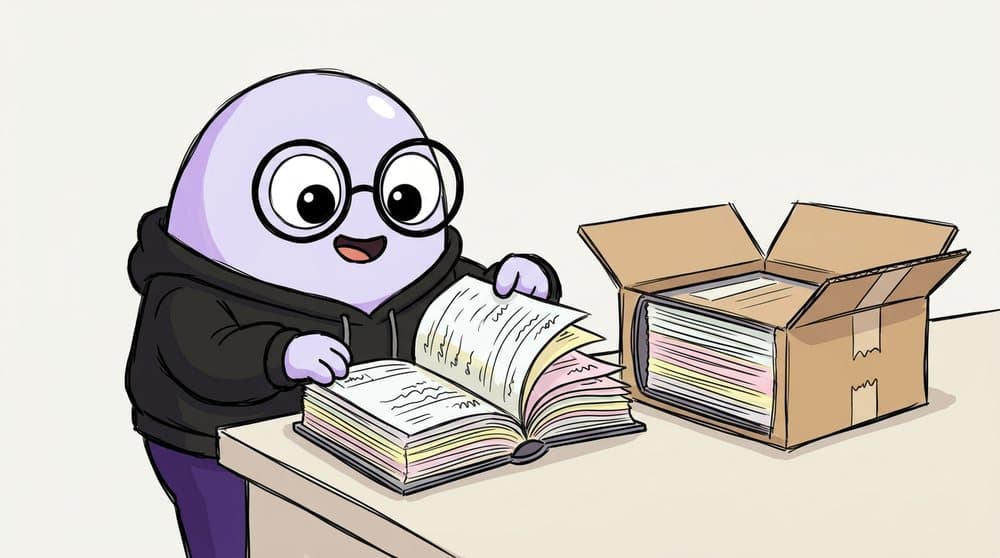
An old shop billing book keeps a carbon copy of every bill, so even if a page is torn out the copy remains. Versioning is that carbon copy for every change. Replication is sending the duplicate book to a branch office in another city every evening.
Watch it happen
Versions of invoice.pdf
Top of the stack is coloured
1/4Versioning is on. The first upload gets a version ID.
The big ideas
What you need to know
Once on, never off
A bucket can be unversioned, versioning-enabled or suspended. After enabling, you can suspend but never fully return to unversioned.
Every version is billed
Old versions use storage. Add a lifecycle rule to expire noncurrent versions after, say, 30 days.
SRR and CRR
Same-Region and Cross-Region Replication copy new objects to another bucket. Both buckets need versioning, and S3 needs an IAM role to do the copying.
New objects only
Replication copies objects written after the rule exists. Use S3 Batch Replication for objects already in the bucket.
See it in code
Walk through the code
1aws s3api put-bucket-versioning --bucket acme-invoices \2 --versioning-configuration Status=Enabled3 4aws s3api list-object-versions --bucket acme-invoices --prefix invoice.pdf \5 --query "{Versions:Versions[].[VersionId,IsLatest],Markers:DeleteMarkers[].VersionId}"6 7# replication.json8# {"Role":"arn:aws:iam::111122223333:role/s3-replication-role",9# "Rules":[{"ID":"to-hyderabad","Status":"Enabled","Priority":1,"Filter":{},10# "DeleteMarkerReplication":{"Status":"Disabled"},11# "Destination":{"Bucket":"arn:aws:s3:::acme-invoices-hyd"}}]}12aws s3api put-bucket-replication --bucket acme-invoices \13 --replication-configuration file://replication.json1/4Enable versioning. Do the same on the destination bucket.
Turn on versioning, inspect versions and delete markers, then replicate the bucket to a versioned bucket in Hyderabad.
Save yourself the pain
Common mistakes
Oops
Treating replication as a backup against deletes.
Do this instead
With delete marker replication on, deletes are copied too. Keep versioning and lifecycle rules, and consider AWS Backup or Object Lock for true protection.
Oops
Enabling versioning and forgetting about old versions.
Do this instead
Add a NoncurrentVersionExpiration lifecycle rule so old versions don't grow your bill forever.
Your mission
Undo a delete
Quick check
In a versioned bucket you run aws s3 rm on a file. What actually happens?
Go deeper
- 1Enable versioning, overwrite a file and restore the older version.
- 2Delete an object and see the delete marker, then remove it to bring the object back.
- 3Set up replication between two buckets and check that new uploads copy across.
More topics at this stop
 Amazon S3 Buckets & Objects
 S3 Storage Classes & Lifecycle Rules
 S3 Bucket Policies & Block Public Access
 S3 Encryption (SSE-S3, SSE-KMS)
 S3 Presigned URLs
 S3 Static Website Hosting
 EBS Volumes & Snapshots
 Amazon EFS Shared File Storage
 Data Backup Strategies

Stuck on this topic? Ask an Insider
Get 1:1 guidance from people who've walked this exact path — on the InsideEdge app.
