Server-Sent Events
Part of the Backend Developer Roadmap
In short
Live cricket scores, stock tickers and AI answers streaming word by word only need the server to talk. Server-Sent Events do exactly that over plain HTTP, with almost no setup.
A simpler one-way protocol (server-to-client only) for pushing live updates over a single long-lived HTTP connection — a lighter-weight alternative to WebSockets when you don't need bidirectional communication.
Think of it like this
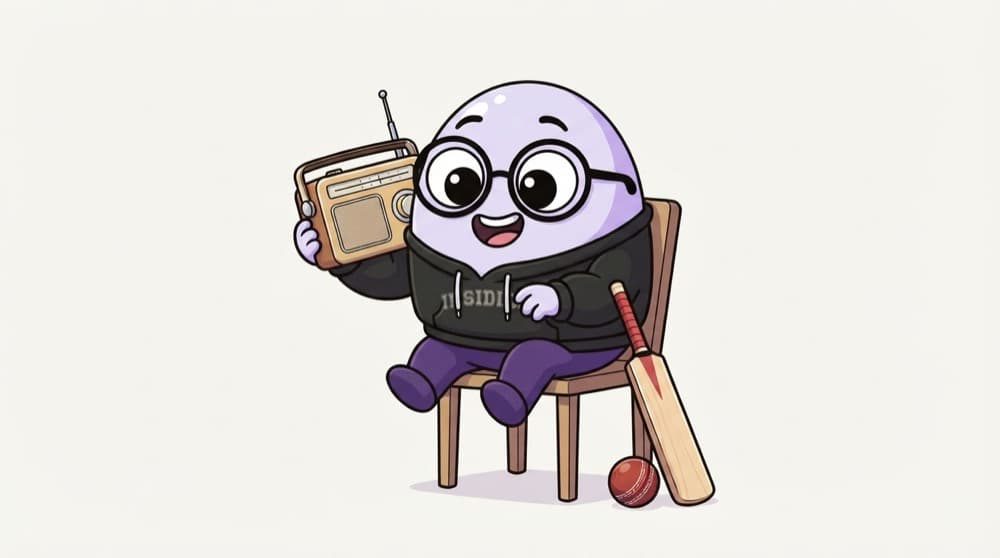
Cricket commentary on the radio
You tune the transistor to the match and just listen. The commentator talks whenever something happens; you don't call the station to ask for each ball. If the signal fades, you retune. SSE is a one-way commentary channel from your server.
Watch it happen
One long response, many events
GET /score
1/5new EventSource("/score") sends a normal GET with Accept: text/event-stream.
The big ideas
What you need to know
Server to client only
The client can't send on this stream. For the rare message upwards, use a normal POST.
Just HTTP
Works through most proxies and load balancers, uses normal cookies for auth, and needs no special library on the server.
Auto-reconnect built in
The browser's EventSource retries for you. Send an id: with each event so it can resume from the right spot.
Text only
SSE carries UTF-8 text. Send JSON strings; for binary data like audio, WebSockets fit better.
See it in code
Walk through the code
1app.get("/score", (req, res) => {2 res.set({3 "Content-Type": "text/event-stream",4 "Cache-Control": "no-cache",5 Connection: "keep-alive",6 });7 res.flushHeaders();8 9 const timer = setInterval(() => {10 res.write(`data: ${JSON.stringify({ runs: getRuns() })}\n\n`);11 }, 2000);12 13 req.on("close", () => clearInterval(timer));14});15 16// Browser: new EventSource("/score").onmessage = (e) => console.log(e.data);1/4These headers tell the browser it's an event stream and tell caches not to store it.
If you sit behind Nginx, turn off response buffering for this route (proxy_buffering off), or events arrive in clumps instead of live.
Save yourself the pain
Common mistakes
Oops
Forgetting the blank line after each data: line.
Do this instead
End every event with \n\n. Without it, the browser keeps waiting for the event to finish.
Oops
Reaching for WebSockets just to stream an AI reply.
Do this instead
Streaming one way is exactly what SSE is for. Many AI chat APIs stream their tokens this way.
Your mission
A live score ticker
Quick check
Your dashboard only needs the server to push new order counts. Which fits best with the least effort?
Go deeper
- 1Build an SSE endpoint that streams live updates to a browser using `EventSource`.
- 2Compare SSE's simplicity to WebSockets for a use case like live notifications.
- 3Learn SSE automatically reconnects on the client side, unlike raw WebSockets.
More topics at this stop
 WebSockets
 Socket.io
 Long Polling
 Pub/Sub Pattern
 Real-time Scaling Challenges

Stuck on this topic? Ask an Insider
Get 1:1 guidance from people who've walked this exact path — on the InsideEdge app.
