
Containers Overview (Docker Basics)
Part of the Cloud Computing Roadmap
In short
'It works on my machine' has ruined many demos. Containers pack your app with everything it needs, so it runs the same on your laptop, your friend's laptop and a cloud server.
Packaging an application and its dependencies into a portable, isolated unit — a lighter-weight alternative to a full VM, and the foundation for the container orchestration covered in Phase 9.
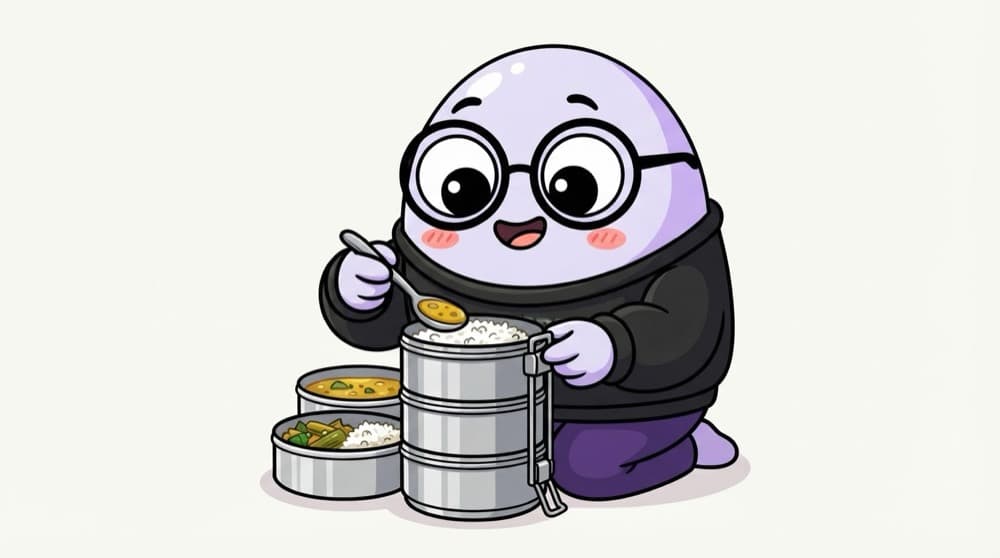
Think of it like this
The steel tiffin
Amma packs rice, dal and sabzi into one sealed tiffin. Whether it's opened in the office, on the train or in the hostel, it's the same lunch. A container is a tiffin for your app and its ingredients.
Watch it happen
From code to running container
1/5A Dockerfile lists the steps: base image, copy code, install packages, start command.
The big ideas
What you need to know
Image vs container
The image is the recipe and packed ingredients. A container is one running copy of it. One image, many containers.
Lighter than a VM
Containers share the host's kernel instead of booting their own OS, so they start fast and pack densely.
Isolated, not separate machines
Each container has its own files, processes and network, but they share the host kernel.
Same everywhere
The same image runs on your laptop, in CI and in the cloud. Fewer 'but it worked yesterday' surprises.
See it in code
Walk through the code
1FROM node:22-alpine2WORKDIR /app3COPY package*.json ./4RUN npm ci --omit=dev5COPY . .6EXPOSE 30007CMD ["node", "server.js"]8 9# docker build -t notes-api:1.0 .10# docker run -p 3000:3000 notes-api:1.01/4Start from a small official Node image and work inside /app.
Copying package.json before the rest means Docker reuses the cached npm install layer when only your code changes.
Save yourself the pain
Common mistakes
Oops
Using the :latest tag in production.
Do this instead
Tag images with a version or git commit. :latest changes under you and makes rollbacks guesswork.
Oops
Baking passwords and API keys into the image.
Do this instead
Pass secrets at runtime through environment variables or a secrets manager. Anyone with the image can read its layers.
Your mission
Containerise a tiny app
Quick check
Why do containers usually start faster than VMs?
Go deeper
- 1Install Docker and run your first container from a public image.
- 2Learn the difference between a VM (full OS) and a container (shares the host OS kernel).
- 3Build a simple Dockerfile for a small application.
More topics at this stop
 Virtual Machines (EC2, Compute Engine, Azure VMs)
 Instance Types & Sizing
 Auto Scaling Groups
 Load Balancing Compute
 Container Orchestration Overview (Kubernetes / ECS)
 Serverless Computing (Lambda / Functions)
 Choosing Compute: VM vs Container vs Serverless
 Spot & Reserved Instances
 Compute Cost Optimization

Stuck on this topic? Ask an Insider
Get 1:1 guidance from people who've walked this exact path — on the InsideEdge app.
