
Container Orchestration Basics
Part of the Cloud Computing Roadmap
In short
Running one container with docker run is easy. Running 60 of them across 10 machines, restarting the ones that crash and rolling out updates without downtime is a full-time job. Orchestrators do that job.
Managing many containers across many machines — scheduling, scaling, networking, and self-healing — a problem that becomes unmanageable to handle manually beyond a handful of containers.
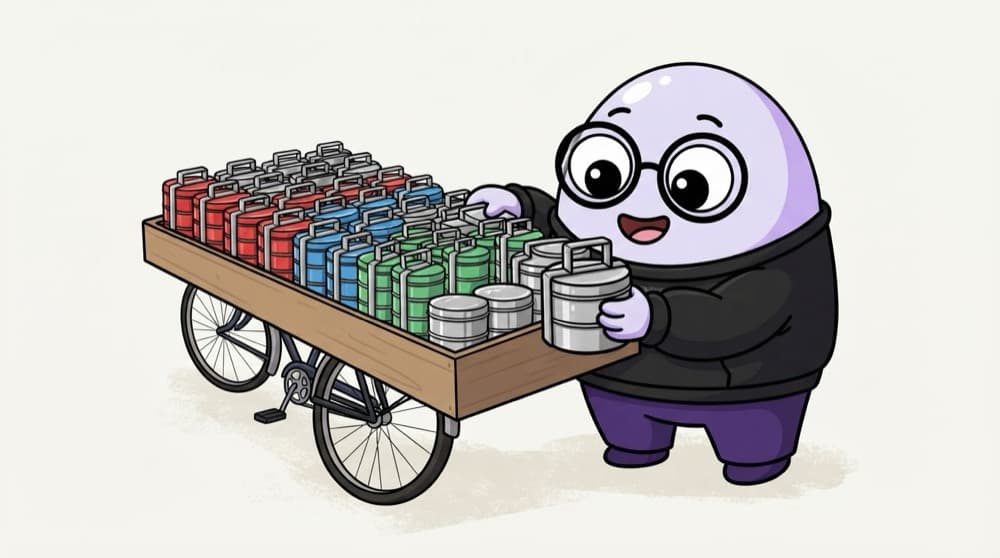
Think of it like this
The dabbawala network
Thousands of tiffins, hundreds of runners, and almost nothing goes missing. Each box has a code, each runner a route. If a runner falls sick, another picks up his boxes. Nobody tracks single tiffins by hand. The system does.
Watch it happen
Desired state, kept true
apply: replicas 3
1/5You don't say where to run things. You declare what you want: three copies of the web app.
The big ideas
What you need to know
Declarative
You write the desired state in YAML. A control loop keeps comparing it with reality and fixes the gap.
Scheduling
The orchestrator decides which machine runs each container based on resources and rules you set.
Self-healing
Crashed containers restart, failed health checks get replaced, lost nodes get their work moved.
Rolling updates
New versions replace old pods a few at a time, and you can roll back if the new one misbehaves.
See it in code
Walk through the code
1apiVersion: apps/v12kind: Deployment3metadata:4 name: web5spec:6 replicas: 37 selector:8 matchLabels: { app: web }9 template:10 metadata:11 labels: { app: web }12 spec:13 containers:14 - name: web15 image: nginx:1.2716 ports: [{ containerPort: 80 }]1/4A Deployment named web: Kubernetes' standard way to run stateless apps.
Save as web.yaml and run kubectl apply -f web.yaml. Then kubectl delete pod one of them and watch a new one appear.
Save yourself the pain
Common mistakes
Oops
Using Kubernetes for a single small app on one server.
Do this instead
Orchestration pays off with many services or machines. One app may be happier on Cloud Run or a single VM.
Oops
SSHing into a node to restart a container by hand.
Do this instead
Change the YAML and apply it. Manual fixes get undone by the control loop anyway.
Your mission
Watch self-healing
Quick check
You delete one of three pods managed by a Deployment. What happens?
Go deeper
- 1List 3 problems orchestration solves that become painful to handle manually at scale.
- 2Learn the basic concepts shared across orchestrators: scheduling, desired state, and self-healing.
- 3Understand why orchestration exists as a distinct layer above just 'running containers'.
More topics at this stop
 Docker Fundamentals
 Container Registries
 Managed Kubernetes (EKS, GKE, AKS)
 Managed Container Services (ECS, Cloud Run)
 Choosing Kubernetes vs Managed Container Services
 Helm Basics
 Container Networking in the Cloud
 Container Security

Stuck on this topic? Ask an Insider
Get 1:1 guidance from people who've walked this exact path — on the InsideEdge app.
