
In short
Config in one place, logs in another, your code somewhere else. Once you know Linux's standard folders, you stop hunting and go straight to the file that matters.
Moving around the Linux directory structure and understanding key locations (/etc, /var/log, /home) — the baseline fluency every other Linux skill builds on.
Think of it like this
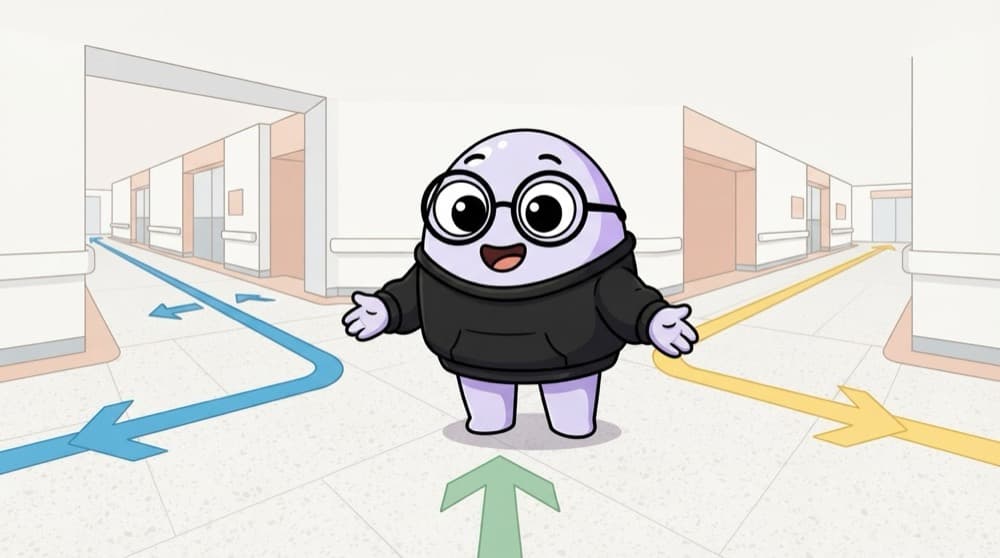
Finding your way in a big hospital
Everything starts at the main gate. From there, the OPD wing has records, the lab has reports, and the pharmacy has medicines. Linux starts at / and every folder has a fixed job: /etc for settings, /var/log for reports, /home for people.
Watch it happen
Where things live on Linux
1/5Every path begins at /, the root. There are no C: or D: drives in Linux.
The big ideas
What you need to know
pwd tells you where you are
Lost? pwd prints your current folder. It's the 'you are here' dot on the hospital board.
Absolute vs relative paths
/var/log/syslog works from anywhere. logs/app.log only works relative to where you stand right now.
Handy shortcuts
~ is home, . is here, .. is one level up, and cd - jumps back to your previous folder.
Dotfiles are hidden
Files starting with a dot, like .bashrc, don't show in plain ls. Use ls -a to see them.
See it in code
Walk through the code
1pwd # where am I?2cd /var/log # absolute path3ls -lh # list with sizes4cd .. # up one level, now in /var5cd ~ # back home6ls -a # include hidden dotfiles7find /etc -name "*.conf" | head8du -sh /var/log/* # which logs are biggest?1/3Check where you are, jump to the logs folder and list its files with readable sizes.
Tab completion saves you. Type cd /var/lo then press Tab and the shell finishes the path for you.
Save yourself the pain
Common mistakes
Oops
Running rm -rf on a relative path without checking where you are.
Do this instead
Run pwd first, or use the full absolute path. A wrong folder plus rm -rf is how people lose data.
Oops
Saving your app's config files randomly in /root or /tmp.
Do this instead
Follow the standard: config in /etc/yourapp, data in /var/lib/yourapp, logs in /var/log/yourapp.
Your mission
Treasure hunt in /
Quick check
You are in /var/log/nginx. What does cd ../.. do?
Go deeper
- 1Practice cd, ls, pwd, and relative vs absolute paths until they're automatic.
- 2Learn what lives in /etc, /var, /home, and /usr, and why.
- 3Practice finding a specific file using find and locate.
More topics at this stop
 Linux Fundamentals
 File Permissions & Ownership
 Process Management
 Package Managers (apt, yum)
 Shell Scripting Basics (Bash)
 Text Processing (grep, sed, awk)
 System Logs & journalctl
 Cron Jobs & Scheduling
 SSH & Remote Access
 systemd & Service Management

Stuck on this topic? Ask an Insider
Get 1:1 guidance from people who've walked this exact path — on the InsideEdge app.
