
Automation Best Practices
Part of the DevOps Roadmap
In short
A script only you can run, from your laptop, with no docs, is a liability. Good automation is something the whole team can read, trust and safely run at 3 a.m.
Writing scripts that are readable, documented, version-controlled and safely re-runnable — the difference between a script that works once on your machine and one a whole team can trust in production.
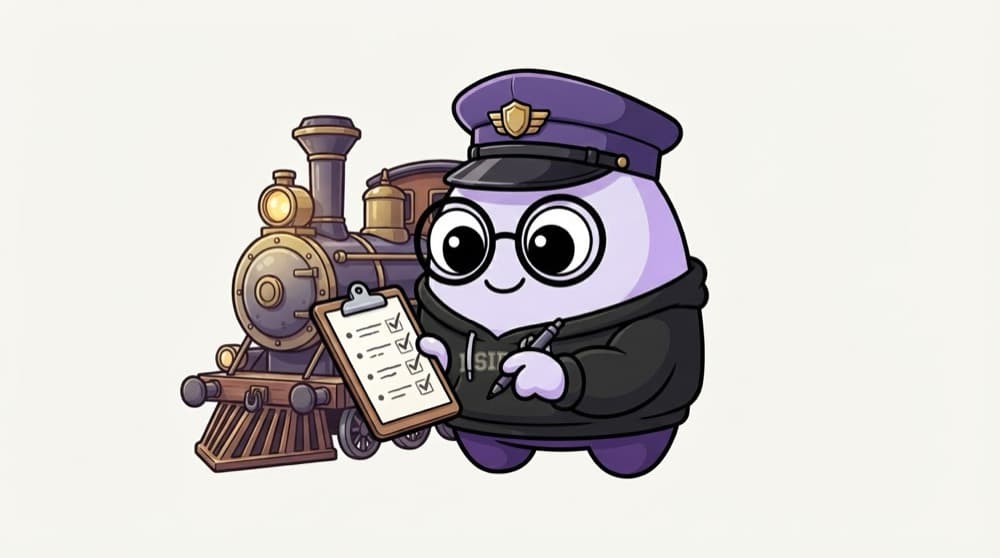
Think of it like this
The loco pilot's checklist
Before a train leaves the station, the loco pilot goes through a fixed checklist: brakes, signals, horn, fuel. It's the same every time, written down, and any trained pilot can follow it. Good automation is like that: written, checked, repeatable and not dependent on one person's memory.
Watch it happen
Checklist before a script goes to the team
1/6Lives in a Git repo, not on someone's laptop or in a chat message.
The big ideas
What you need to know
Automate the third time
Doing something once by hand is fine. The third time, write it down as a script.
Readable beats clever
Clear names and comments matter more than one-liners. Someone tired will read this during an outage.
No secrets in scripts
Read credentials from environment variables or a secret manager, never from the file itself.
Fail visibly
If a scheduled job fails, someone should get alerted. A silent failure can go unnoticed for weeks.
See it in code
Walk through the code
1#!/usr/bin/env bash2# rotate-logs.sh: compress app logs older than 7 days.3# Usage: rotate-logs.sh [--dry-run]4# Owner: platform team. Runs daily via a systemd timer.5set -euo pipefail6 7DRY_RUN=false8[[ "${1:-}" == "--dry-run" ]] && DRY_RUN=true9log() { echo "$(date -Is) $*"; }10 11find /var/log/myapp -name "*.log" -mtime +7 -print0 |12while IFS= read -r -d '' f; do13 if $DRY_RUN; then log "would compress $f"; else gzip "$f" && log "compressed $f"; fi14done1/3A header saying what it does, how to call it, who owns it and how it's scheduled.
Four comment lines at the top answer the questions a teammate will ask first: what, how, who and when.
Save yourself the pain
Common mistakes
Oops
Keeping important scripts in your home folder on one server.
Do this instead
Put them in Git, review changes through PRs and deploy them like any other code.
Oops
Automating a process nobody understands, so the script hides the confusion.
Do this instead
Write the manual steps down first and agree on them. Then automate the agreed process.
Your mission
Upgrade an old script
Quick check
A scheduled cleanup script has been failing silently for a month. Which practice would have caught it fastest?
Go deeper
- 1Add comments and a usage description to your best automation script so far.
- 2Move a useful ad-hoc script into version control (Phase 4) instead of leaving it local-only.
- 3Learn to add basic logging to a script so failures are diagnosable after the fact.
More topics at this stop
 Python for Automation
 Bash Scripting Deep Dive
 Working With APIs & JSON
 Writing Idempotent Scripts
 Error Handling in Scripts
 YAML & Config File Fundamentals
 Go Basics (Overview)

Stuck on this topic? Ask an Insider
Get 1:1 guidance from people who've walked this exact path — on the InsideEdge app.
