
In short
A container feels sealed off, but it shares the host's kernel. Run it as root with old packages and a leaked secret, and one app bug can hurt the whole server.
Running containers as a non-root user, scanning images for known vulnerabilities, and minimizing base image size — a container isn't automatically secure just because it's isolated.
Think of it like this
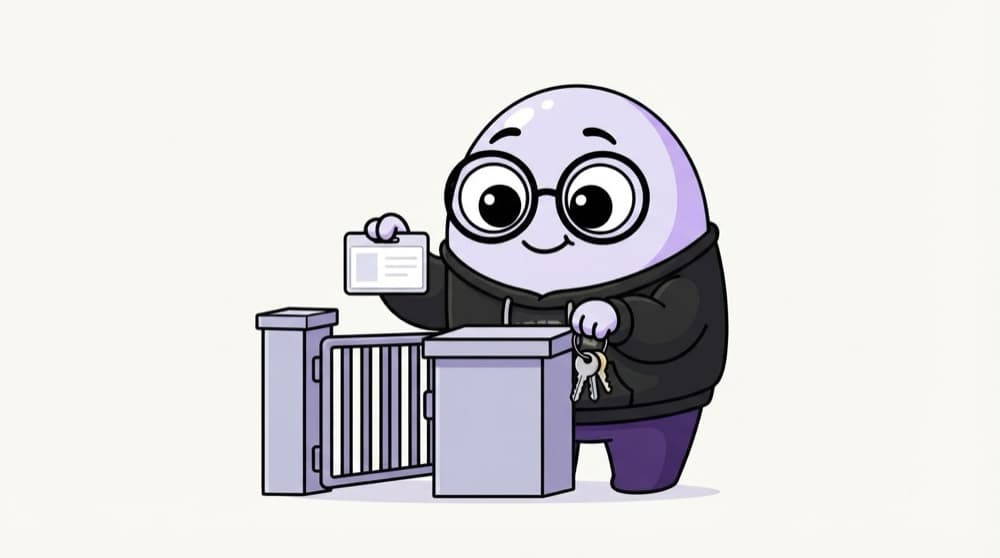
The society security guard
A good society guard checks every visitor's ID, gives the plumber access only to one flat, and never hands out the master key. Container security is the same habit: check what comes in, and give each container only the keys it truly needs.
Watch it happen
Layers of defence for one container
1/5Start from a minimal, pinned base image. Fewer packages means fewer known vulnerabilities to patch.
The big ideas
What you need to know
Shared kernel
Containers are isolated processes, not separate machines. A kernel bug or a privileged container can let an attacker reach the host.
Root inside is risky
By default the process runs as root. If it escapes, it may be root on the host too. Always set a non-root user.
Never --privileged
That flag turns off almost all isolation. If a tool asks for it, find out which single capability it really needs.
Scan, then rebuild
Images age. A clean scan today can have new vulnerabilities next month, so rebuild and rescan on a schedule.
See it in code
Walk through the code
1# Scan an image for known vulnerabilities (Trivy is free and open source)2trivy image myapp:13 4# Run with fewer powers5docker run -d --name api \6 --user 1000:1000 \7 --read-only --tmpfs /tmp \8 --cap-drop ALL \9 --security-opt no-new-privileges \10 -p 8080:3000 myapp:11/3Trivy lists known CVEs in the OS packages and app dependencies inside the image, with severity levels.
Some apps need one capability back, like NET_BIND_SERVICE for ports under 1024. Add only that with --cap-add, never the whole set.
Save yourself the pain
Common mistakes
Oops
Mounting /var/run/docker.sock into a container so it can 'manage Docker'.
Do this instead
Treat that socket as root on the host. Only give it to tools you fully trust, and prefer safer alternatives where they exist.
Oops
Scanning the image once before launch and never again.
Do this instead
Scan in every CI build and on a schedule for running images. New CVEs are published against old packages all the time.
Your mission
Harden your own container
Quick check
Why is running a container as root a problem when containers are already isolated?
Go deeper
- 1Modify a Dockerfile to run as a non-root user instead of the default root.
- 2Scan an image using a free tool (like Trivy) and review the vulnerability report.
- 3Learn why a smaller base image (e.g. Alpine) reduces the attack surface, not just image size.
More topics at this stop
 Docker Fundamentals
 Dockerfile Best Practices
 Docker Images & Layers
 Docker Compose
 Container Networking
 Container Volumes & Storage
 Multi-Stage Builds
 Container Registries

Stuck on this topic? Ask an Insider
Get 1:1 guidance from people who've walked this exact path — on the InsideEdge app.
