
In short
Your build needs TypeScript, dev dependencies and compilers. Your running app needs none of that. Multi-stage builds ship only the finished app, often making images several times smaller.
A Dockerfile technique using multiple FROM stages to keep the final image small — compiling or building in one stage, then copying only the necessary output into a lean final image.
Think of it like this
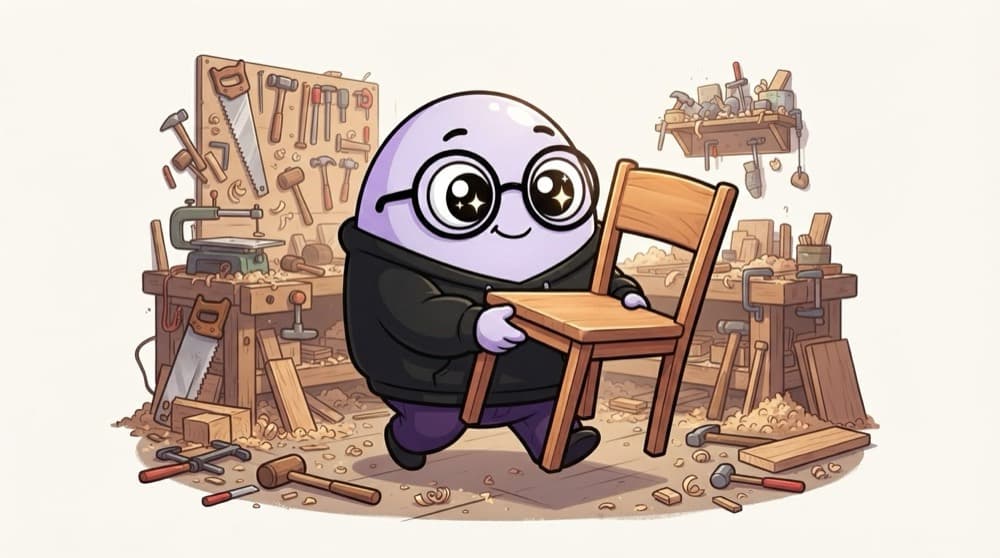
Leaving the carpenter's workshop behind
When the carpenter finishes your chair, you take the chair home, not the saws, sawdust and half-used planks. A multi-stage build does the messy work in one stage and copies only the finished result into a clean final stage.
Watch it happen
Two stages, one small image
1/6Stage one starts from a Node image and is named build.
The big ideas
What you need to know
Smaller images
Less to download on every deploy and faster cold starts. Build tools often outweigh your actual app.
Smaller attack surface
Fewer packages in production means fewer vulnerabilities for scanners to flag and attackers to use.
COPY --from
The final stage picks exactly which files to take from an earlier stage. Everything else is left behind.
Only the last stage ships
By default the image is the final FROM stage. Earlier stages exist only during the build.
See it in code
Walk through the code
1# Stage 1: build with all the tools2FROM node:22-alpine AS build3WORKDIR /app4COPY package*.json ./5RUN npm ci6COPY . .7RUN npm run build8 9# Stage 2: only what's needed to run10FROM node:22-alpine11WORKDIR /app12COPY package*.json ./13RUN npm ci --omit=dev14COPY --from=build /app/dist ./dist15USER node16CMD ["node", "dist/server.js"]1/4The build stage installs everything and compiles TypeScript to dist.
Compare sizes with docker images after building both a single-stage and this version. The difference is usually large for TypeScript projects.
Save yourself the pain
Common mistakes
Oops
Copying the whole /app from the build stage into the final one.
Do this instead
That drags dev dependencies and source back in. Copy only the output folder you need.
Oops
Building secrets into an early stage, thinking they won't ship.
Do this instead
Build stages can be cached and inspected. Use build secrets (--secret) instead of ARG or COPY for tokens.
Your mission
Shrink your image
Quick check
In a multi-stage Dockerfile, what ends up in the final image?
Go deeper
- 1Convert a single-stage Dockerfile into a multi-stage build and compare final image sizes.
- 2Learn why a smaller final image improves both deploy speed and reduces attack surface.
- 3Practice a multi-stage build for a compiled language where build tools shouldn't ship to production.
More topics at this stop
 Docker Fundamentals
 Dockerfile Best Practices
 Docker Images & Layers
 Docker Compose
 Container Networking
 Container Volumes & Storage
 Container Registries
 Container Security Basics

Stuck on this topic? Ask an Insider
Get 1:1 guidance from people who've walked this exact path — on the InsideEdge app.
