
In short
JSON is the language APIs speak. If you can read and write it confidently, you can work with almost any API on the internet.
JavaScript Object Notation — a lightweight, human-readable text format for structuring data, and the de facto standard for API request/response payloads. JSON supports objects, arrays, strings, numbers, booleans, and null, making it easy for frontend and backend systems written in different languages to exchange structured data.
Think of it like this
A form everyone can read
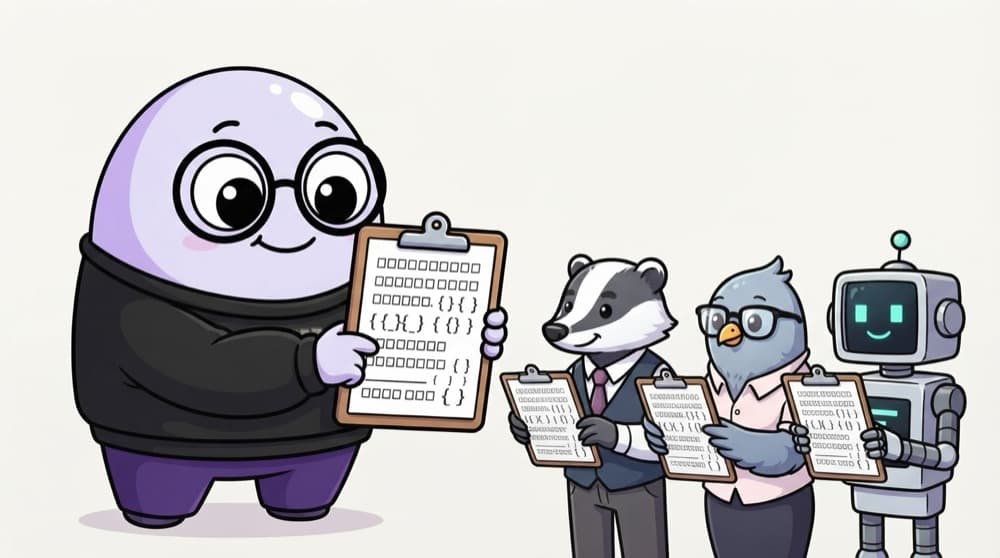
Think of a standard admission form: same fields, same format, so any office can process it. JSON is that standard format for data, and JavaScript, Python, Java and almost every other language can read it.
Watch it happen
Inside a JSON object
1/5The whole thing is one object, wrapped in curly braces.
The big ideas
What you need to know
Keys and values
Data is written as key-value pairs inside curly braces. Keys must be in double quotes.
Six types only
Strings, numbers, true or false, null, arrays and objects. No functions, dates or undefined.
Convert both ways
JSON.stringify turns an object into a JSON string. JSON.parse turns the string back into an object.
Strict rules
No trailing commas, no comments and no single quotes. One small slip and parsing fails.
See it in code
Walk through the code
1const text = '{"name":"Riya","age":19,"courses":["BBA","BCA"],"verified":true}';2 3const student = JSON.parse(text); // string -> object4console.log(student.courses[0]); // "BBA"5 6student.age = 20;7const pretty = JSON.stringify(student, null, 2); // object -> readable string1/3This is JSON as it arrives from an API: just one long string.
The extra arguments in JSON.stringify(student, null, 2) indent the output by 2 spaces, which makes it much easier to read while debugging.
Save yourself the pain
Common mistakes
Oops
Leaving a trailing comma after the last item.
Do this instead
Remove it. JSON.parse throws on {"a": 1,} even though JavaScript objects allow it.
Oops
Expecting dates to come back as Date objects.
Do this instead
JSON stores dates as strings. Turn them back with new Date(value) after parsing.
Oops
Calling JSON.parse on an API response without any error handling.
Do this instead
Wrap it in try/catch so one bad response doesn't crash your app.
Your mission
Fix the broken JSON
Quick check
Which of these is valid JSON?
Go deeper
- 1Practice converting objects to JSON with `JSON.stringify` and back with `JSON.parse`. Test it with at least one normal case and one edge case so you can explain the behavior confidently.
- 2Inspect a real API response's JSON structure in DevTools. Validate your understanding by applying it in a small practical example.
- 3Learn valid JSON syntax rules (double quotes, no trailing commas, no comments).
More topics at this stop
 Internet
 HTTP vs HTTPS
 DNS
 Browser rendering
 Request-response cycle
 Client vs Server
 Cookies
 Sessions
 LocalStorage
 SessionStorage
 Cache
 CDN
 REST APIs

Stuck on this topic? Ask an Insider
Get 1:1 guidance from people who've walked this exact path — on the InsideEdge app.
