
In short
Your portfolio is the first thing a recruiter clicks. Rebuilding it in Next.js gives you fast pages, proper link previews and a real deployed project to talk about in interviews.
A personal portfolio rebuilt in Next.js — practice for the App Router, metadata, image optimization and deploying a real production site.
Think of it like this
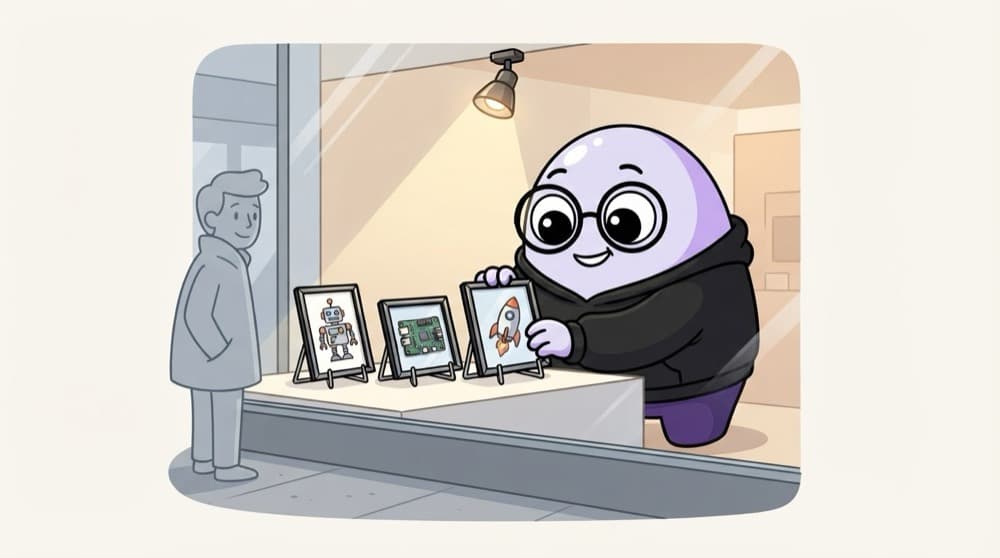
A shop's front window
People decide whether to walk into a shop from the window display alone. Your portfolio is that window. A few of your best projects, nicely lit, fast to see, and a clear way to contact you.
Watch it happen
Your portfolio's app/ folder
1/4The home page shows your intro and best three projects, inside the shared layout.
The big ideas
What you need to know
App Router structure
Home, /projects, /projects/[slug] and /contact, sharing one layout with your navbar.
Optimised screenshots
Use next/image for project screenshots so the page stays light on mobile.
Metadata per project
Each project page gets its own title, description and Open Graph image.
Deployed with a nice URL
Put it on Vercel, and add a custom domain if you can.
How it works
Build plan
- 1
Write your data
Put projects in a projects.ts array with slug, title, stack and image.
- 2
Layout and home
Navbar, footer and a short intro with your best three projects.
- 3
Project pages
A dynamic [slug] route with generateStaticParams and generateMetadata.
- 4
Contact and deploy
Add a contact form with a Server Action, then deploy.
See it in code
Walk through the code
1// lib/projects.ts2export type Project = {3 slug: string;4 title: string;5 summary: string;6 stack: string[];7 image: string;8 liveUrl?: string;9 repoUrl?: string;10};11 12export const projects: Project[] = [13 { slug: "movie-app", title: "Movie App", summary: "Search films with the TMDB API",14 stack: ["React", "TanStack Query"], image: "/projects/movie.png" },15];1/3Every project has a slug for its URL, a title, a summary, a stack and a screenshot.
Keep content in one typed file. Pages read from it, so adding a project is just adding one object.
Save yourself the pain
Common mistakes
Oops
Listing 15 half-finished tutorial clones.
Do this instead
Show three or four projects you can explain deeply, each with a live link and the code.
Oops
Huge uncompressed screenshots that take ages to load on phone data.
Do this instead
Use next/image with proper sizes. Recruiters often open links on their phones.
Your mission
Milestone 1: home and one project
Quick check
Your project pages are built from a fixed array. Which rendering fits them best?
Go deeper
- 1Use SSG for your project pages since the content rarely changes.
- 2Add proper metadata and Open Graph tags for link previews.
- 3Deploy it live on Vercel with a custom domain if you have one.
More projects at this stop
 Blog
 Ecommerce
 Admin Dashboard

Stuck on this topic? Ask an Insider
Get 1:1 guidance from people who've walked this exact path — on the InsideEdge app.
