In short
Mantine gives you over a hundred components plus a separate package of handy hooks. The TypeScript types are excellent, so your editor guides you as you build.
A modern, full-featured React component library with a large set of components and hooks, known for strong TypeScript support and theming.
Think of it like this
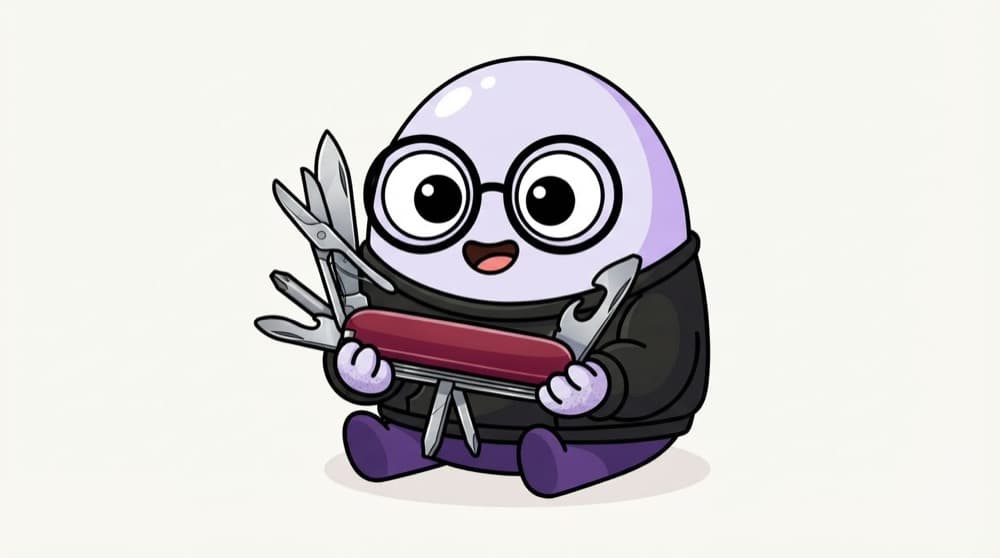
A Swiss knife with extra blades
One knife, and it has scissors, a screwdriver and a bottle opener. Mantine's core components are the main blade, and @mantine/hooks is the set of extras like useDisclosure and useDebouncedValue you'll reach for again and again.
Watch it happen
Opening the order modal
click Track my order
1/6The user taps the button.
The big ideas
What you need to know
Core plus hooks
@mantine/core has the UI. @mantine/hooks has logic helpers you can use even without Mantine components.
Import the styles
Mantine ships plain CSS files. Import @mantine/core/styles.css once at the root, or components look broken.
Extra packages
Dates, forms, notifications and charts live in separate packages, so you only install what you use.
See it in code
Walk through the code
1import "@mantine/core/styles.css";2import { MantineProvider, Modal, Button } from "@mantine/core";3import { useDisclosure } from "@mantine/hooks";4 5function OrderModal() {6 const [opened, { open, close }] = useDisclosure(false);7 return (8 <>9 <Button onClick={open}>Track my order</Button>10 <Modal opened={opened} onClose={close} title="Order status" centered>11 Your biryani is 2 stops away.12 </Modal>13 </>14 );15}16 17export default function App() { return <MantineProvider><OrderModal /></MantineProvider>; }1/4Mantine's styles live in a CSS file. Import it once or components look unstyled.
useDisclosure gives you a boolean and open, close and toggle handlers. It replaces the useState plus two arrow functions you'd write every time.
Save yourself the pain
Common mistakes
Oops
Forgetting to import @mantine/core/styles.css.
Do this instead
Add it once in your root layout. Without it, components render unstyled.
Oops
Mixing Mantine with another big component library in the same app.
Do this instead
Pick one main library. Two design systems means two bundles and an inconsistent look.
Your mission
A searchable contact list
Quick check
Your Mantine buttons look like plain HTML buttons. What's the most likely cause?
Go deeper
- 1Build a small dashboard using Mantine's components and hooks.
- 2Explore its built-in hooks library (`use-form`, `use-disclosure`, etc.).
- 3Compare its developer experience and bundle size against Material UI or Chakra.
More topics at this stop
 Material UI
 Shadcn UI
 Chakra UI
 Ant Design
 Radix UI
 Headless UI

Stuck on this topic? Ask an Insider
Get 1:1 guidance from people who've walked this exact path — on the InsideEdge app.
