
In short
Users rarely report bugs. They just leave. Error monitoring tools like Sentry tell you what broke, on which browser and in which line, often before anyone complains.
Capturing and aggregating real production errors (with stack traces and user context) so you find out about bugs from monitoring, not from angry users.
Think of it like this
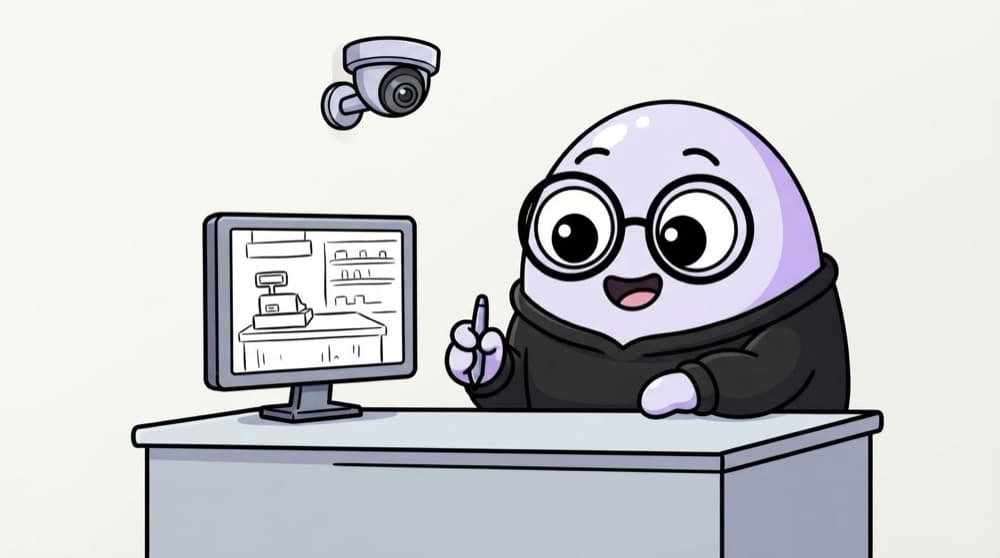
CCTV in the shop
The owner can't watch every counter all day. CCTV records what happened, so when something goes missing, he can rewind and see exactly when and how. Sentry records errors in your app with the context you need to replay them.
Watch it happen
A crash you hear about first
1/5A user on an old Android phone hits a bug in the payment flow.
The big ideas
What you need to know
Errors with context
Each report has the stack trace, browser, OS, URL and the steps (breadcrumbs) the user took before the error.
Source maps matter
Production code is minified. Uploading source maps lets Sentry show your original file and line.
Releases and environments
Tag events with a release version, so you know which deploy introduced a bug.
Alerts, not dashboards
Set alerts for new or spiking errors, so problems come to you instead of waiting to be found.
See it in code
Walk through the code
1import * as Sentry from "@sentry/react";2 3Sentry.init({4 dsn: import.meta.env.VITE_SENTRY_DSN,5 environment: import.meta.env.MODE,6 release: import.meta.env.VITE_APP_VERSION,7 tracesSampleRate: 0.1, // send performance data for 10% of sessions8});9 10try {11 await payForCourse(courseId);12} catch (err) {13 Sentry.captureException(err);14 showToast("Payment failed, please try again");15}1/4Start Sentry with your project's DSN.
Uncaught errors are reported automatically after init. For errors you catch yourself, call captureException so they're still recorded.
Save yourself the pain
Common mistakes
Oops
Catching errors and only doing console.log(err).
Do this instead
Console logs vanish in the user's browser. Report caught errors to Sentry too.
Oops
Sending passwords, tokens or full form data with error reports.
Do this instead
Keep personal data out of events. Use Sentry's scrubbing options and send only what you need to debug.
Your mission
Catch your first production bug
Quick check
Your Sentry errors point to main.a8f3c.js line 1, column 48211. What's missing?
Go deeper
- 1Integrate Sentry (or a similar tool) into a deployed project and trigger a test error.
- 2Learn to add custom context (user ID, current page) to captured errors.
- 3Set up alerts so a spike in errors notifies you quickly.
More topics at this stop
 WebSockets
 PWA
 Service Workers
 IndexedDB
 Offline Apps
 WebAssembly basics
 Micro Frontends
 Module Federation
 Internationalization (i18n)
 Localization (l10n)
 Feature Flags
 Analytics (Google Analytics, Mixpanel)
 Security (XSS, CSRF, CSP)

Stuck on this topic? Ask an Insider
Get 1:1 guidance from people who've walked this exact path — on the InsideEdge app.
