
In short
Search as you type, posters in a grid, a details view. A movie search app ties debouncing, fetch and dynamic rendering together, the same skills behind every product search bar.
A movie search app hitting a public movie API — practice for debounced search-as-you-type, pagination and rendering a results grid. It combines search UX with asynchronous data fetching, pagination, empty states, result rendering, and performance techniques such as debouncing.
Think of it like this
The video library uncle
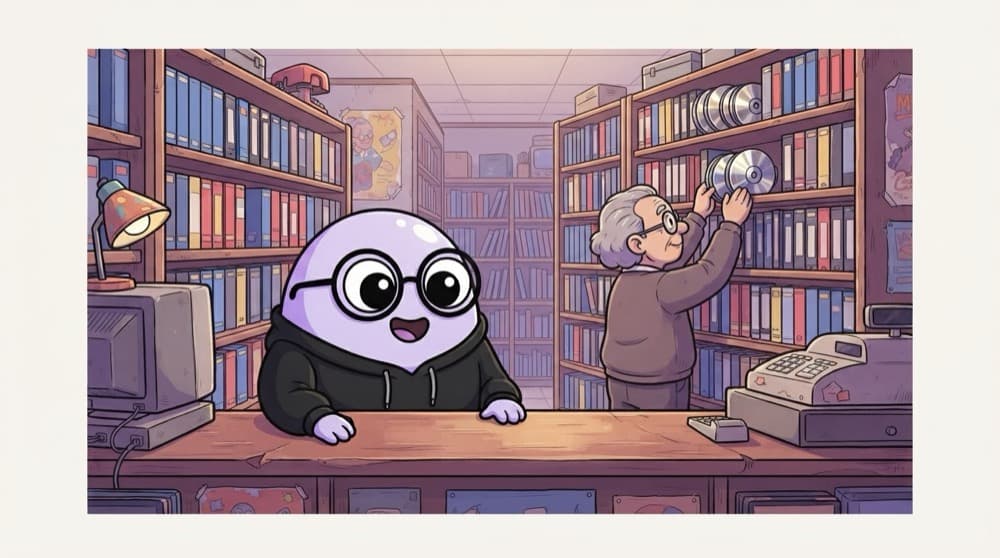
You tell the video library uncle, "that Shah Rukh film with the train..." and he starts pulling CDs. A good uncle lets you finish your sentence before searching the shelves. Your app should wait for the user to stop typing too. That's debouncing.
Watch it happen
Searching while the user types
"bat" (after 400 ms)
1/7The user pauses, so the debounced handler calls searchMovies("bat").
The big ideas
What you need to know
Debounce the input
Search only after the user pauses for a few hundred milliseconds, not on every keystroke.
Cancel stale requests
AbortController cancels the old request, so a slow earlier search can't overwrite newer results.
Grid of cards
Render each movie as a card with poster, title and year. Use a placeholder when there's no poster.
Empty and error states
"Type at least 3 letters", "No movies found" and "Something went wrong" each deserve their own message.
How it works
Build plan
- 1
Get an API key
Sign up for a free key from OMDb or TMDB.
- 2
Input and grid
A search box and an empty grid container.
- 3
Debounced search
Wire the input to a debounced function that calls the API.
- 4
Render cards
Turn results into poster cards with title and year.
- 5
Details and states
Click a card for details, and handle empty, loading and error states.
See it in code
Walk through the code
1let controller;2 3async function searchMovies(query) {4 controller?.abort(); // cancel the previous request5 controller = new AbortController();6 const url = `https://www.omdbapi.com/?apikey=YOUR_KEY&s=${encodeURIComponent(query)}`;7 try {8 const res = await fetch(url, { signal: controller.signal });9 const data = await res.json();10 return data.Response === "True" ? data.Search : [];11 } catch (err) {12 if (err.name === "AbortError") return null; // a newer search replaced this one13 throw err;14 }15}1/4One shared controller. Each new search cancels the previous one.
Call searchMovies from a debounced input handler and only render when the result isn't null. OMDb answers Response: "False" when nothing matches.
Save yourself the pain
Common mistakes
Oops
Calling the API on every keystroke.
Do this instead
You'll hit rate limits fast. Debounce the input and skip queries shorter than 3 characters.
Oops
Letting an old, slow response replace the results for a newer search.
Do this instead
Abort the previous request with AbortController, or ignore responses that don't match the latest query.
Oops
Showing a broken image when the poster is "N/A".
Do this instead
Check for it and use a placeholder image instead.
Your mission
Milestone 1: search and show titles
Quick check
Why use AbortController in a search-as-you-type app?
Go deeper
- 1Debounce the search input and show a loading skeleton while fetching. Validate your understanding by applying it in a small practical example.
- 2Add pagination or infinite scroll for large result sets. Test the result on both a successful path and an invalid or unexpected input.
- 3Handle the 'no results found' empty state explicitly.
More projects at this stop
 Todo
 Quiz
 Calculator
 Weather App
 Expense Tracker
 Infinite Scroll
 Image Gallery

Stuck on this topic? Ask an Insider
Get 1:1 guidance from people who've walked this exact path — on the InsideEdge app.
