
E-Commerce Backend with Spring Boot
Part of the Java Roadmap
In short
This is your flagship backend project. Users, products, carts, orders, roles and stock checks together show recruiters you can model real relationships and keep money-related data correct.
A larger backend with users, products, carts and orders, including authentication and role-based access. It shows you can model relationships and secure a real application.
Think of it like this
Running a kirana store online
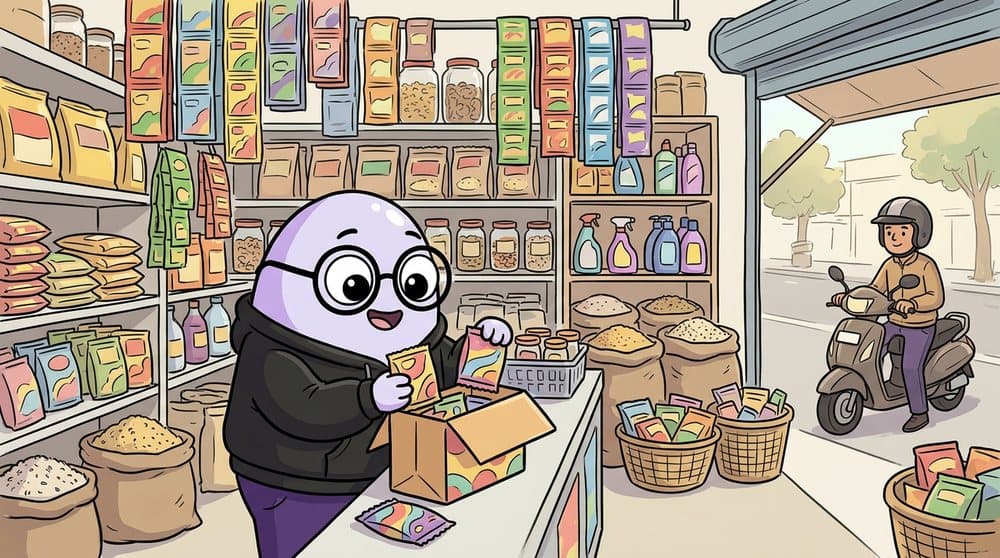
Sharma ji's kirana in Lucknow goes online. Customers sign up, browse the shelf, fill a basket and place an order. Stock must drop exactly once per order, prices must be locked at the moment of buying, and only Sharma ji can change prices. Each of those sentences is a feature in your backend.
Watch it happen
Domain model
1/5Users sign up and log in with JWT. Roles decide who can manage products.
The big ideas
What you need to know
Role-based access
CUSTOMER can shop. ADMIN can manage products and see all orders. Enforce it in the SecurityFilterChain or with @PreAuthorize.
Checkout is one transaction
Check stock, create the order, reduce stock and clear the cart together with @Transactional.
Money as BigDecimal
Never use double for prices. BigDecimal keeps paise exact.
Concurrency on stock
Use @Version for optimistic locking, or a conditional UPDATE, so two checkouts can't both take the last unit.
See it in code
Walk through the code
1@Service2public class CheckoutService {3 private final CartRepository carts;4 private final ProductRepository products;5 private final OrderRepository orders;6 7 public CheckoutService(CartRepository carts, ProductRepository products, OrderRepository orders) {8 this.carts = carts;9 this.products = products;10 this.orders = orders;11 }12 13 @Transactional14 public PurchaseOrder checkout(Long userId) {15 Cart cart = carts.findByUserId(userId).orElseThrow(() -> new CartEmptyException(userId));16 PurchaseOrder order = new PurchaseOrder(userId);17 18 for (CartItem item : cart.getItems()) {19 int updated = products.decreaseStock(item.getProductId(), item.getQuantity());20 if (updated == 0) {21 throw new OutOfStockException(item.getProductId()); // rolls back everything22 }23 Product p = products.getReferenceById(item.getProductId());24 order.addItem(p, item.getQuantity(), p.getPrice()); // price locked now25 }26 27 cart.clear();28 return orders.save(order);29 }30}31 32// In ProductRepository33@Modifying34@Query("UPDATE Product p SET p.stock = p.stock - :qty WHERE p.id = :id AND p.stock >= :qty")35int decreaseStock(@Param("id") Long id, @Param("qty") int qty);1/5One transaction for the whole checkout.
Imports left out to save space. If any product is out of stock, the exception rolls back every stock change made so far.
Save yourself the pain
Common mistakes
Oops
Reading stock, checking it in Java, then saving the new value.
Do this instead
Two checkouts can read the same stock at once. Use a conditional UPDATE or @Version optimistic locking.
Oops
Storing prices as double.
Do this instead
0.1 + 0.2 isn't exactly 0.3 in floating point. Use BigDecimal in Java and DECIMAL(10,2) in the database.
Oops
Order items that point only to the product.
Do this instead
Copy name and price into the order item. Otherwise editing a product rewrites old invoices.
Your mission
Ship the e-commerce backend
Quick check
Why does the order item store its own copy of the price?
Go deeper
- 1Design the database schema and entity relationships before coding.
- 2Add JWT login and restrict product management to admins.
- 3Containerise it with Docker and deploy it to a free cloud tier.
More projects at this stop
 Task Manager REST API

Stuck on this topic? Ask an Insider
Get 1:1 guidance from people who've walked this exact path — on the InsideEdge app.
