
Switch Statements & Switch Expressions
Part of the Java Roadmap
In short
When one value decides between many cases, like a day of the week or a menu choice, a long if-else chain gets messy. Modern Java switch expressions make this short, safe and free of the old fall-through bugs.
The classic switch statement needs break to avoid fall-through. Modern switch expressions (Java 14+) use case X -> syntax, return a value and have no fall-through.
Think of it like this
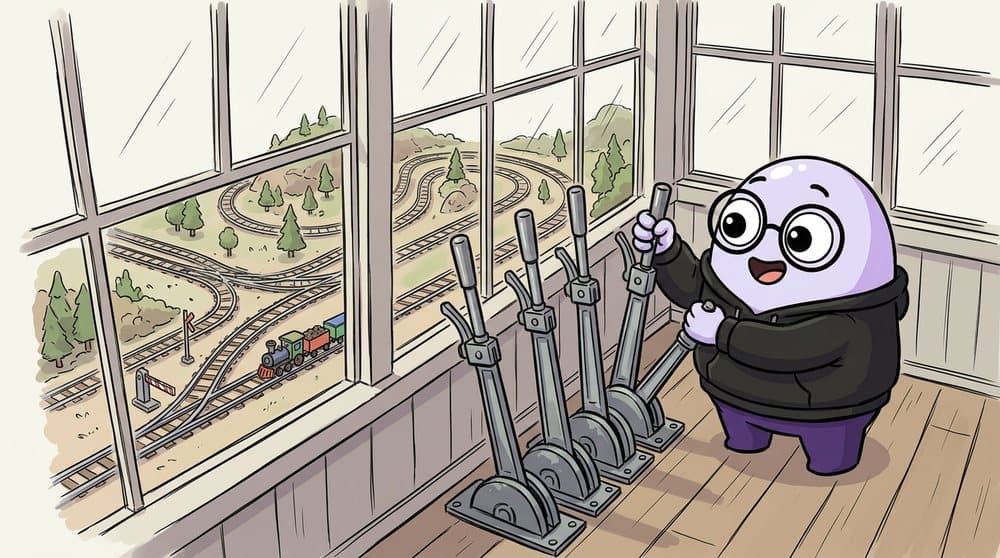
The railway points lever
At a junction, a pointsman pulls one lever and the train goes onto exactly one track for its destination. A switch looks at one value and sends the program to exactly one case. Old switches had a loose lever that could slide the train onto the next track too; that is fall-through.
Watch it happen
Classic switch vs switch expression
Classic case X:
- Needs break after every case
- Forgetting break falls into the next case
- Cannot return a value directly
Arrow case X ->
- No fall-through, no break needed
- Returns a value: var x = switch (...) { }
- Compiler checks every enum value is covered
On Java 14 and later, prefer the arrow form. You will still read the classic form in older code and interviews.
The big ideas
What you need to know
What can be switched
int, char, String, enums and their wrappers. Java 21 adds pattern matching on any object type.
Arrow cases
case "SAT", "SUN" -> "Weekend"; Several labels can share one case.
yield for blocks
If a case needs several statements, use a block and yield the value: case 1 -> { log(); yield 10; }
Exhaustive
A switch expression must cover every possible value, usually with default. For enums, listing all constants is enough.
See it in code
Walk through the code
1public class Days {2 enum Day { MON, TUE, WED, THU, FRI, SAT, SUN }3 4 static String type(Day d) {5 return switch (d) {6 case SAT, SUN -> "Weekend";7 case FRI -> {8 System.out.println("Almost there!");9 yield "Weekday";10 }11 default -> "Weekday";12 };13 }14 15 public static void main(String[] args) {16 System.out.println(type(Day.SUN));17 18 int choice = 2;19 switch (choice) {20 case 1:21 System.out.println("Balance");22 break;23 case 2:24 System.out.println("Withdraw");25 // no break: falls through!26 case 3:27 System.out.println("Deposit");28 break;29 default:30 System.out.println("Unknown");31 }32 }33}1/4The whole switch is an expression returning a String. Two labels share one case.
A modern switch expression on an enum, and a classic switch that shows the fall-through bug.
Save yourself the pain
Common mistakes
Oops
Forgetting break in a classic switch.
Do this instead
Use arrow cases (case 2 ->) so fall-through cannot happen at all.
Oops
Using switch on a double or a boolean.
Do this instead
Classic switch supports int-like types, String and enums. Use if-else for ranges and booleans.
Your mission
Canteen menu
Quick check
In a classic switch, what happens if a matching case has no break?
Go deeper
- 1Write a day-of-week program with a classic switch and break.
- 2Rewrite it as a switch expression that returns a value.
- 3Use switch on strings and enums.
More topics at this stop
 If-Else Statements
 For, While & Do-While Loops
 Break & Continue
 Defining Methods
 Method Overloading
 Pass-by-Value in Java
 Arrays & 2D Arrays

Stuck on this topic? Ask an Insider
Get 1:1 guidance from people who've walked this exact path — on the InsideEdge app.
