Student Records File Manager
Part of the Java Roadmap
In short
This project ties together everything in this phase: a class to model data, file reading and writing, custom exceptions and clean error handling. It is the kind of small app interviewers love to hear you explain.
A console app that adds, updates, searches and deletes student records and saves them to a CSV file. It combines OOP, exception handling and file I/O.
Think of it like this
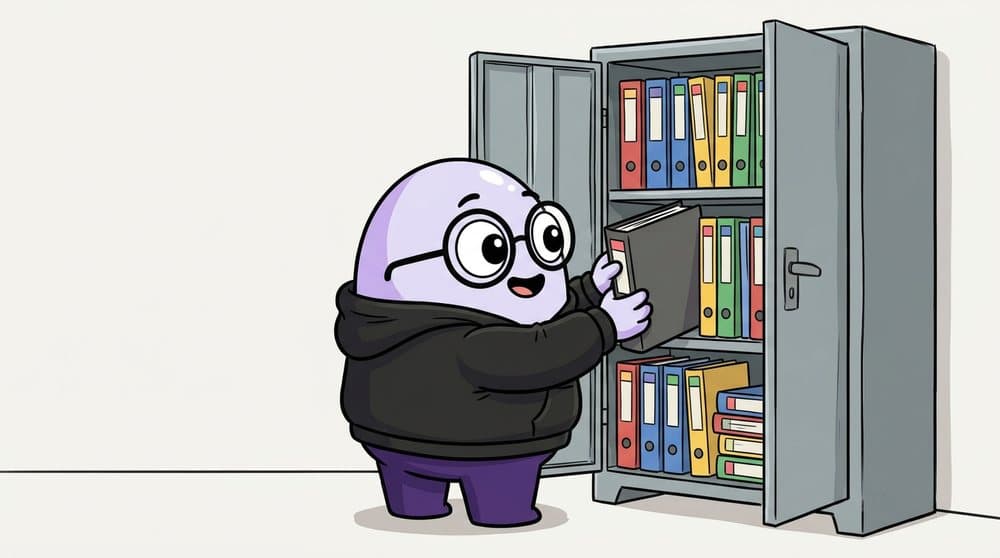
The college office almirah
In a college office in Bhopal, the clerk keeps student files in a steel almirah. She can add a new file, find one by roll number, update an address, or pull a file out when a student leaves. At closing time everything goes back into the almirah so nothing is lost overnight. Your app is that clerk, and the CSV file is the almirah.
Watch it happen
Updating a student's course
load at startup
1/4When the app starts, the repository reads every line of students.csv into a list.
The big ideas
What you need to know
Separate the layers
A Student record for data, a StudentRepository for file work, and a menu class for input and output. Each part has one job.
CSV as storage
Load all rows at startup and write them all back after every change. Simple, readable and easy to debug.
Meaningful errors
A checked StudentNotFoundException makes the menu handle missing roll numbers instead of crashing.
Validate input
Reject empty names, duplicate roll numbers and CGPA outside 0 to 10 before saving anything.
How it works
Build it step by step
- 1
Model
Create a Student record with roll, name, course and cgpa, plus toCsv and fromCsv helpers.
- 2
Repository
Load the CSV into a list at startup, and write a save method.
- 3
Operations
Add, find, update and delete by roll number, throwing StudentNotFoundException when needed.
- 4
Menu
Loop over a Scanner menu, call the repository and catch exceptions with clear messages.
- 5
Polish
Handle bad rows, duplicate rolls, and test by closing and reopening the app.
See it in code
Walk through the code
1import java.io.IOException;2import java.nio.file.Files;3import java.nio.file.Path;4import java.util.ArrayList;5import java.util.List;6 7record Student(String roll, String name, String course, double cgpa) {8 String toCsv() {9 return String.join(",", roll, name, course, String.valueOf(cgpa));10 }11 12 static Student fromCsv(String line) {13 String[] f = line.split(",", -1);14 if (f.length != 4) {15 throw new IllegalArgumentException("Bad row: " + line);16 }17 return new Student(f[0].trim(), f[1].trim(), f[2].trim(), Double.parseDouble(f[3].trim()));18 }19}20 21class StudentNotFoundException extends Exception {22 StudentNotFoundException(String roll) {23 super("No student with roll " + roll);24 }25}26 27public class StudentRepository {28 private final Path file;29 private final List<Student> students = new ArrayList<>();30 31 public StudentRepository(Path file) throws IOException {32 this.file = file;33 if (Files.exists(file)) {34 for (String line : Files.readAllLines(file)) {35 if (!line.isBlank()) {36 students.add(Student.fromCsv(line));37 }38 }39 }40 }41 42 public void save() throws IOException {43 List<String> lines = new ArrayList<>();44 for (Student s : students) {45 lines.add(s.toCsv());46 }47 Files.write(file, lines);48 }49 50 public void add(Student s) throws IOException {51 students.add(s);52 save();53 }54 55 public Student find(String roll) throws StudentNotFoundException {56 return students.get(indexOf(roll));57 }58 59 public void update(Student changed) throws StudentNotFoundException, IOException {60 students.set(indexOf(changed.roll()), changed);61 save();62 }63 64 public void delete(String roll) throws StudentNotFoundException, IOException {65 students.remove(indexOf(roll));66 save();67 }68 69 private int indexOf(String roll) throws StudentNotFoundException {70 for (int i = 0; i < students.size(); i++) {71 if (students.get(i).roll().equalsIgnoreCase(roll)) {72 return i;73 }74 }75 throw new StudentNotFoundException(roll);76 }77}1/4The record knows how to turn itself into a CSV line and back. A bad row throws IllegalArgumentException.
The heart of the project: a record, a custom exception and a repository that keeps students.csv in sync. Add a Scanner menu in a separate Main class to finish it.
Save yourself the pain
Common mistakes
Oops
Doing file reading, menu printing and validation all inside main.
Do this instead
Split into a record, a repository and a menu class. Each is easier to test and explain in an interview.
Oops
Saving only when the user chooses Exit.
Do this instead
Save after every change. If the app crashes or the laptop dies, the data is still there.
Oops
Letting a single corrupted line stop the app from starting.
Do this instead
Catch the error per line during loading, skip it and report how many rows were ignored.
Your mission
Finish and extend the manager
Quick check
Why does the repository call save() after every add, update and delete?
Go deeper
- 1Load records from the file on startup and save them on exit.
- 2Handle missing or corrupt files gracefully with clear messages.
- 3Use custom exceptions for invalid input like duplicate roll numbers.

Stuck on this topic? Ask an Insider
Get 1:1 guidance from people who've walked this exact path — on the InsideEdge app.
