
Designing AI Features (UX for Uncertainty)
Part of the Product Management Roadmap
In short
Normal buttons do the same thing every time. AI features don't. Good design tells users how sure the AI is and makes fixing its mistakes painless.
Unlike deterministic software, AI features can be wrong — good design sets expectations, shows confidence or sourcing where possible, and makes it easy for users to verify or correct output.
Think of it like this
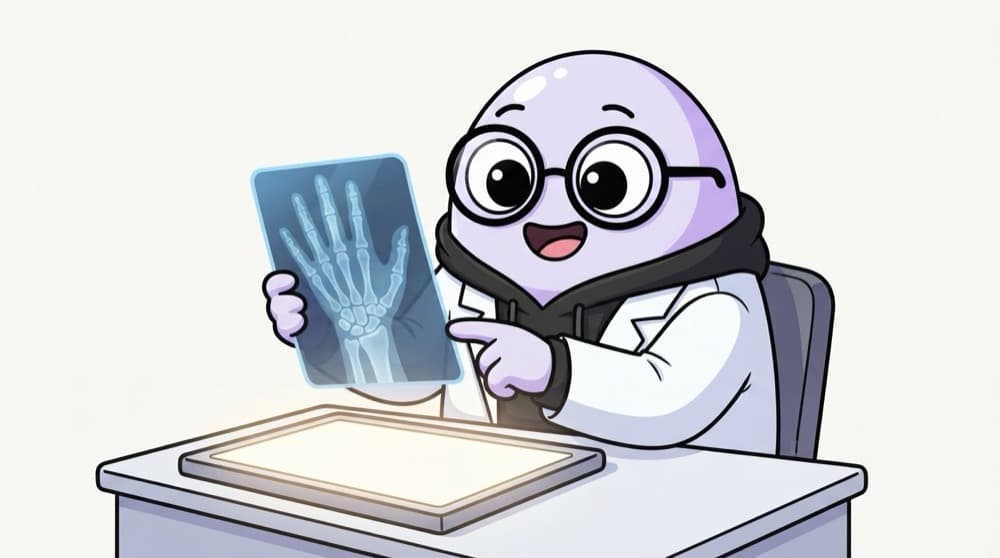
The doctor with the X-ray
A good doctor doesn't just say "it's broken". She holds up the X-ray, points at the line, says "this looks like a hairline crack" and suggests a scan to confirm. You see the evidence, her confidence and the next step. AI features should behave the same way.
Watch it happen
An AI reply drafter that plans for mistakes
Open ticket #812
1/5An agent opens a refund complaint. The AI feature works in the background.
The big ideas
What you need to know
Set expectations
Tell users it's AI and may be wrong, in plain words, right where they use it.
Show your sources
Linking to the document or data used lets users check the answer in seconds.
Easy to edit or undo
Suggest, don't force. Make accepting, changing or rejecting output a single click.
Collect feedback
Thumbs up, thumbs down or edits tell you where the feature fails in real use.
Save yourself the pain
Common mistakes
Oops
Letting AI take irreversible actions, like sending money or emails, with no review.
Do this instead
Keep a human confirmation step for anything costly or hard to undo.
Oops
Designing only for the perfect answer.
Do this instead
Design the wrong-answer and no-answer states too. Users will hit them.
Your mission
Redesign for uncertainty
Quick check
An AI feature drafts emails to customers. Which design is safest?
Go deeper
- 1Critique an AI feature you've used for how (or whether) it handles being wrong.
- 2Learn common patterns: showing sources, confidence indicators, easy undo/regenerate.
- 3Sketch how you'd design an AI feature's error and 'low confidence' states.
More topics at this stop
 AI / LLM Product Fundamentals
 Prompt Engineering for PMs
 Evaluating AI Feature Quality
 Responsible AI & Ethics Basics
 AI Tools for PM Productivity
 Building a Lightweight AI Prototype (No-Code)

Stuck on this topic? Ask an Insider
Get 1:1 guidance from people who've walked this exact path — on the InsideEdge app.
