Django Fundamentals
Part of the Python Roadmap
In short
When a web project needs logins, an admin panel, forms and a database from day one, Django hands you all of it in the box. Instagram's early backend and many Indian startups have run on it.
Django is a 'batteries included' framework with an ORM, admin panel, authentication, forms and templates built in. Its models, views, URLs and templates structure suits larger web applications.
Think of it like this
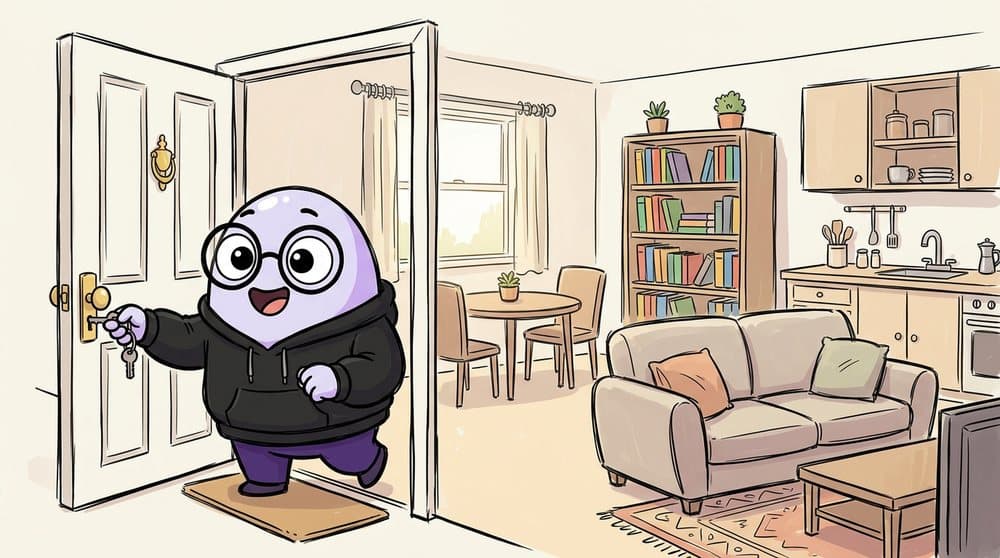
A fully furnished flat
Flask is an empty flat: you choose every chair and cupboard. Django is a furnished flat in a gated society. The kitchen (ORM), the security guard (authentication), the notice board (admin panel) and the wiring (URLs and templates) are already there. You move in and arrange things your way, following the society's rules.
Watch it happen
How Django answers a request
1/5A user opens /events/ in the browser.
The big ideas
What you need to know
Project and apps
A project holds settings. Each feature, like events or accounts, lives in its own app made with python manage.py startapp.
Models are tables
A class that subclasses models.Model becomes a table. makemigrations and migrate keep the database in step with your code.
Free admin panel
Register a model in admin.py and you get a full screen to add, edit and search rows, protected by login.
Safety built in
Templates escape HTML, forms include CSRF protection and the ORM uses parameterised SQL, so common attacks are blocked by default.
How it works
Your first Django feature
- 1
Start
pip install django, then django-admin startproject mysite . and python manage.py startapp events.
- 2
Register the app
Add "events" to INSTALLED_APPS in settings.py.
- 3
Model and migrate
Write the Event model, then run makemigrations and migrate.
- 4
View, URL, template
Write a view, connect it in urls.py and create the HTML template.
- 5
Admin
Run createsuperuser, register the model and add data at /admin/.
See it in code
Walk through the code
1# events/models.py2from django.db import models3 4class Event(models.Model):5 title = models.CharField(max_length=200)6 city = models.CharField(max_length=100)7 date = models.DateField()8 9 def __str__(self):10 return self.title11 12# events/admin.py13from django.contrib import admin14from .models import Event15 16admin.site.register(Event)17 18# events/views.py19from django.shortcuts import render20from .models import Event21 22def event_list(request):23 events = Event.objects.filter(city="Bengaluru").order_by("date")24 return render(request, "events/list.html", {"events": events})25 26# events/urls.py (include it from mysite/urls.py with path("events/", include("events.urls")))27from django.urls import path28from . import views29 30urlpatterns = [31 path("", views.event_list, name="event-list"),32]1/5Each field becomes a column. Django adds an id primary key automatically.
Four small files of a Django 5 app. The template events/templates/events/list.html loops over events with {% for event in events %}.
Save yourself the pain
Common mistakes
Oops
Changing a model and forgetting to run migrations.
Do this instead
After every model change, run python manage.py makemigrations and then migrate, and commit the migration files to Git.
Oops
Committing SECRET_KEY and DEBUG = True to a public repo.
Do this instead
Read secrets from environment variables and set DEBUG = False with ALLOWED_HOSTS filled in for production.
Oops
Writing raw SQL strings with f-strings inside views.
Do this instead
Use the ORM, or pass parameters separately with cursor.execute(sql, [value]) so input can't inject SQL.
Your mission
College events board
Quick check
You added a new field to a Django model. What must you do before it works?
Go deeper
- 1Follow the official Django tutorial to build the polls app.
- 2Define a model, run makemigrations and migrate, and view it in the admin.
- 3Create a view and template that list records from the database.
More web & apis at this stop
 Flask Basics
 FastAPI & REST APIs
 Working with Databases in Python
 SQL Databases with SQLAlchemy
 Docker for Python Apps

Stuck on this topic? Ask an Insider
Get 1:1 guidance from people who've walked this exact path — on the InsideEdge app.
