
In short
Your suite takes 60 minutes. Developers stop waiting for it and merge anyway. Run tests side by side and the same suite can finish in 15, which means people actually use it.
Running multiple tests simultaneously instead of sequentially — dramatically reduces total execution time, essential as a test suite grows large enough that sequential runs become impractically slow.
Think of it like this
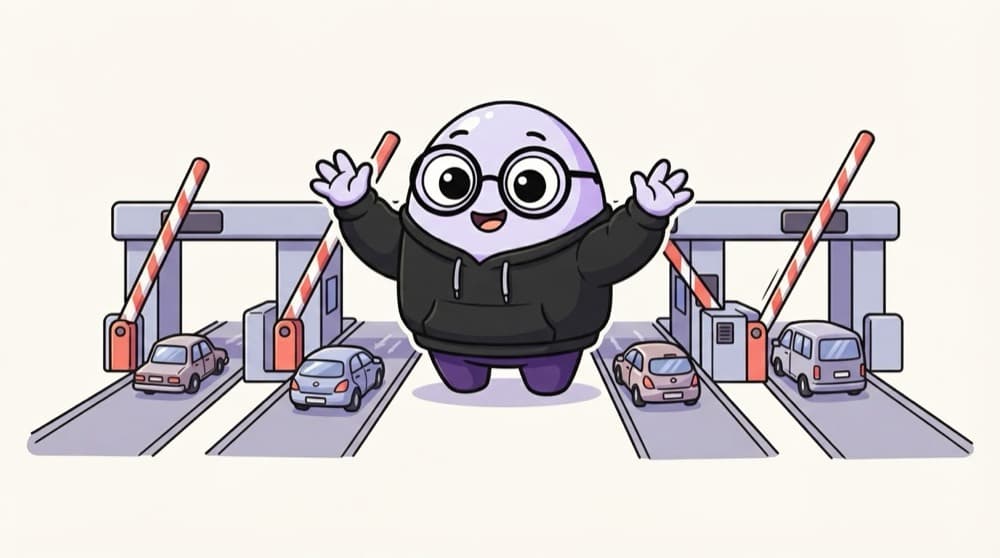
Toll plaza with many booths
One toll booth on a highway means a two-kilometre queue on a holiday weekend. Open four booths and the same cars pass in a quarter of the time. Workers in a test runner are extra booths for your tests.
Watch it happen
Eight tests, two workers
1/5Run one after another, these 8 tests take 8 time units. Let's add two workers.
The big ideas
What you need to know
Workers
A worker is a separate process running tests. Playwright starts several by default, based on your CPU cores.
Sharding
Sharding splits the suite across several CI machines. Machine 1 runs the first third, machine 2 the next, and so on.
Independent tests
Each test must create its own user and data. Two tests editing the same account at once will fail randomly.
Watch the server
Ten workers hitting one small staging server can slow it down and cause timeouts that look like bugs.
See it in code
Walk through the code
1# Run with 4 workers on one machine2npx playwright test --workers=43 4# Split the suite across 3 CI machines5npx playwright test --shard=1/3 # machine 16npx playwright test --shard=2/3 # machine 27npx playwright test --shard=3/3 # machine 31/2Four tests run at the same time on this machine.
Workers use more cores on one machine. Shards use more machines. Big suites often use both.
Save yourself the pain
Common mistakes
Oops
All tests log in as the same test user and change its address.
Do this instead
Create a fresh user per test, or give each worker its own account.
Oops
Setting workers to 20 on a small CI machine to go faster.
Do this instead
Measure. Past a point, extra workers just fight for CPU and memory and the run gets slower and flakier.
Your mission
Measure the speed-up
Quick check
Tests pass with 1 worker but fail randomly with 4 workers. What's the most likely cause?
Go deeper
- 1Configure your test suite to run a subset of tests in parallel and measure the time savings.
- 2Learn why parallel execution can introduce new challenges (shared test data, resource contention).
- 3Understand why fast feedback loops matter more as CI/CD adoption deepens.
More topics at this stop
 CI/CD Concepts for QA
 Integrating Tests Into Jenkins / GitHub Actions
 Test Reporting & Dashboards
 Containerized Testing (Docker Basics)
 Test Environment Automation
 Flaky Test Management
 Continuous Testing Pipelines

Stuck on this topic? Ask an Insider
Get 1:1 guidance from people who've walked this exact path — on the InsideEdge app.
