
In short
Real changes rarely come from typed values. New prices arrive in a supplier file and inactive users are defined by another table. Here's how to update and delete based on what a second table says.
Sometimes the rows to change depend on another table, such as marking customers inactive if they have no recent orders. You can do this with a subquery in WHERE, or with dialect-specific join syntax (UPDATE ... JOIN in MySQL, UPDATE ... FROM in PostgreSQL).
Think of it like this
The distributor's new price list
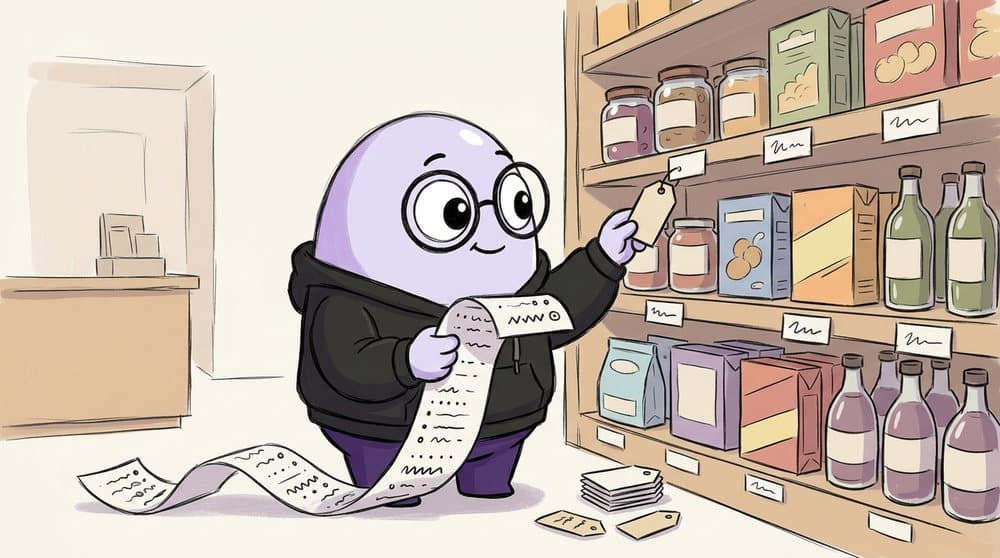
A shopkeeper in Surat gets a printed price list from the distributor. She walks the shelves and changes tags only for items on that list, using the new price printed there. Items not on the list stay as they are. The price list is your second table.
Watch it happen
UPDATE products FROM price_changes
product 7: ₹120
1/5The database matches each price_changes row to products on product_id.
The big ideas
What you need to know
Subquery works everywhere
WHERE id IN (SELECT ...) or WHERE EXISTS (...) is standard SQL and runs on every database.
PostgreSQL uses FROM and USING
UPDATE ... FROM other_table and DELETE ... USING other_table join a second table in PostgreSQL.
Dialects differ
MySQL writes UPDATE a JOIN b ON ... SET ..., and SQL Server writes UPDATE a SET ... FROM a JOIN b.
One match per row
If the source has two rows for one product, which price wins is not defined. Remove duplicates first.
See it in code
Walk through the code
1UPDATE products AS p2SET price = pc.new_price3FROM price_changes AS pc4WHERE pc.product_id = p.product_id;5 6DELETE FROM cart_items AS ci7USING products AS p8WHERE p.product_id = ci.product_id9 AND p.is_discontinued;10 11UPDATE customers AS c12SET status = 'inactive'13WHERE NOT EXISTS (14 SELECT 1 FROM orders AS o15 WHERE o.customer_id = c.customer_id16 AND o.order_date >= CURRENT_DATE - INTERVAL '1 year'17);1/3Join products to price_changes and copy the new price onto matching products.
Three changes driven by other tables, in PostgreSQL syntax. In MySQL the first becomes UPDATE products p JOIN price_changes pc ON pc.product_id = p.product_id SET p.price = pc.new_price. The NOT EXISTS version works almost anywhere.
Save yourself the pain
Common mistakes
Oops
In PostgreSQL, listing the target table again: UPDATE products SET ... FROM products, price_changes.
Do this instead
That joins products to itself and can update every row. The target table is already included, so only list the other table in FROM.
Oops
Updating from a source table that has duplicate keys.
Do this instead
Check SELECT product_id, COUNT(*) FROM price_changes GROUP BY 1 HAVING COUNT(*) > 1 first and clean the duplicates.
Your mission
Apply a supplier price list
Quick check
Which approach to 'update rows based on another table' works on every major SQL database?
Go deeper
- 1Update product prices using values from a price_changes table.
- 2Delete orders belonging to test accounts listed in another table.
- 3Write the same change with a subquery and with your database's join syntax.
More topics at this stop
 CRUD Operations in SQL
 INSERT INTO (VALUES and SELECT)
 UPDATE with WHERE
 DELETE vs TRUNCATE vs DROP
 UPSERT (ON CONFLICT and ON DUPLICATE KEY UPDATE)
 MERGE Statement
 RETURNING and Generated IDs
 Safe Data Changes (Preview with SELECT First)

Stuck on this topic? Ask an Insider
Get 1:1 guidance from people who've walked this exact path — on the InsideEdge app.
