Whiteboard Design Challenges
Part of the UI/UX Design Roadmap
In short
'Design an app for X in 45 minutes.' Nobody expects a perfect answer. They want to watch how you think, ask questions and make trade-offs out loud.
A live exercise designing a solution to a prompt on the spot ('design an app for X') — testing structured thinking and communication under time pressure, not a polished final answer.
Think of it like this
The mystery basket round
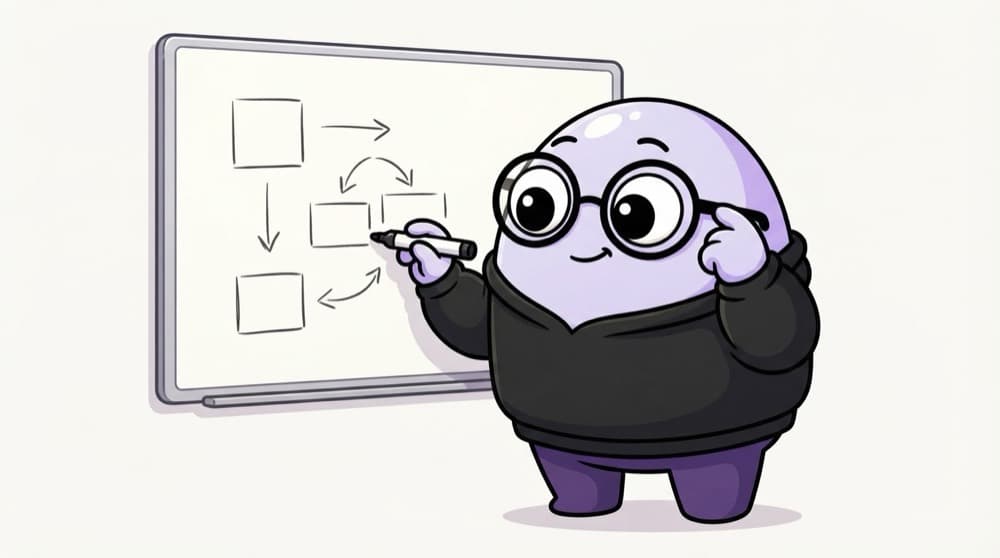
In a cooking contest's mystery basket round, judges care how you plan as much as the final dish. Do you check the ingredients, decide quickly, manage the clock and explain your choices? A whiteboard challenge is the design version.
Watch it happen
A 45-minute whiteboard plan
1/55 min: ask who it's for, the goal, the platform and any limits. Write your assumptions down.
The big ideas
What you need to know
Think out loud
Silence leaves the interviewer guessing. Narrate what you're deciding and why.
Ask, then commit
Ask a few sharp questions, then make sensible assumptions and move on.
Narrow the scope
Solve one main flow well instead of the whole product badly.
Keep an eye on time
Glance at the clock. Leave time at the end to sum up.
See it in code
Walk through the code
1Prompt: "Design a parking app for a busy mall."2Clarify: drivers or mall staff? Mobile? Paid parking?3Assume: drivers, mobile, pay on exit4Main user: a parent with kids, in a hurry5Key need: find a free spot fast, then find the car later6Main flow: open app > see free levels > park > save spot7Screens: levels list, spot saved, find my car8Trade-off: live spot data needs sensors, maybe level-only9Test: 5 drivers, task "park and find your car later"1/4Clarify the prompt, then state assumptions so you can move forward.
Notes you might write on the board for a practice prompt. Each line is one step of thinking the interviewer can follow.
Save yourself the pain
Common mistakes
Oops
Jumping straight to drawing a polished home screen.
Do this instead
Spend the first ten minutes on questions, users and flow. It frames everything else.
Oops
Trying to design every feature in 45 minutes.
Do this instead
Pick one key flow and do it well. Mention the rest as future work.
Your mission
Run a mock whiteboard
Quick check
What should you do first in a whiteboard challenge?
Go deeper
- 1Practice a repeatable structure: clarify the goal, pick a user, sketch, explain your reasoning aloud.
- 2Time yourself — most of these need to fit in 20-30 minutes including discussion.
- 3Practice with another person, not just alone — verbalizing your process is the actual skill being tested.
More design exercises at this stop
 Design Critique Exercises
 Redesign Challenges

Stuck on this topic? Ask an Insider
Get 1:1 guidance from people who've walked this exact path — on the InsideEdge app.
